How to Opt-Out "Message Undeliverable" Contacts
Message Undeliverable 🚫
You will find the reason for this error here: Flow Errors
If you have contacts in your list who cannot receive messages, you can easily opt them out in bulk. This prevents further failed delivery attempts and keeps your audience list clean.
Clean Up Undeliverable Contacts 📩
Go to Segments 🔍
Navigate to Segments in your Chatarmin dashboard:
👉 Chatarmin Dashboard – Segments
Click Create Segment and give it a name, e.g. “Message Undeliverables”.
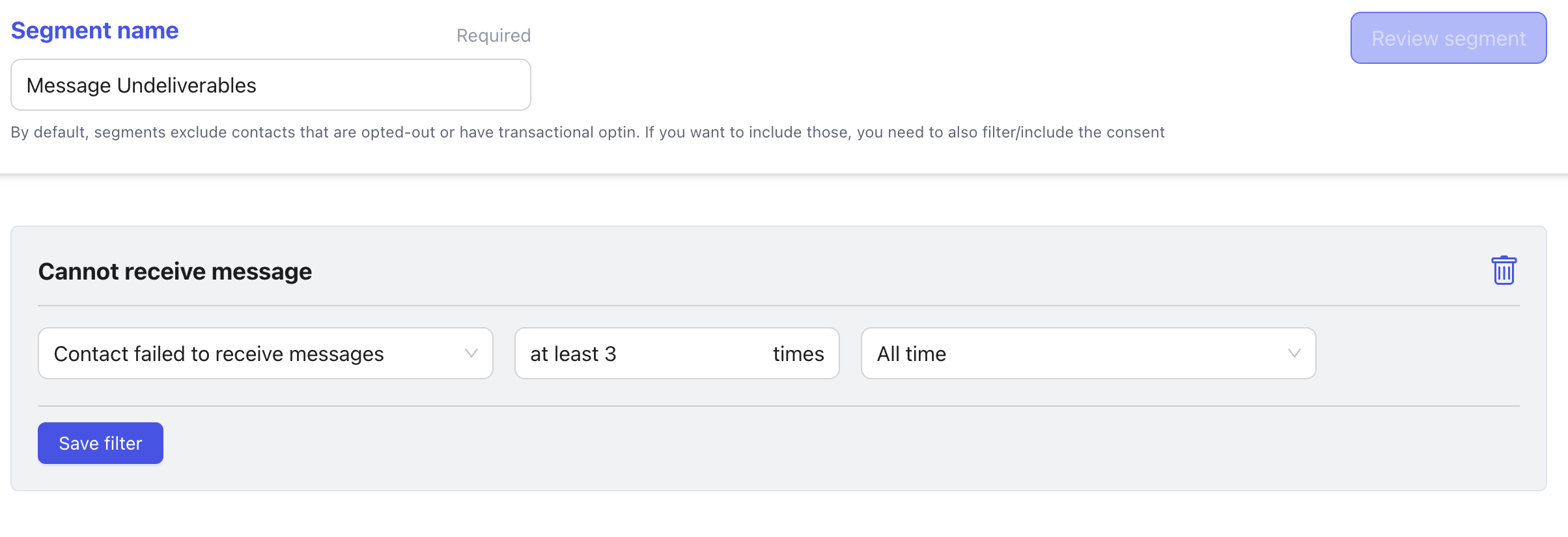
Under Add filter, select Cannot receive message and set the filter to at least 3.
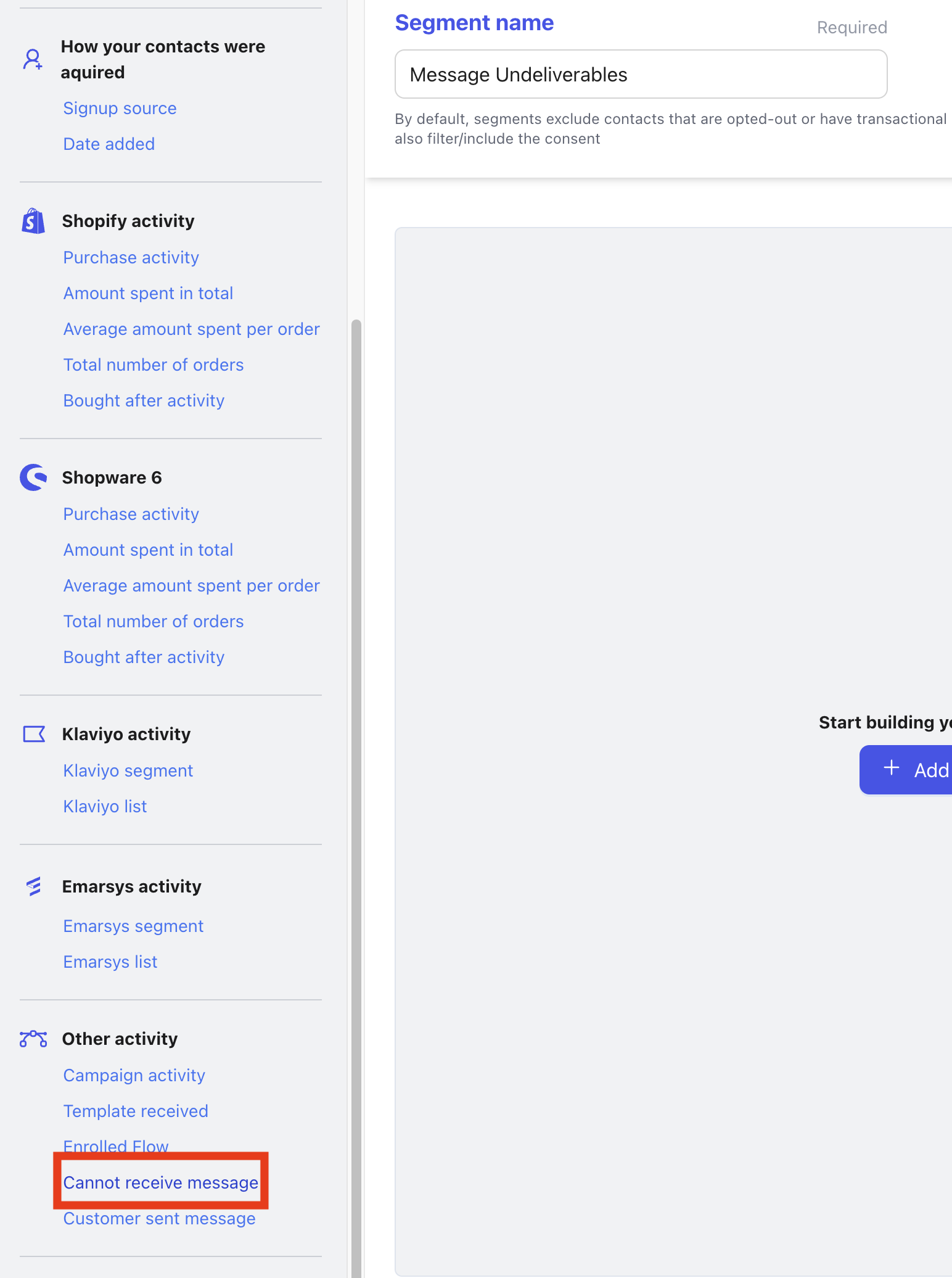
✅ This ensures the segment only includes contacts who repeatedly failed message delivery.
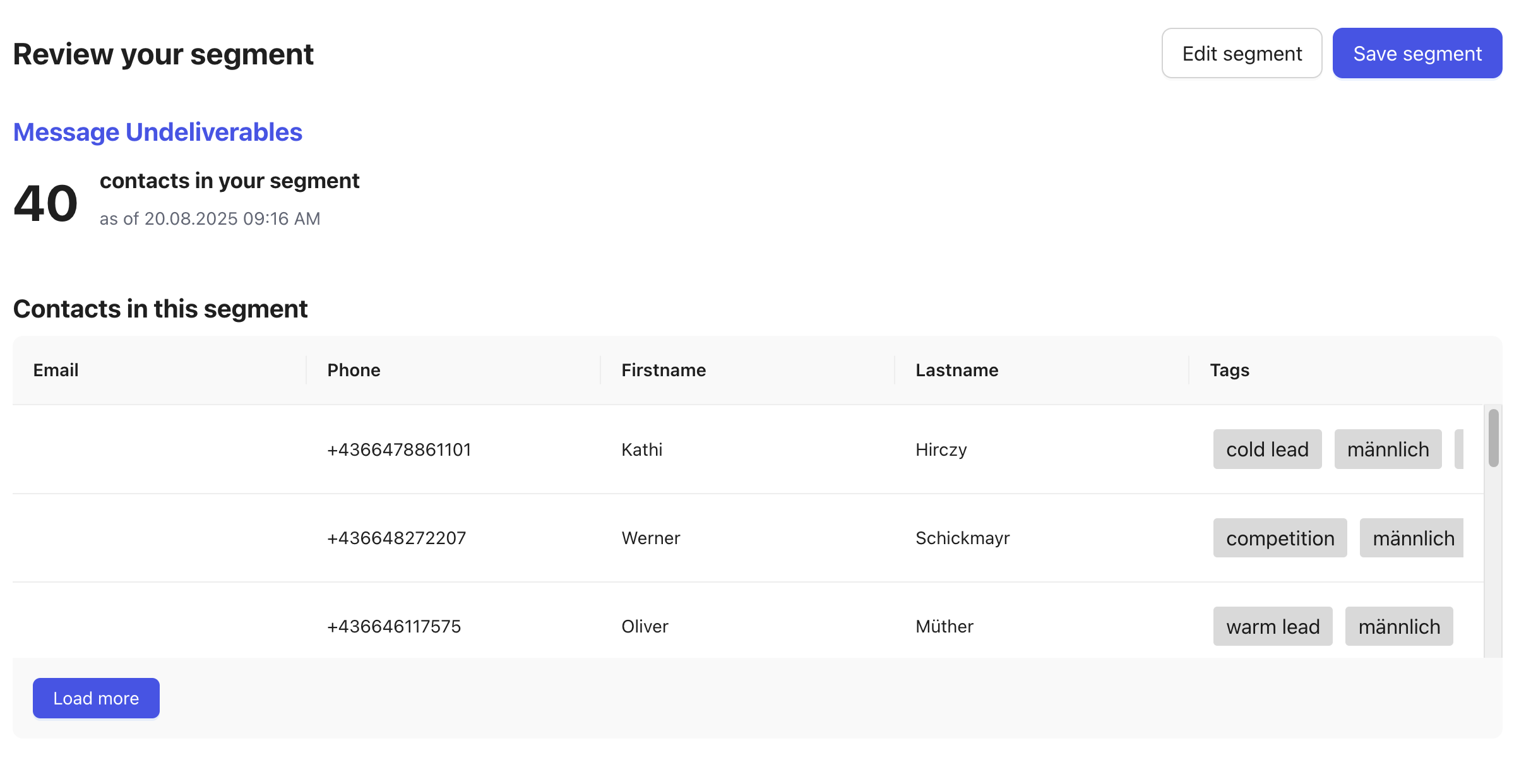
Now save the filter and Review Segment
Save the segment.
Bulk Opt-Out 🚫📩
Once the segment is created:
1. Open the three dots (⋮) menu on the segment.

2. Select Bulk Actions.
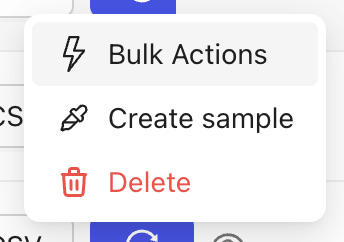
3. Choose Consent → Opt-out.
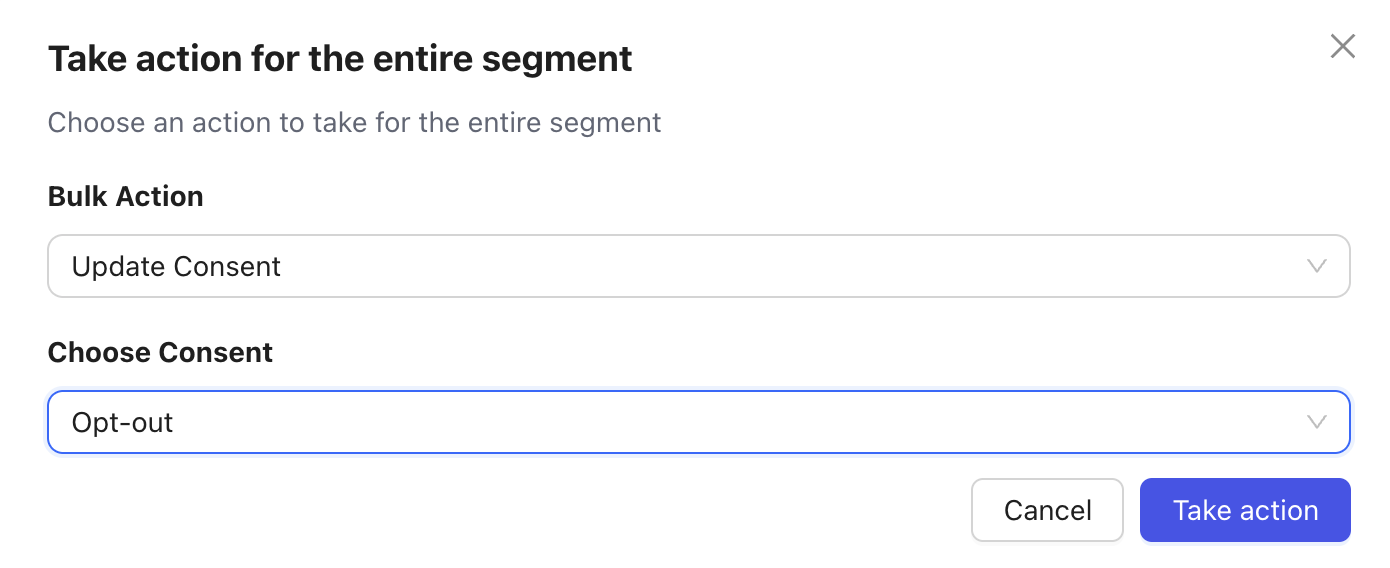
This will set all contacts in the segment to opt-out, so they will no longer receive messages.
Customers who were opted-out can always opt back in later if they register or subscribe again.
🔄 Keep Segments Updated
You can refresh and update your segments regularly to continuously filter out any new “message undeliverable” contacts.
