How to create a Chatstart Link or QR-Code
1. Copy the Buzzword of the Flow you want to trigger with the Link or the QR-Code.
2. Go to "Dashboard"
3. Click "Try it"
4. Paste the copied Buzzword into the text field.
5. Click "Generate & Copy Link" to copy the link.
6. Download the "Generated QR-Code".
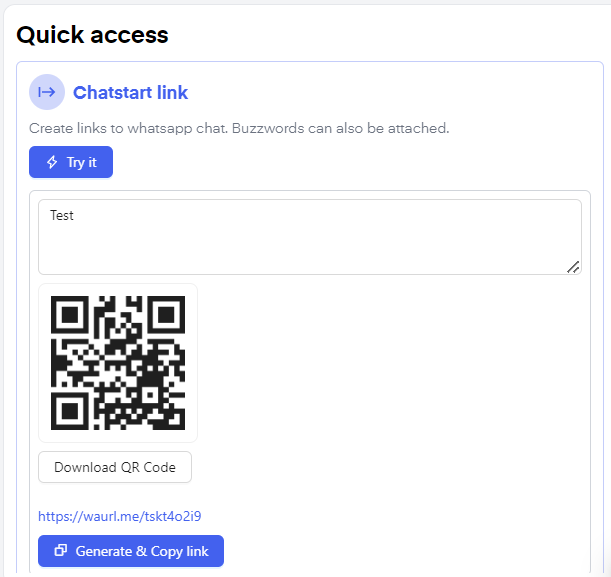
You can change the text inside the textbox at any time, without affecting your previously created links.