How To Disconnect Integrations
If something went wrong during the setup of an integration - maybe a connection failed or the wrong account was linked - don’t worry. In most cases, simply disconnecting the integration and reconnecting it solves the issue.
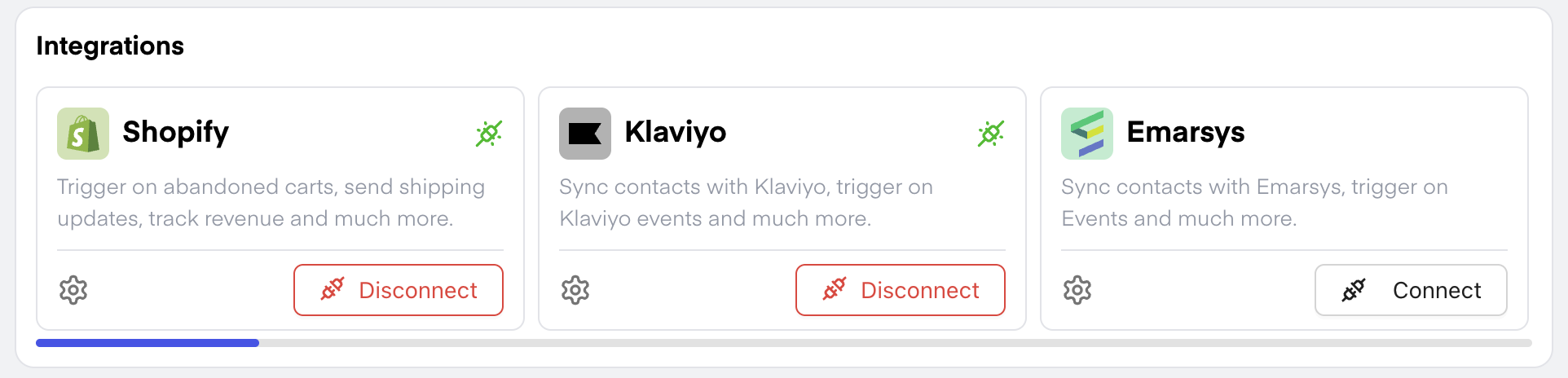
🔌 In the Dashboard under the Integrations section, you’ll find all available integrations.
❌ To disconnect an integration, simply click on “Disconnect”.
✅ To reconnect, just click “Connect” again and follow the usual setup process.
For step-by-step instructions tailored to each integration, check out the guides available in our Helpdesk. 📚