HubSpot - Create an Inbox View
Step-by-Step Guide
Go to the Inbox page
Open your Inbox in HubSpot.
Create a new view
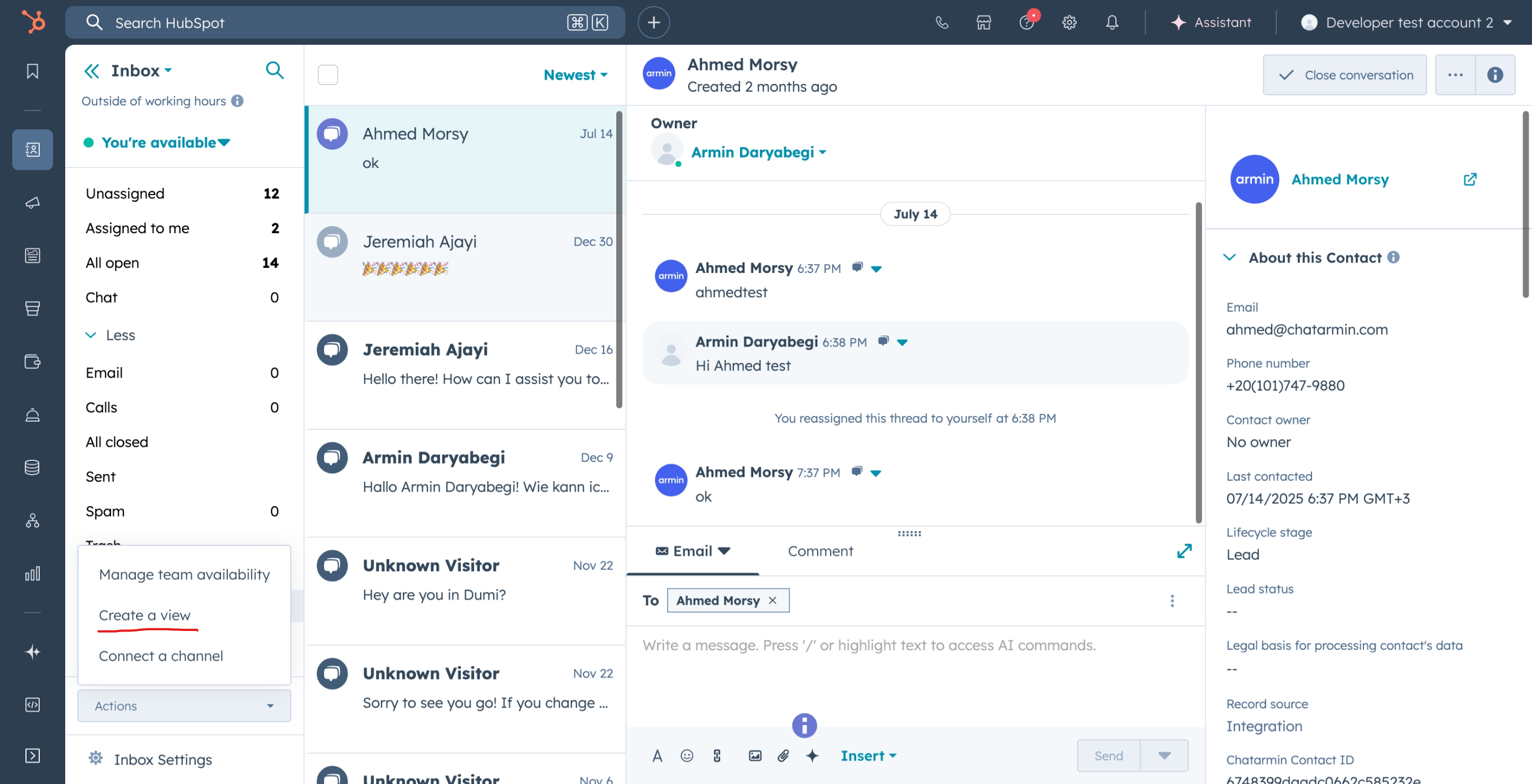
Click on Actions in the top-right corner.
Select Create a view.
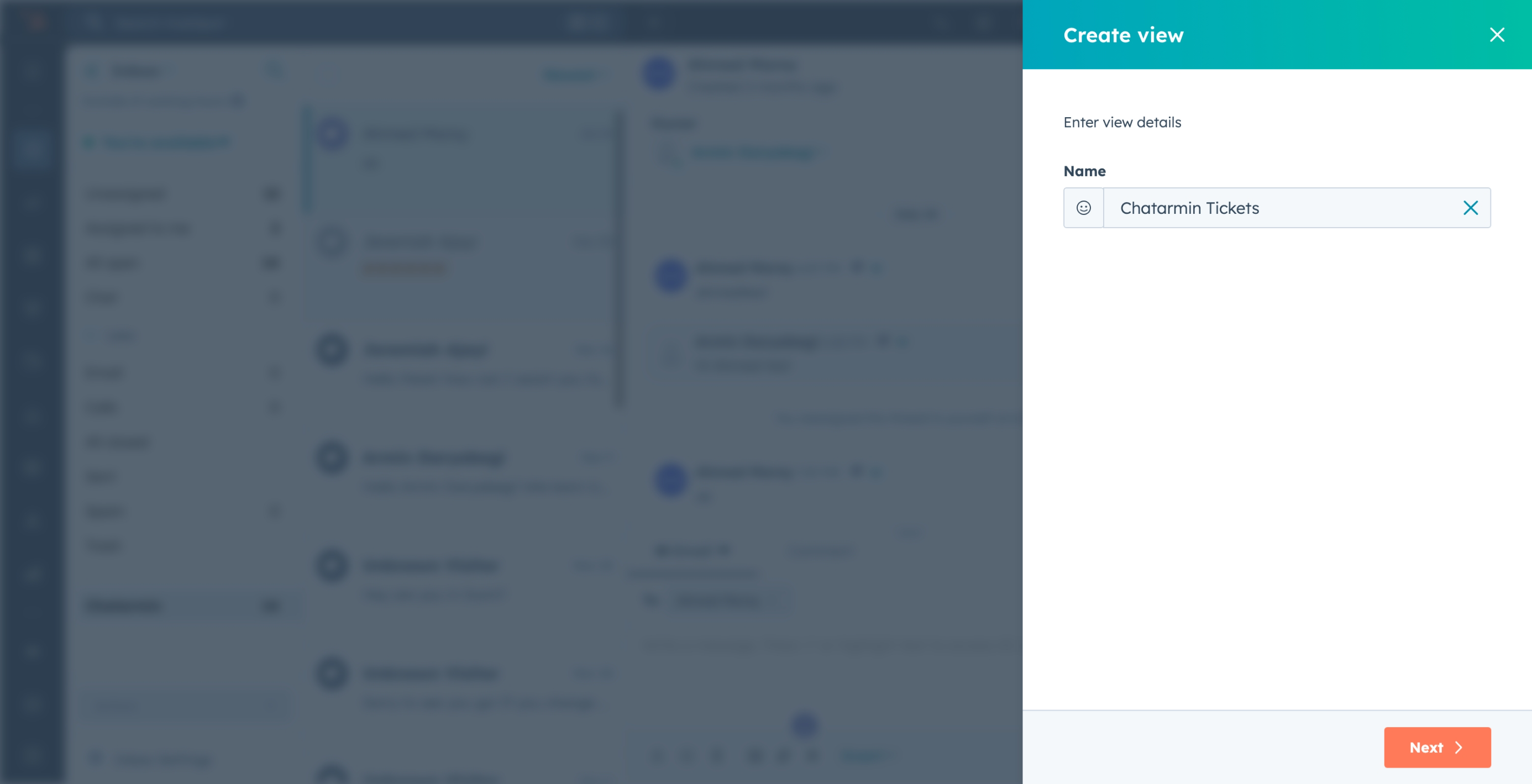
Name the view
Give your view a name, e.g. Chatarmin Tickets.
Click Next.
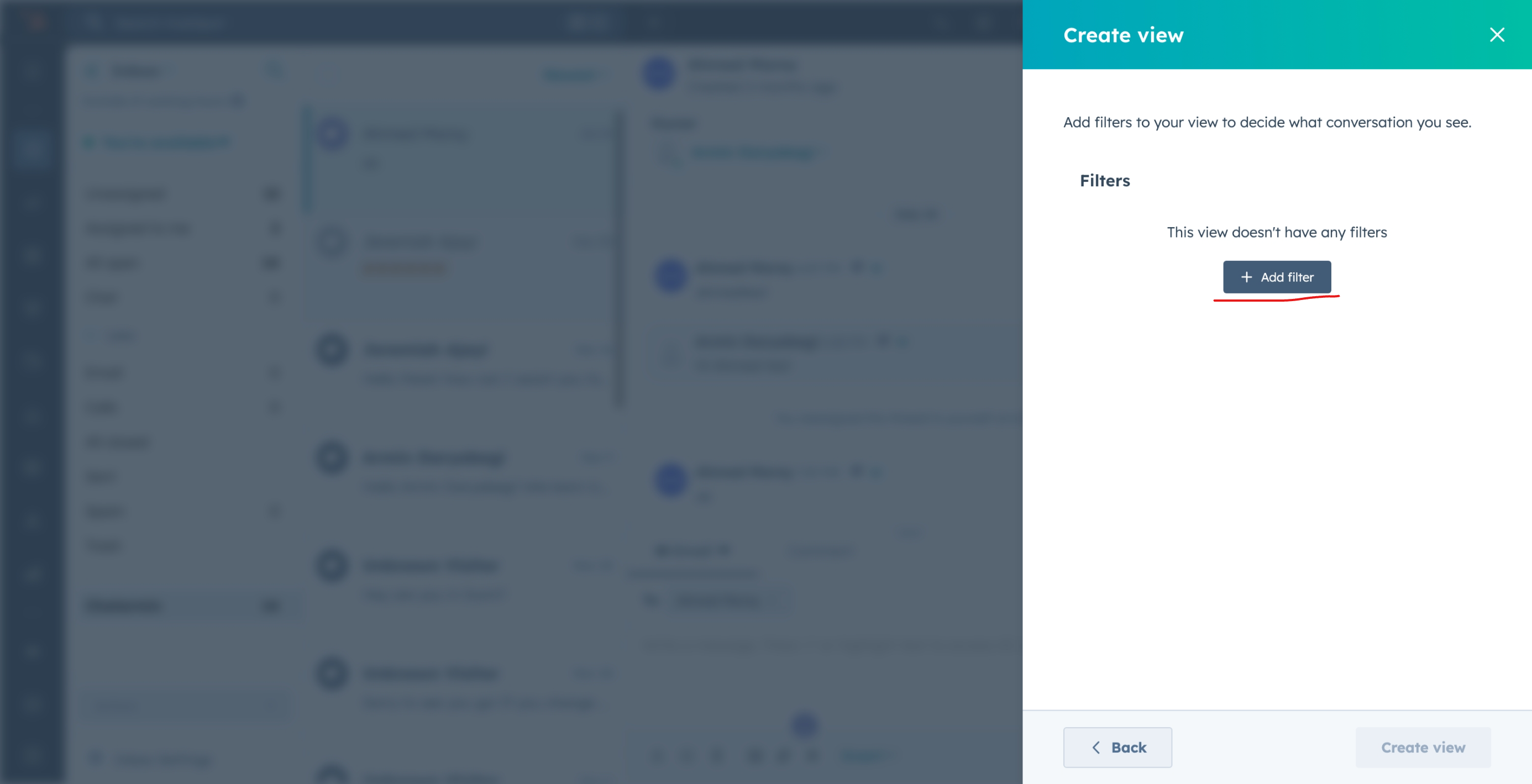
Add a filter
Click on Add filter.
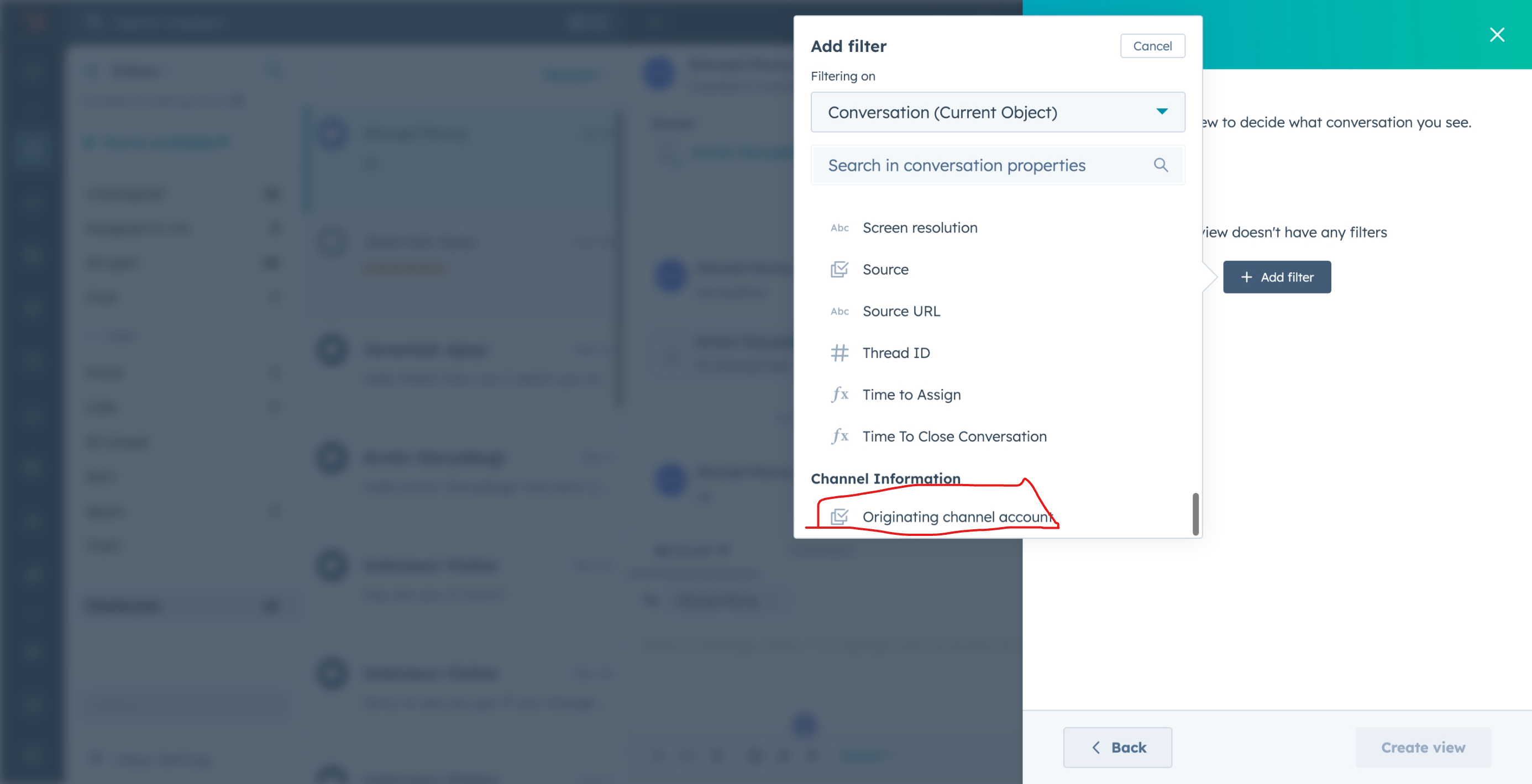
Scroll down and select Originating channel account.
From the list, choose your Chatarmin channel.
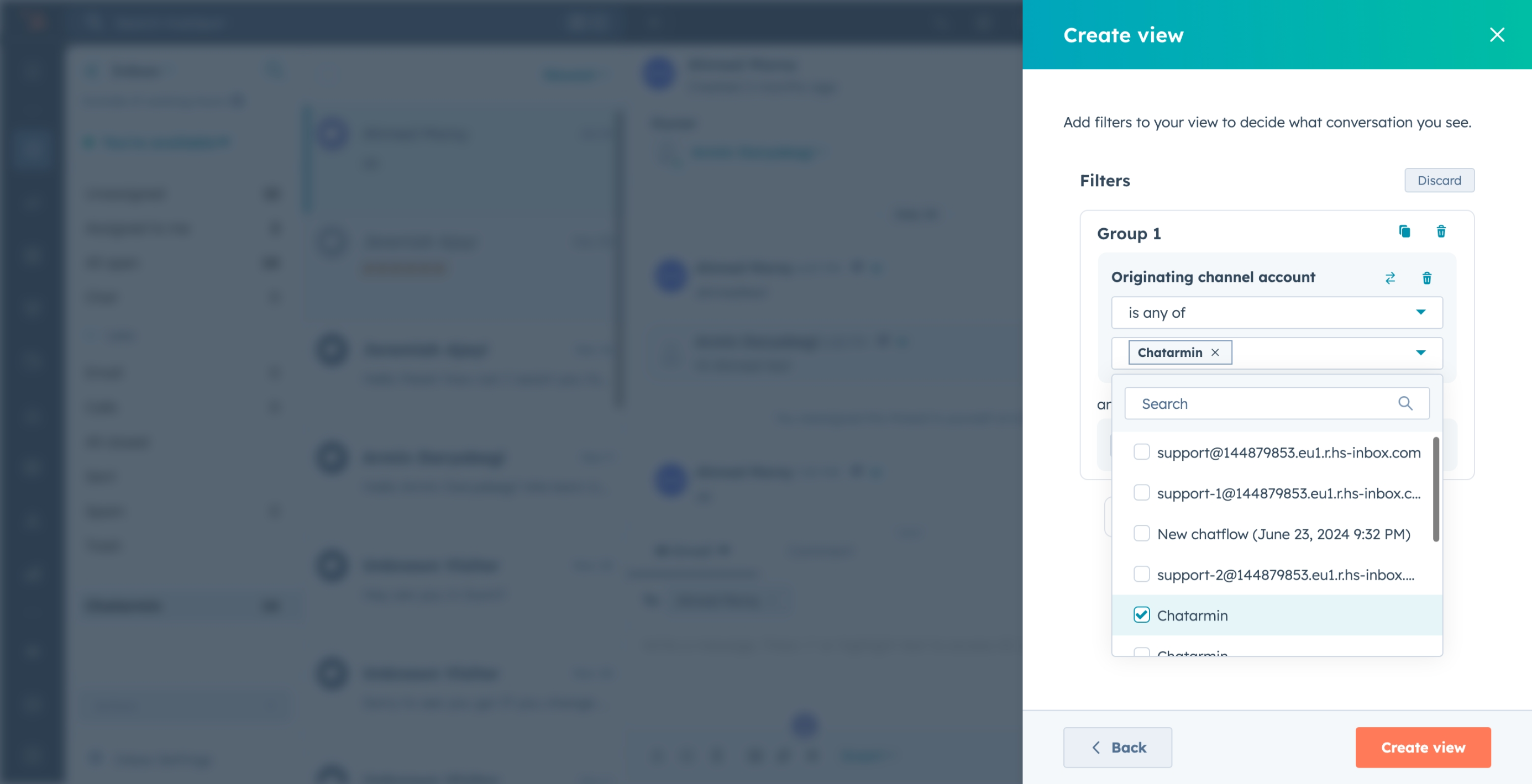
Save the view
Click on Create view.