Zendesk Ticket Status Change Flow Trigger
Create a Flow
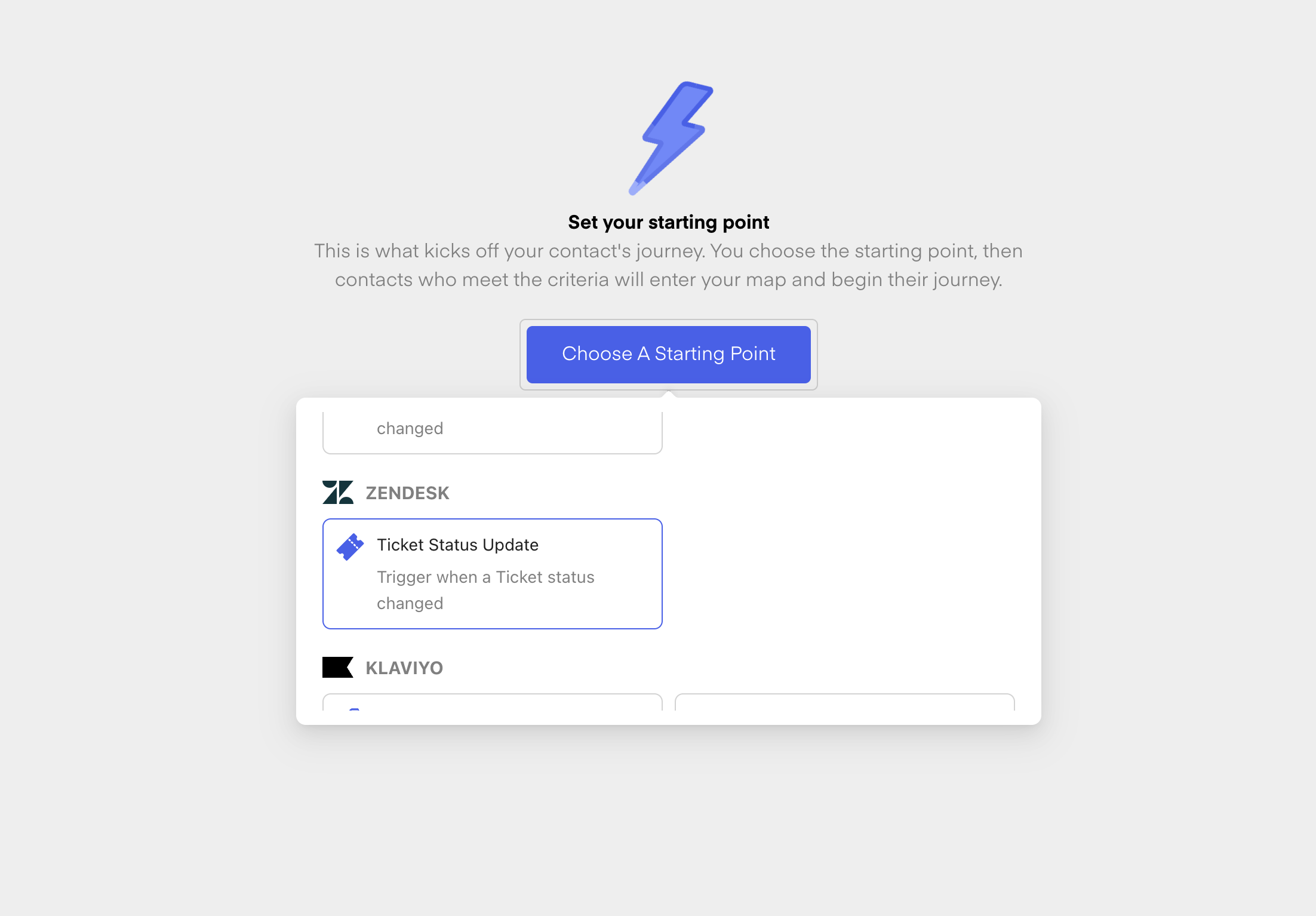
First, create a new flow from scratch. Give your new Flow a Name and then choose the Ticket Status Update Trigger from Zendesk:
Once you have chosen the Trigger, you can now select the Status you want to trigger one. Those are the different statuses:
New
Open
Pending
Hold
Solved
Closed
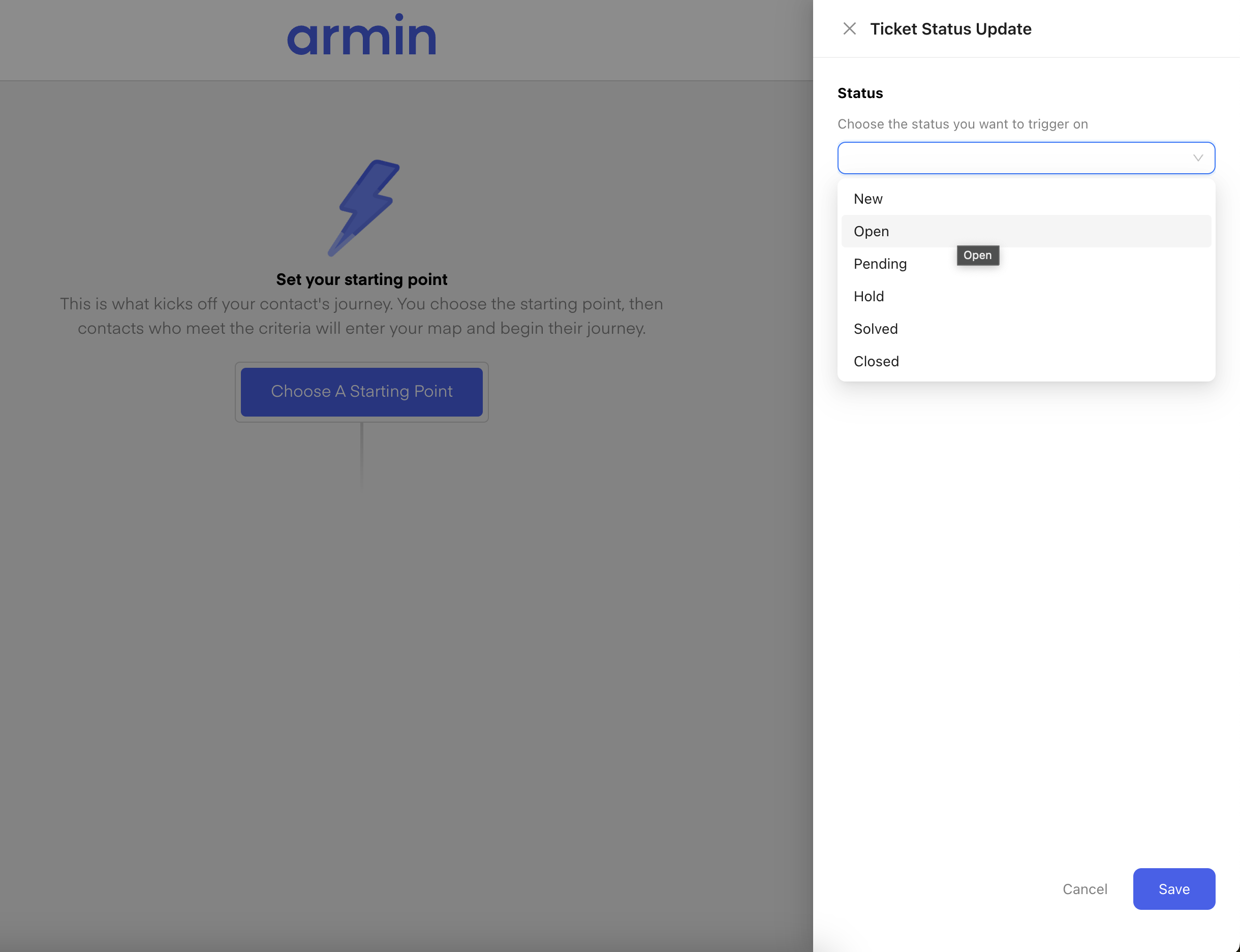
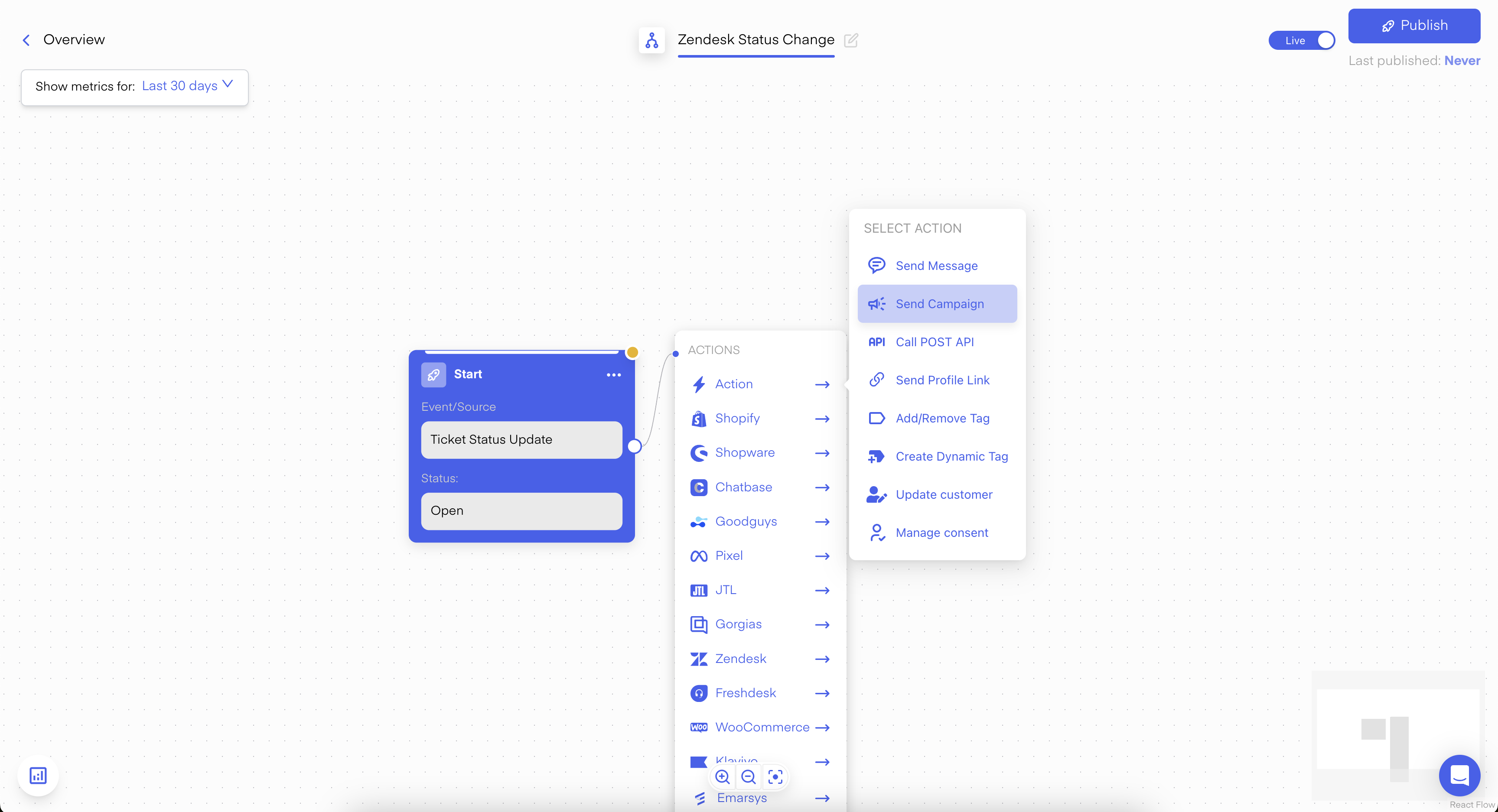
Once you have also selected your Status, click on Save. Now you are in the Flow-Builder and you can now choose "Send Campaign" as the next step:
Use this Template/Campaign for:
Asking the customer for a review
Converting the support lead into a marketing Opt-in lead
Much more ...