
- Copy the Buzzword of the Flow you want to trigger with the Link or the QR-Code.
- Go to “Dashboard”
- Click “Try it”
- Paste the copied Buzzword into the text field.
- Click “Generate & Copy Link” to copy the link.
- Download the “Generated QR-Code”.
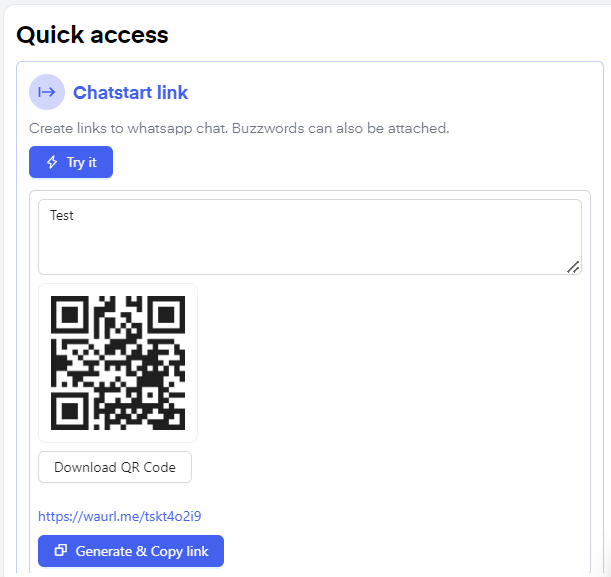
Chatarmin guide: How to create a Chatstart Link or QR-Code