
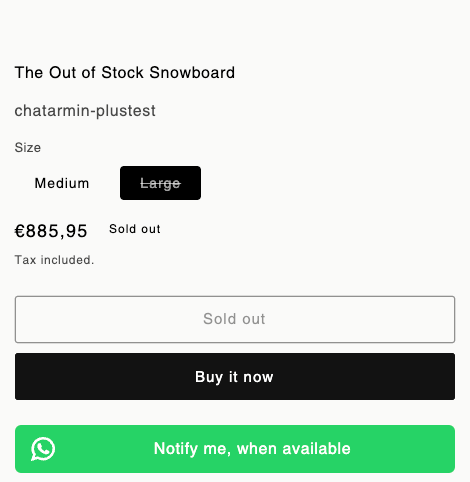
- a customizable “Notify Me” button,
- support for multiple languages,
- GDPR compliance, and
- direct checkout redirection.
Shopify
Video Walkthrough and Setup
Customization
- sticky widget
- fixed CTA on pdp
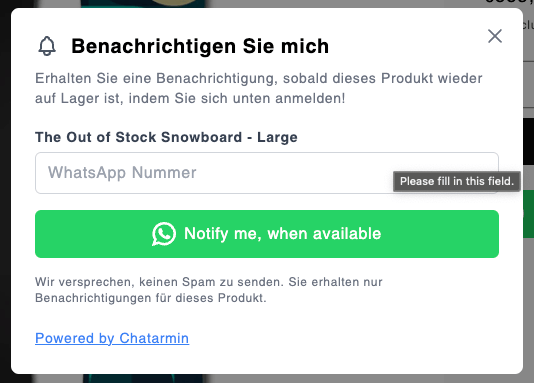
Hide the widget on certain languages, URLs, or variants
Use these options in Shopify → Back in stock when you want the notify-me button hidden in part of your store while it stays active elsewhere.1
Open Back in Stock settings
In Chatarmin, go to Shopify → Back in stock and scroll to Settings.
2
Hide whole pages or languages
Add entries under Disable for store languages or Disable for store URLs as needed. Use + Add URL for each product or page URL you want to exclude.
3
Hide specific variants
Under Disabled variants, search for the product or variant name and select every variant that should never show the widget.
One Flow, for all Signups
Doesn’t matter what language/buzzword or if the customer has signed up through Mobile or Desktop. In Chatarmin you can create ONE Flow with the Trigger “Signed up for ‘Back in Stock’”: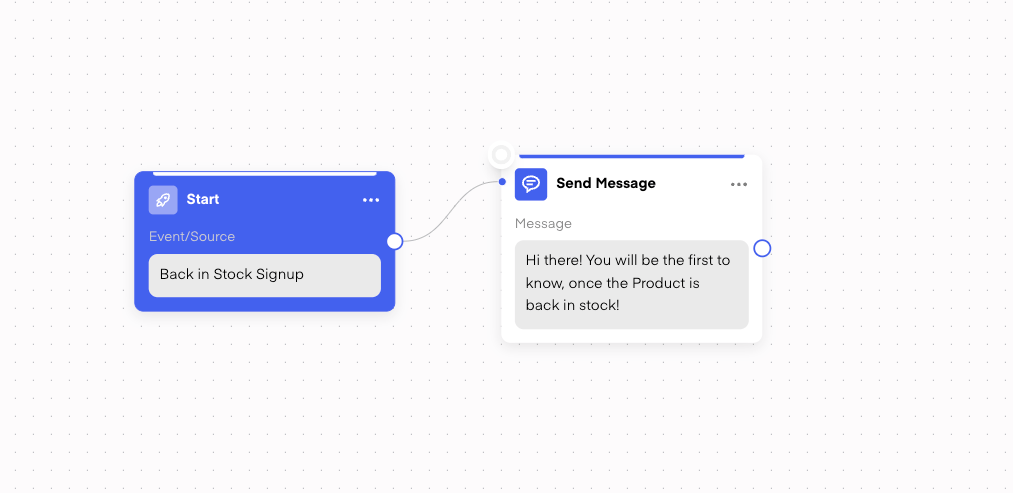
One Flow, for all ‘Back in Stock’ Products
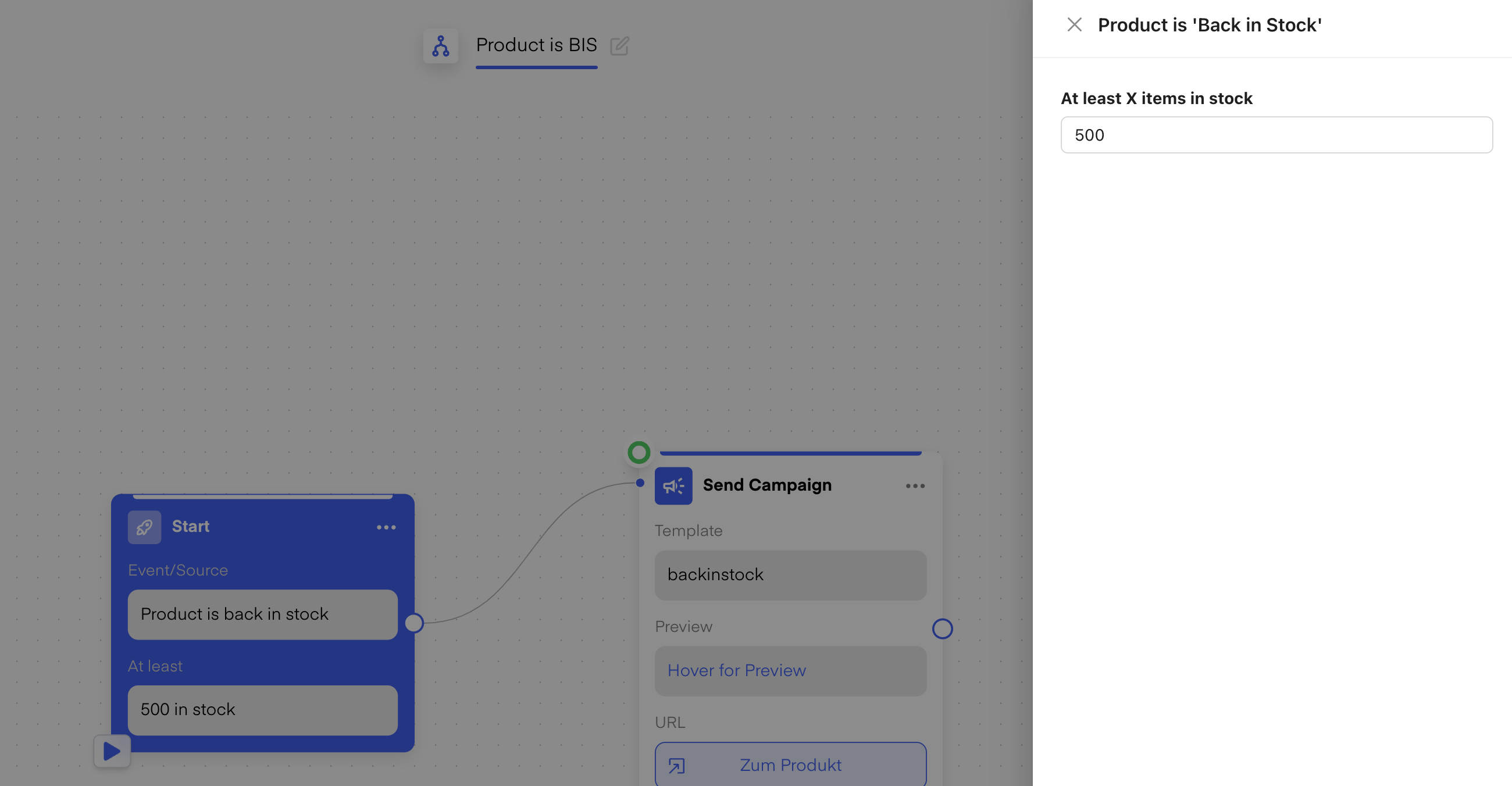
When choosing the Trigger “Product is ‘Back in Stock’” -> That Flow will listen for all the upcoming restocks and then trigger the Flow only for those, who have signed up to that restocked Product. Exactly for that, we have that unique Tag from their previous signup (mentioned above). Chatarmin uses that tag to match contacts when the product is restocked and removes it once the notification flow has run.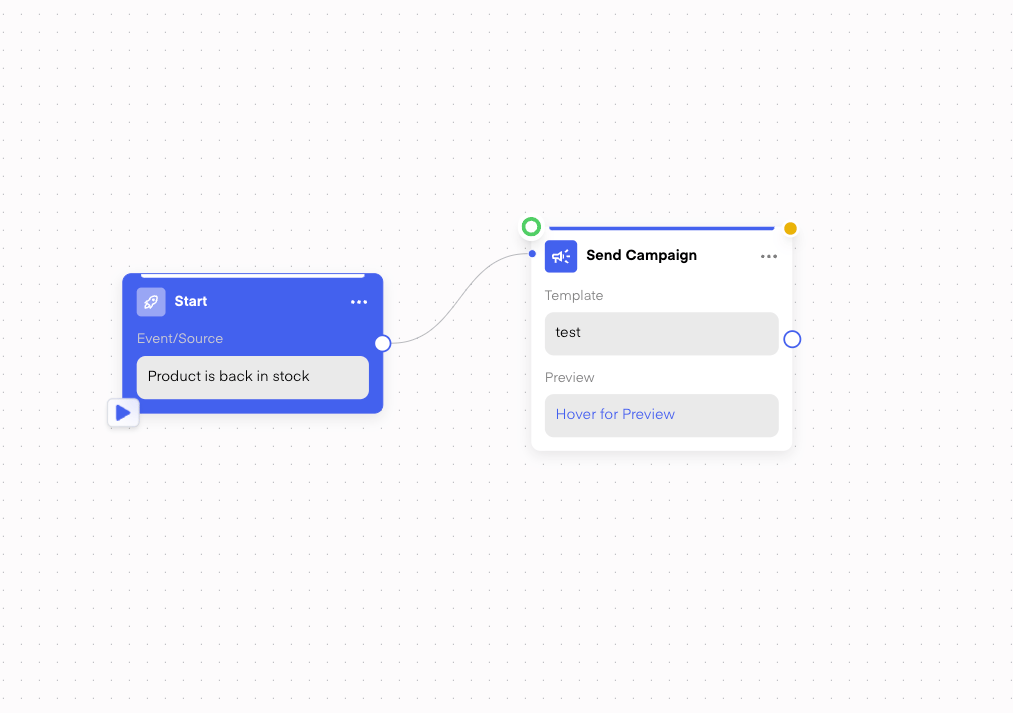
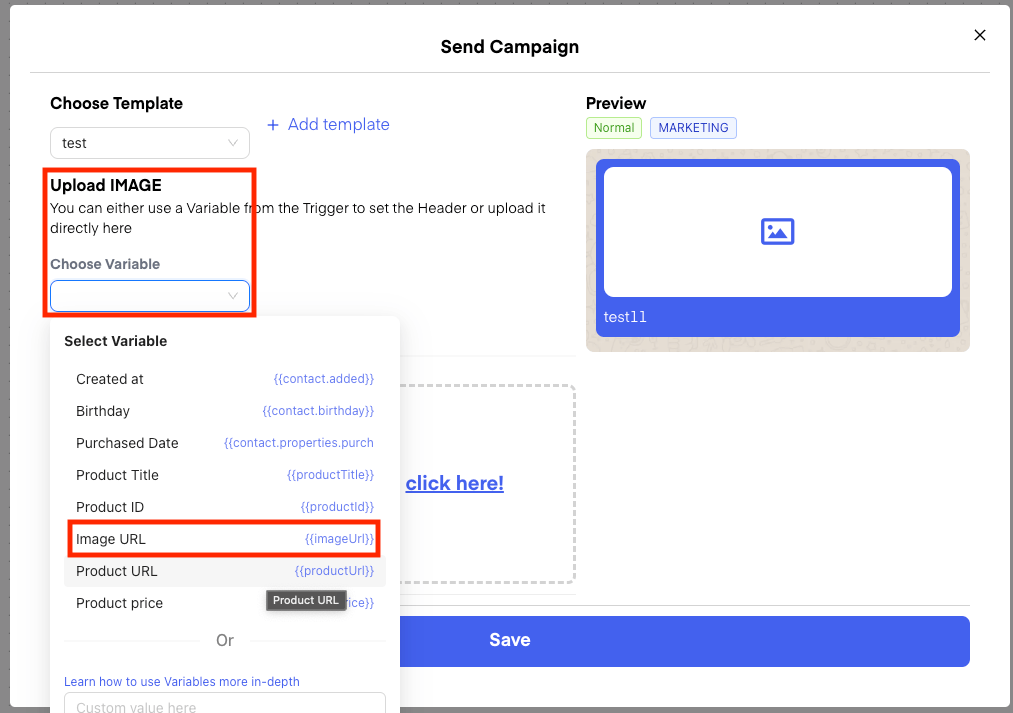
Testing the Flow
For the above Flow, with the Trigger Product is ‘Back in Stock’,you can also use our new functionality to test your flow with a specified product: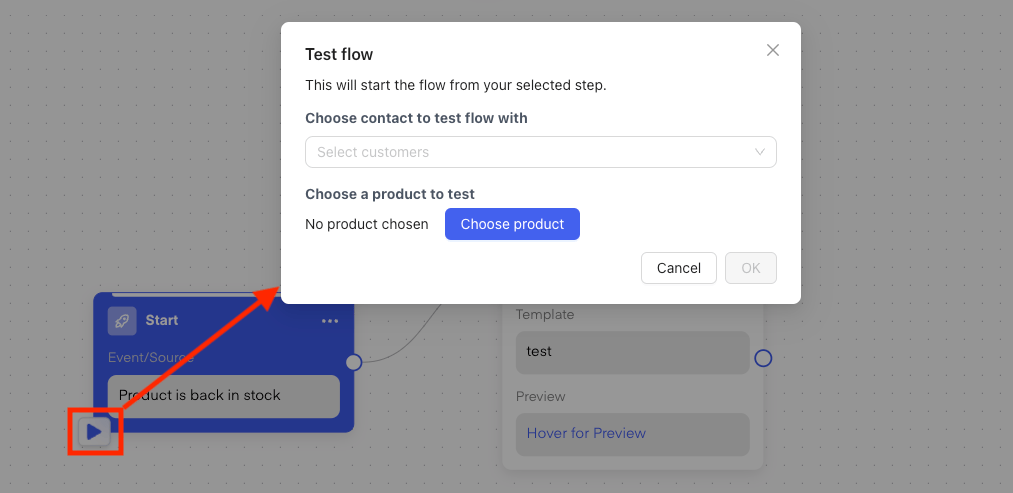
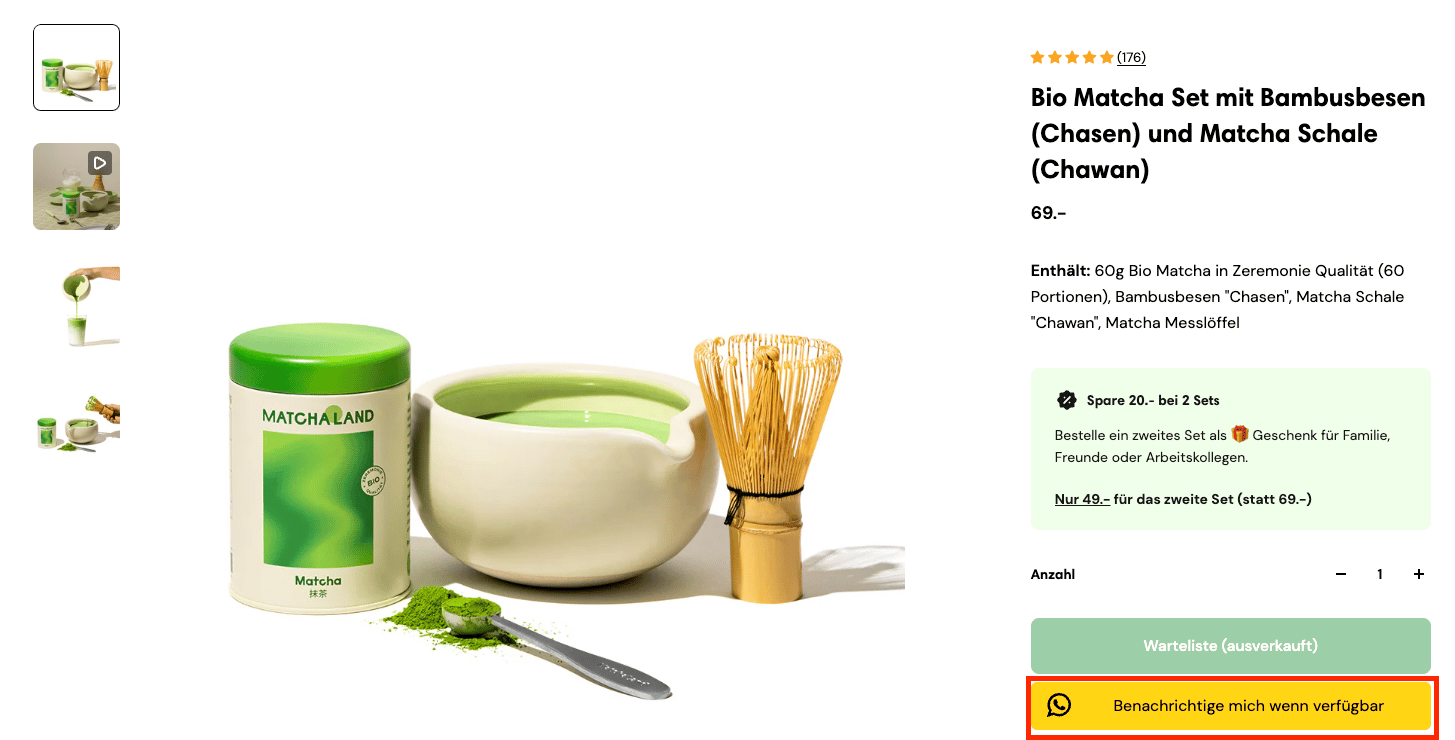
Live Examples of Chatarmin WhatsApp Back-in-stock-Feature D2C Brands
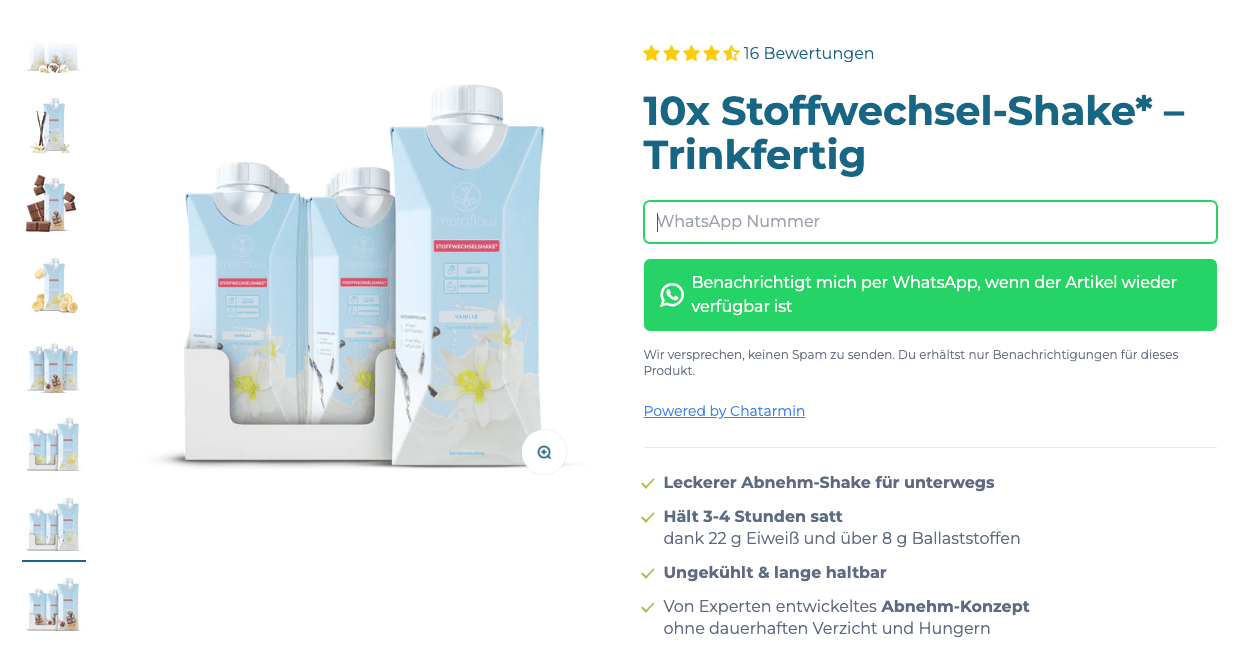
Back in Stock widget on collection pages
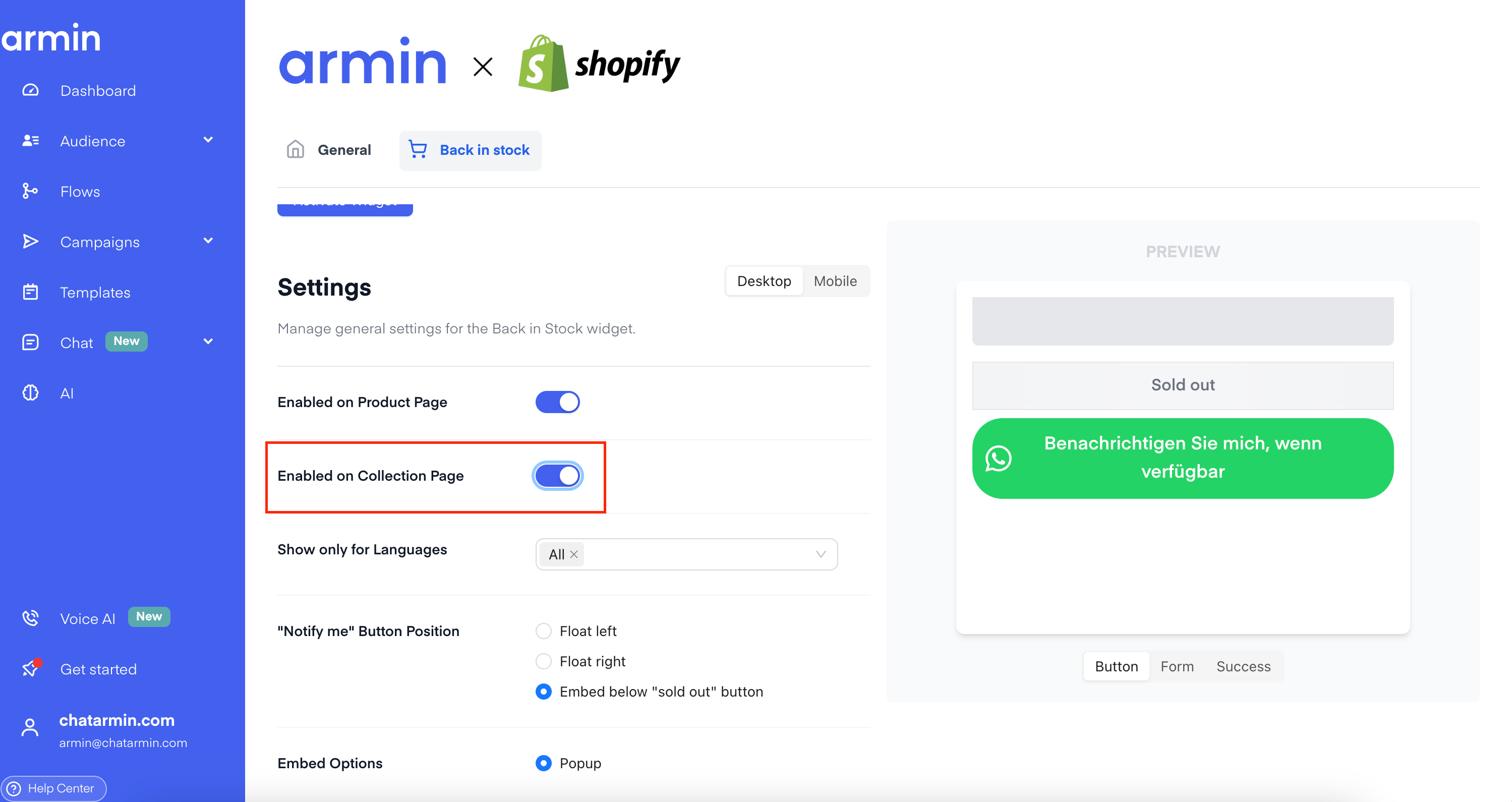
You can show the notify-me button on collection grids, not only on product detail pages. Turn on Enabled on Collection Page in your Back in Stock settings under Back in stock.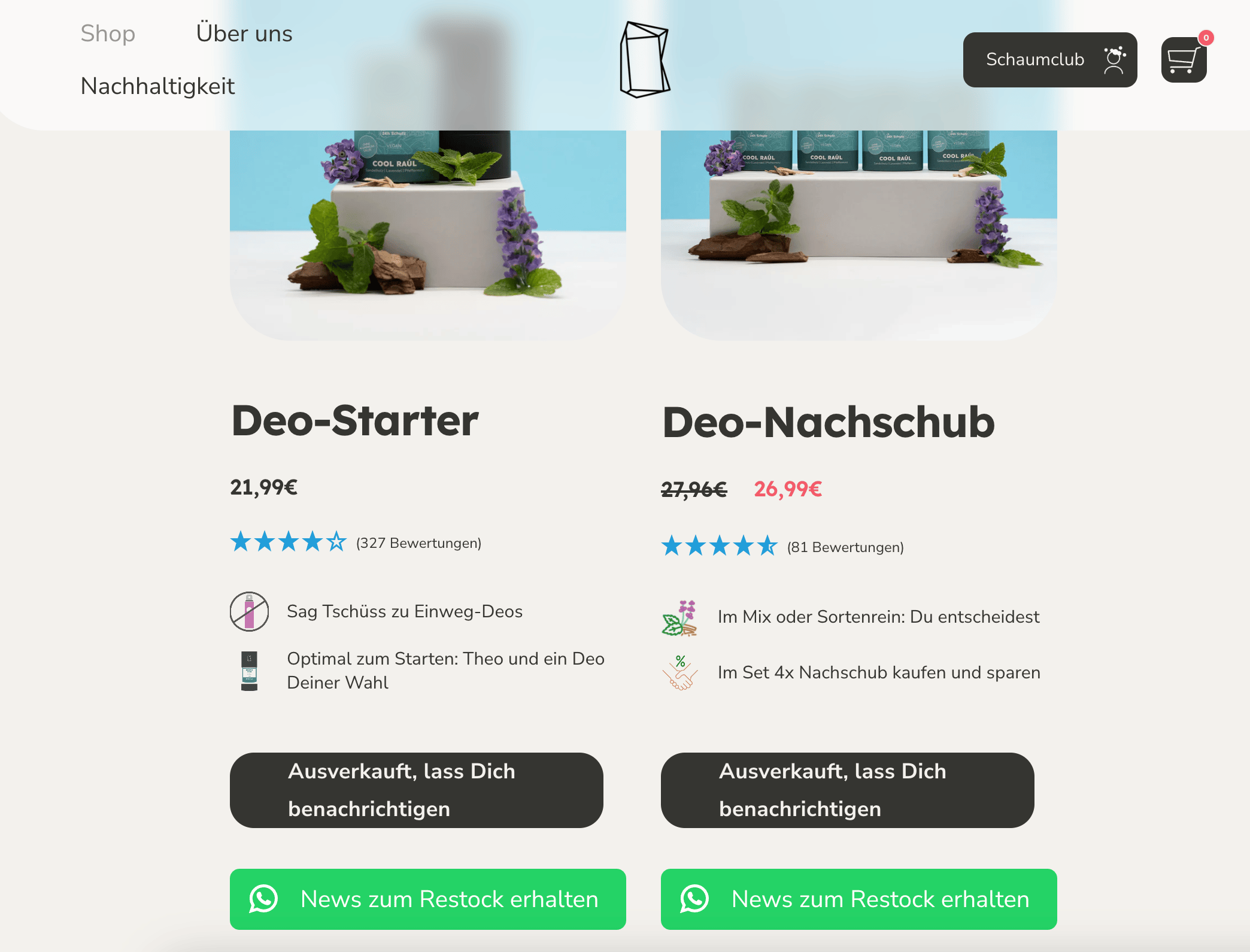
Show the widget on your homepage and other pages
Use this when sold-out products appear in homepage sections (for example a featured collection) or on landing pages that are not standard product or collection templates.1
Activate the app embed in Shopify
In Chatarmin, open Shopify → Back in stock. Under Embedding in Shopify, click Activate Widget. Shopify opens the theme editor with the Chatarmin Back In Stock app embed.
2
Enable collection pages in Chatarmin
In the same Back in stock tab, under Settings, turn on Enabled on Collection Page (and Enabled on Product Page if you use the widget on PDPs).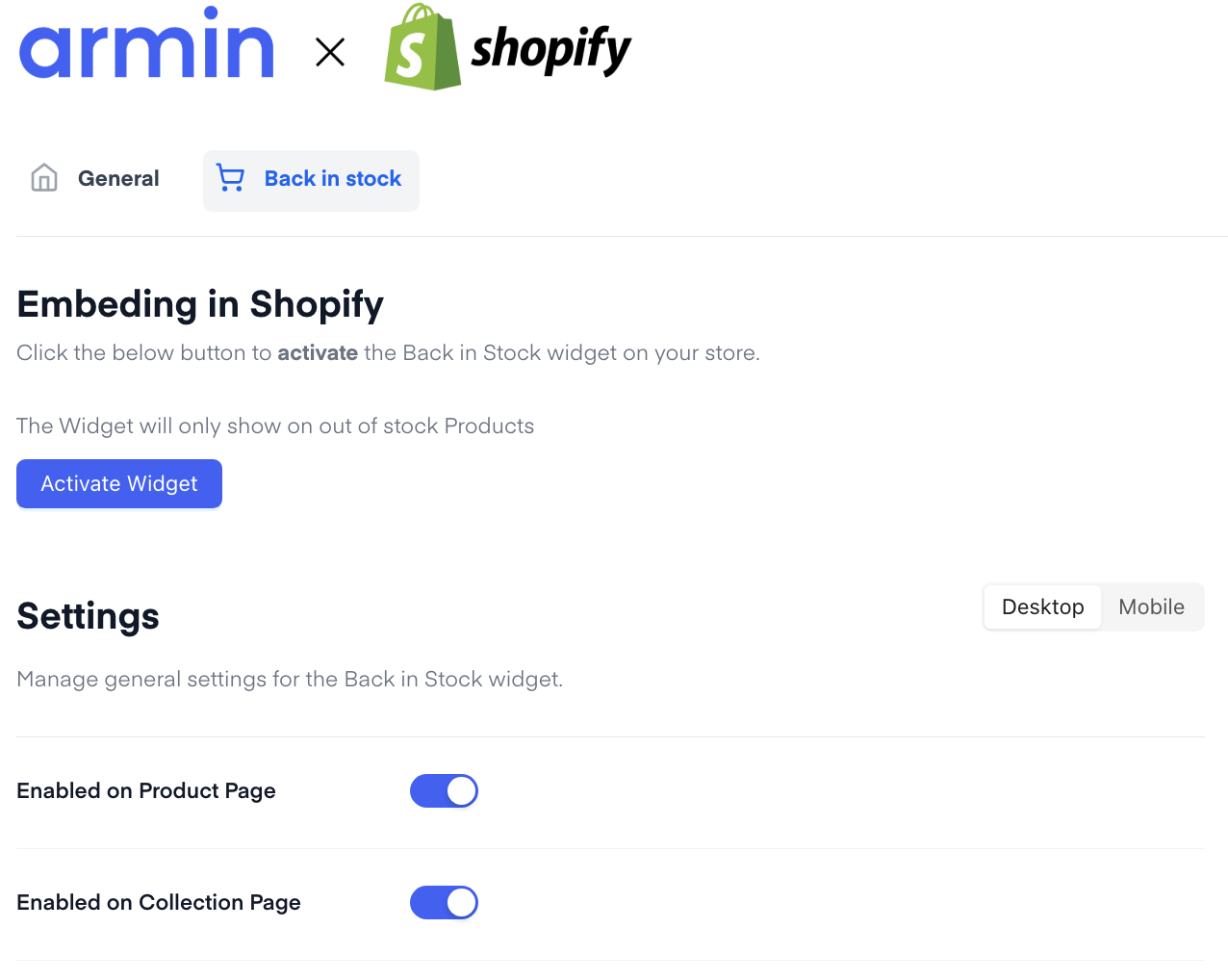
3
Turn on homepage and pages in Shopify
In the Shopify theme editor, open the Chatarmin Back In Stock app embed and turn on Show on homepage and pages. Save the theme.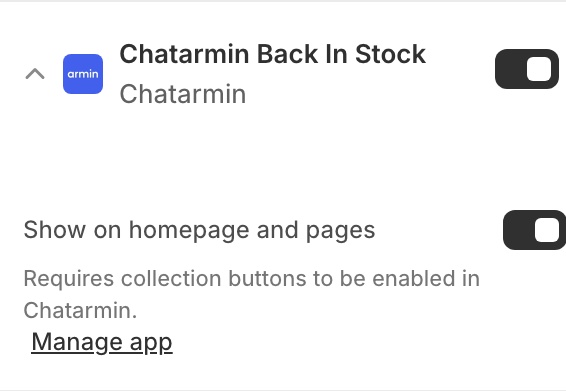
Shopify notes that this setting requires collection buttons to be enabled in Chatarmin — that is Enabled on Collection Page in step 2.