
You can either watch the Video-Guide above or check-out the steps below!
Choosing the correct Flow Trigger
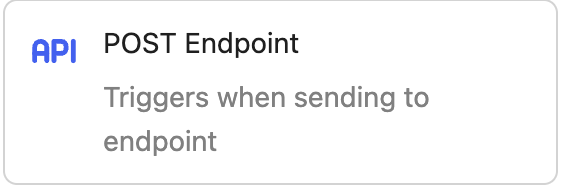
When you want to use Variables passed through a third-party, your Flow Trigger has to be of type POST-Endpoint or Klaviyo Webhook. You can create a new flow here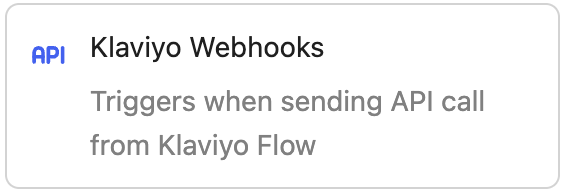
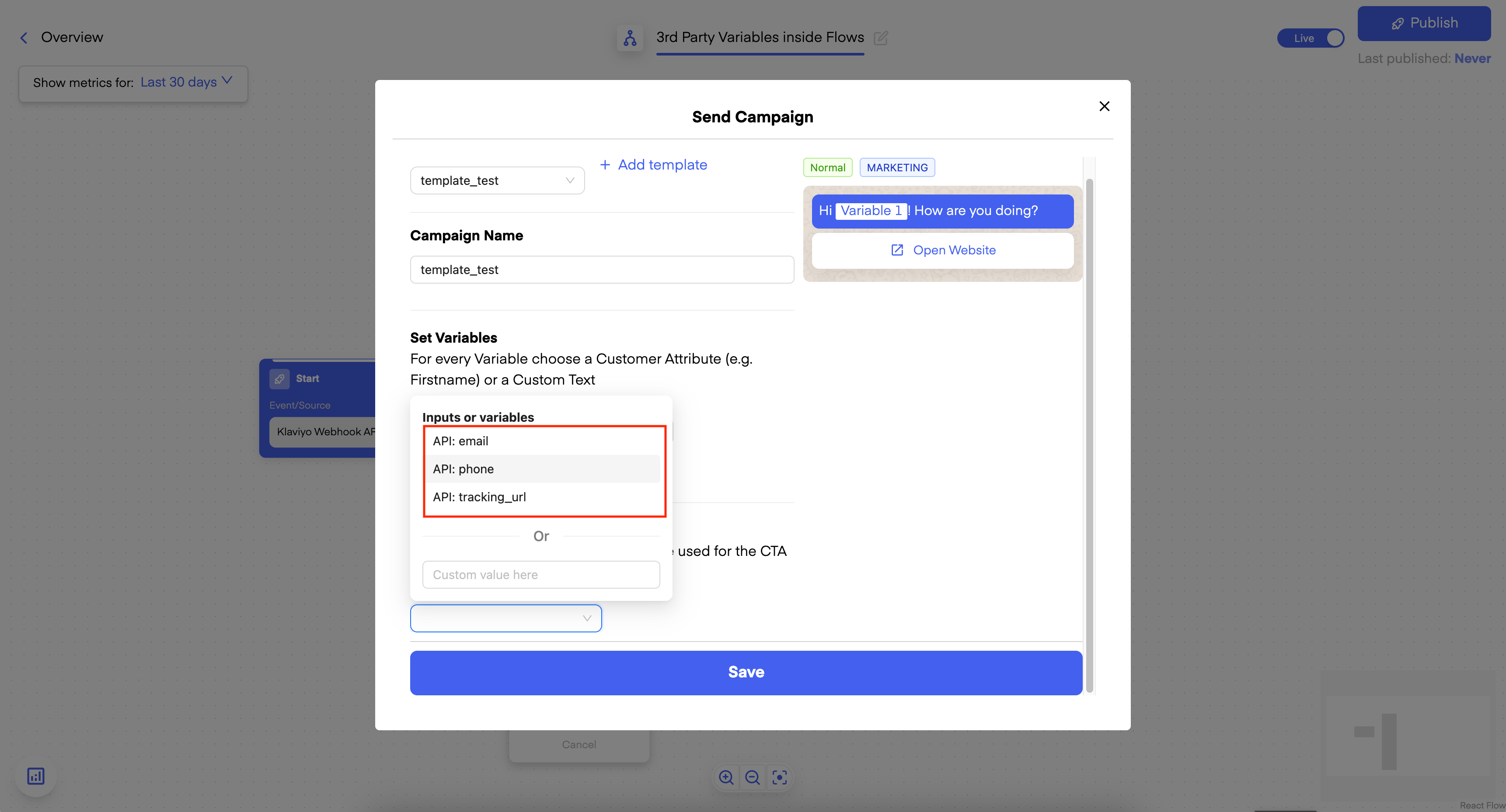
Selecting Variables in Flows
In Templates
Now, after you have configured your Trigger with the correct Payload Body and clicked on Save, you can add “Send Campaign” as the next step and select a Template: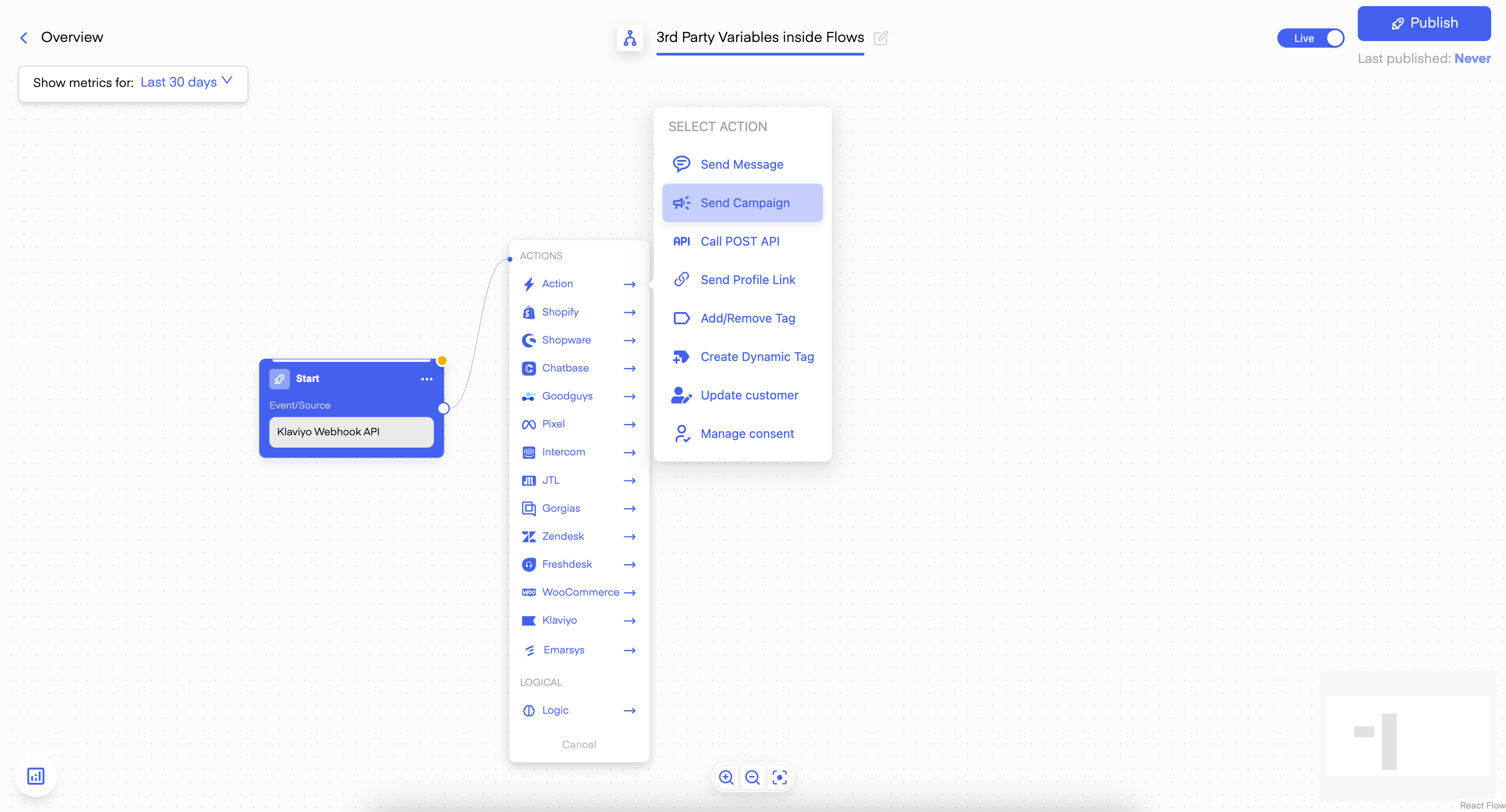
In normal Messages
You can also use them in “Send message”. Just type the key ”@” in the Field and you will see all the available Variables: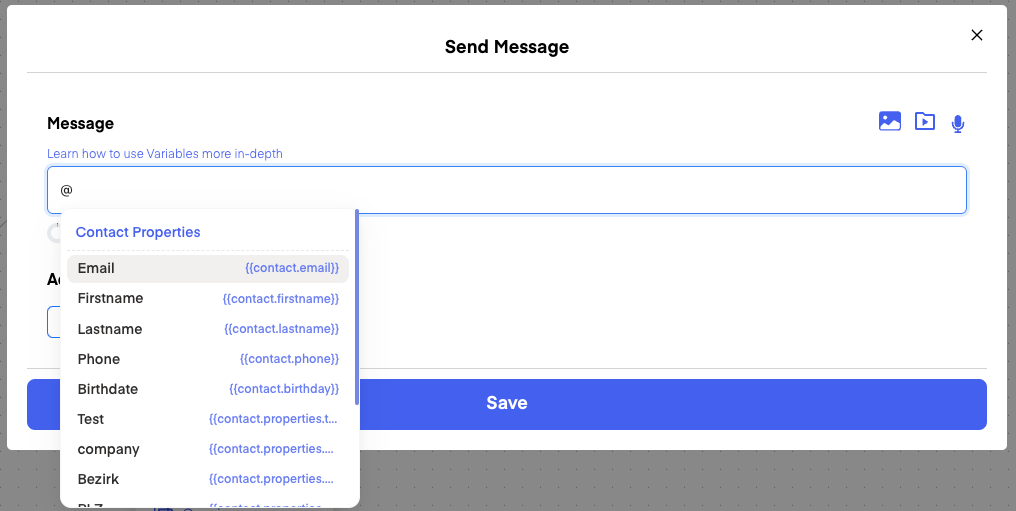
"message" variable in your POST Body and then access just the message!