
Dashboard
The Dashboard is the landing page of chatarmin. Once you log in you will automatically be redirected to the “Dashboard” feature.
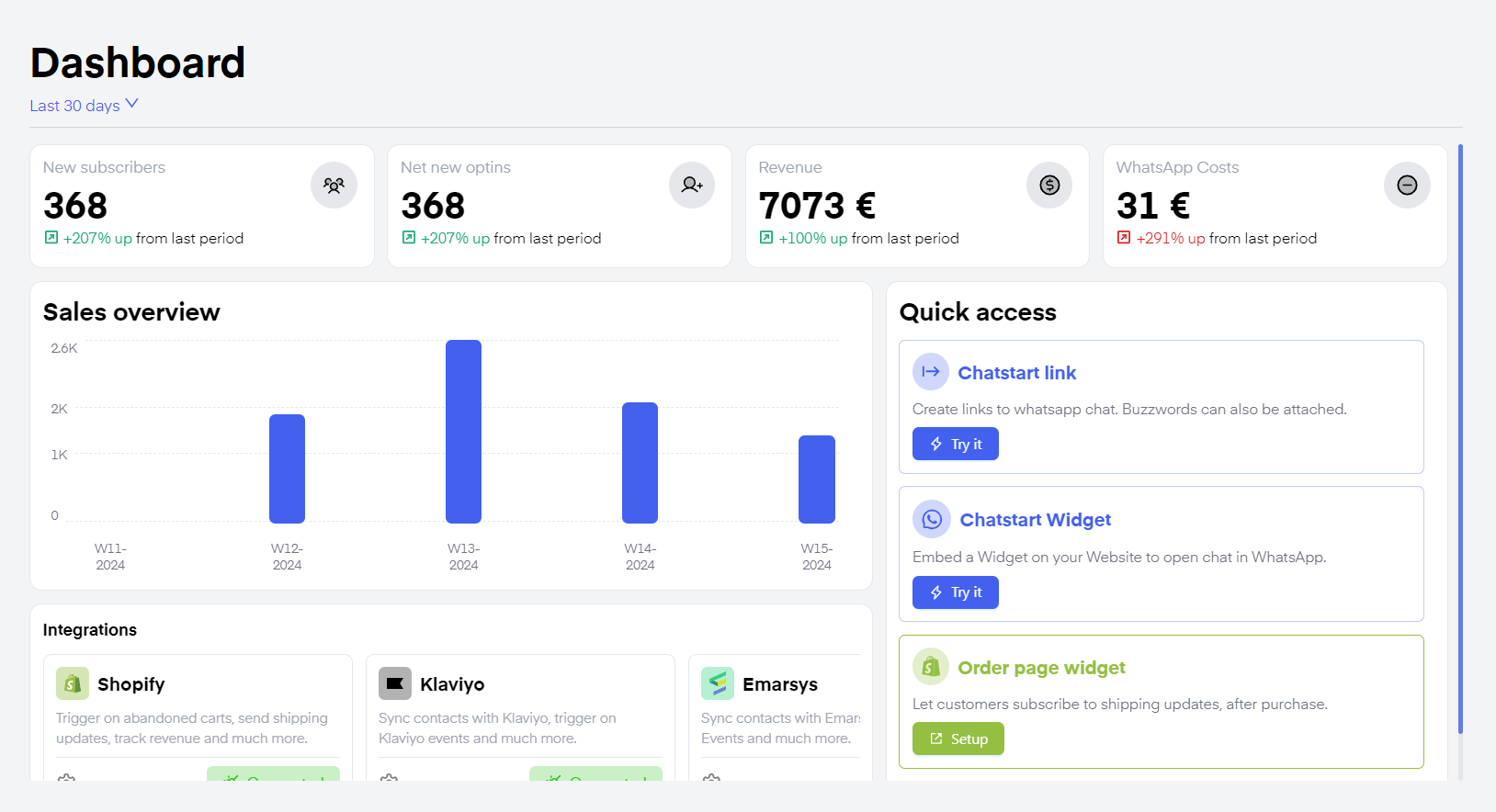
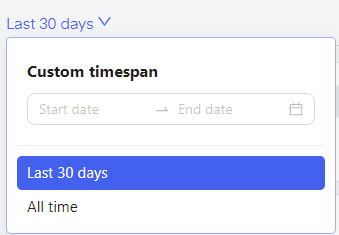
Statistics


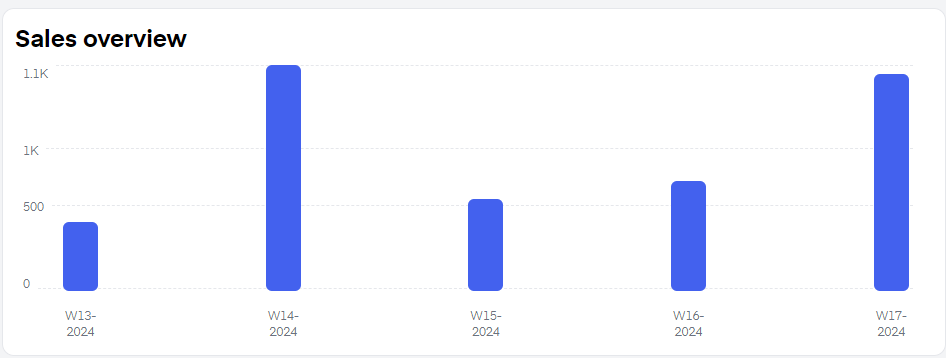
Sales Overview
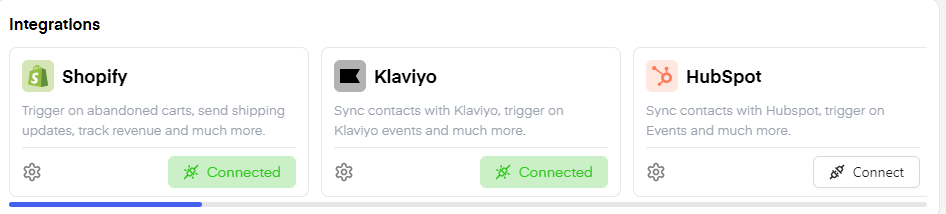
Integrations
On the bottom of the “Dashboard” feature, click on connect on any integration to connect the tools you already use within your shop to natively integrate them into your “Chatarmin” workspace. Once you click “Connect”, you will be forwarded to a step-by-step tutorial, explaining how to connect the specific integration.
Quick access
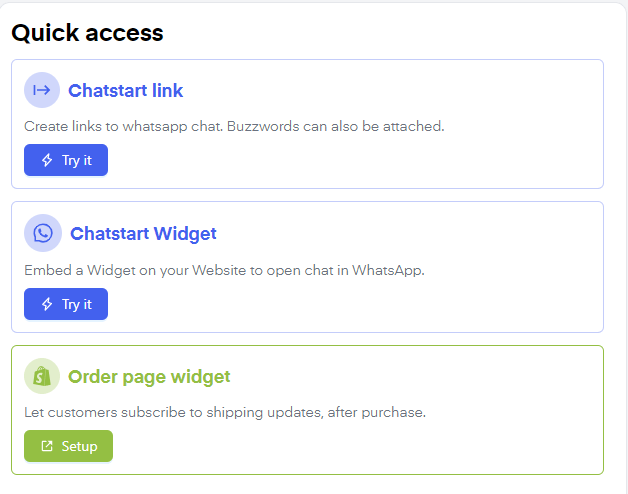
WhatsApp Chatstart link
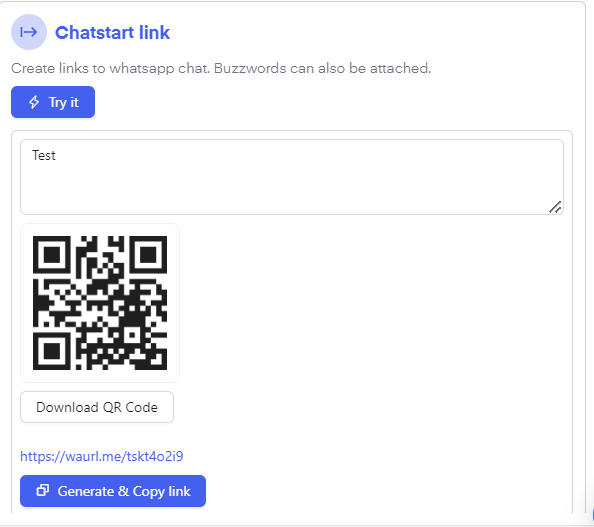
Click “Chatstart link” to create a link or QR-Code forwarding the user to a designated flow. To create this Chatstart-link click “try it”. Paste the Buzzword of a previously created Flow inside of the text box and click “Generate and Copy Link”. Optionally you can also click “Download QR-Code” if needed. You can then embed this link into a button, be it on your website directly, on socials, or inside E-Mail. The customer will enter the WhatsApp chat with the message you chose directly pre-message inside his/her WhatsApp chat with your company. By sending the pre-drafted message it will trigger the previously created Buzzword Flow.
WhatsApp Chatstart Widget
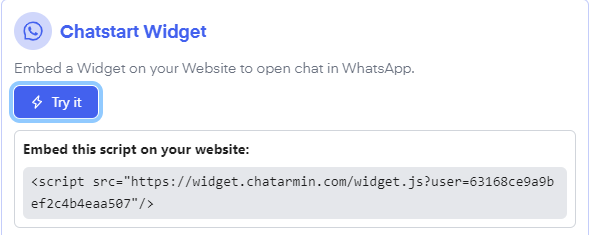
By clicking “try it” by the “Chatstart Widget” symbol, you will be shown a script that you can embed into your website to display a chat-in bubble. This way your customer can get in contact with you for customer support requests via WhatsApp. This helps create trust and successively convert your lead into a marketing lead.
Source: Chatarmin, Q1 2024
Embed Widget in Shopify
Find here a video on how to add the Widget to your Shopify Shop:
Source: Chatarmin, Q3 2024
BONUS: Integrate Widget on Shopify
WhatsApp Order Page Widget: Thank You Page Widget for Shipping Info
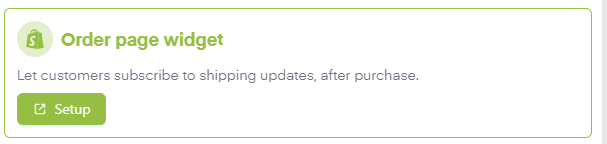
By clicking “Order Page Widget” “Setup” you will be redirected to the Thank you page widget Setup page.
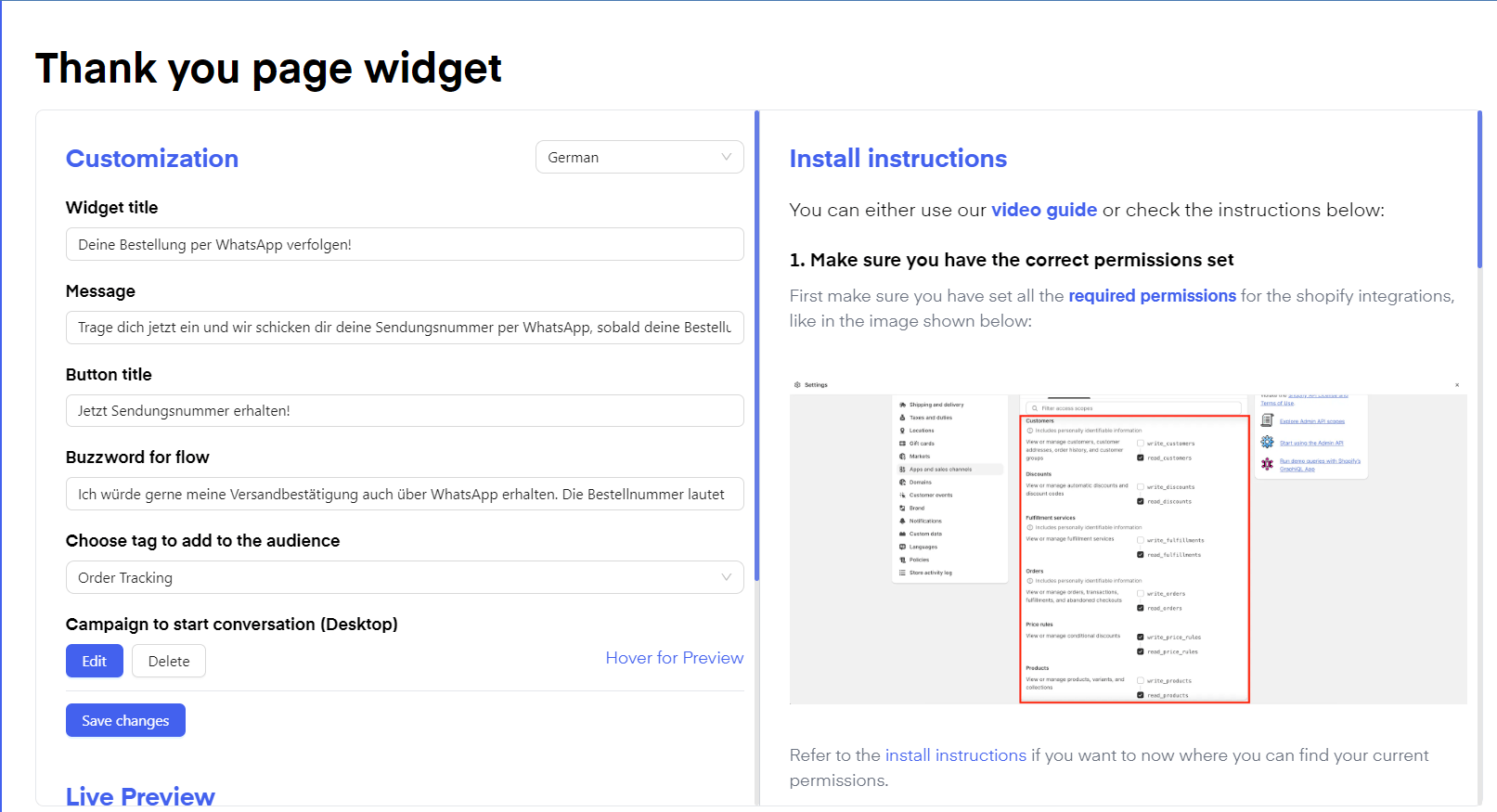
- Shopify Order Tracking Thank You Page Widget
- WooCommerce Thank You Page Widget
- JTL Thank You Page Widget