Why Business Verification Matters
After setting up your WhatsApp Business Account, it’s essential to verify your business in Facebook Business Manager. This step is crucial for increasing your messaging limits and becoming eligible to request the blue checkmark for your official business account on WhatsApp.
Verify Your Business Manager
- Log in to Facebook Business Manager 🌐
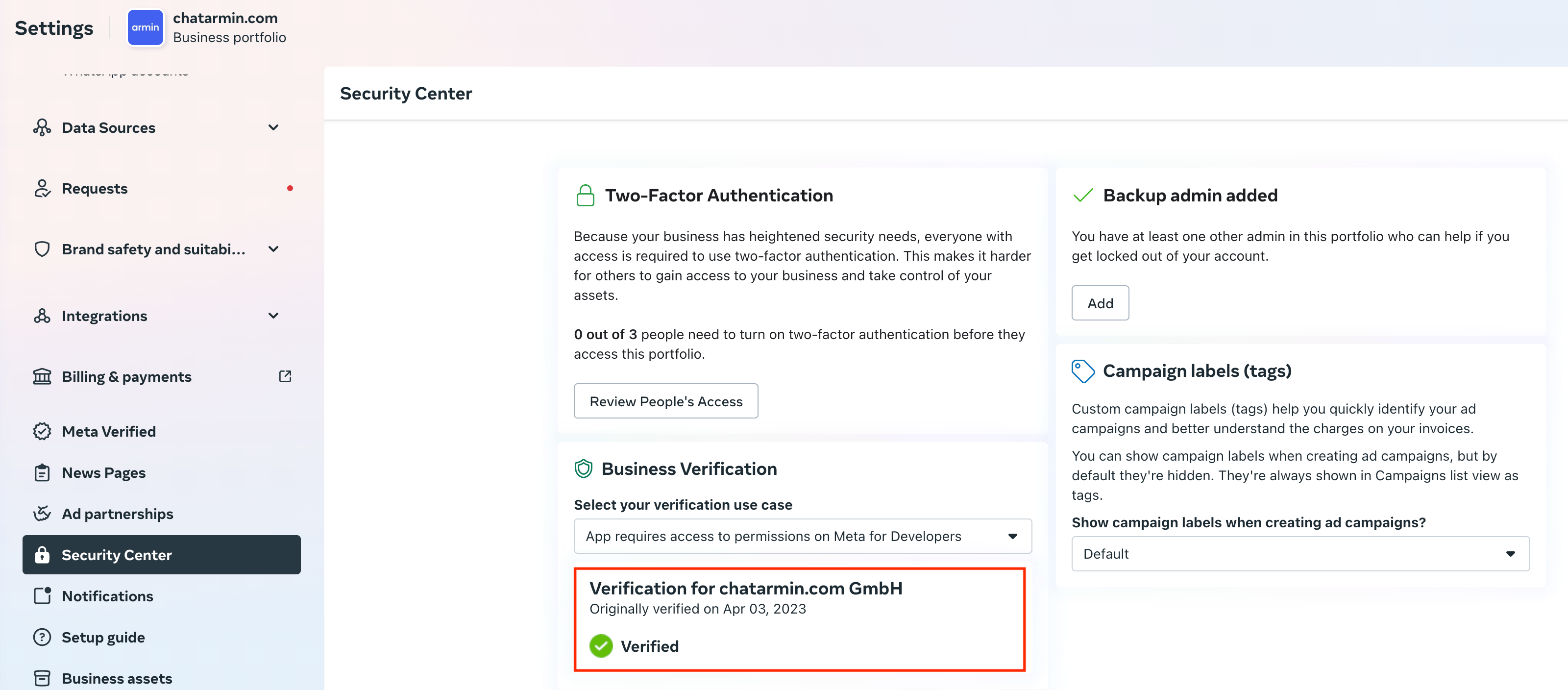
- Access the Security Center 🔐
- Check Your Verification Status ✅
If your business is already verified, you’re all set. If not, you’ll see an option to start the verification process - make sure to complete it.
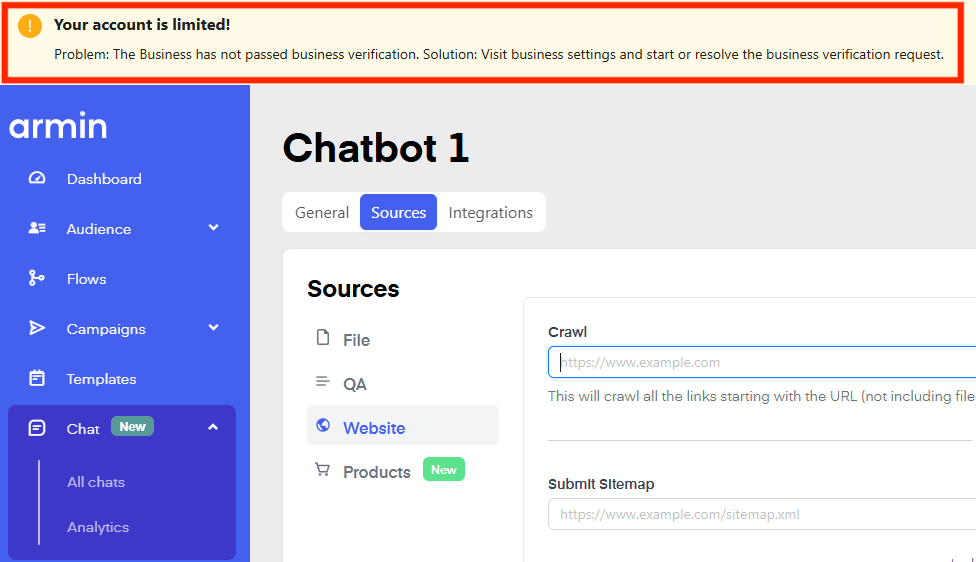
Common Issue: “Your account is limited!” ⚠️