1) Understanding Meta Pricing Logic
Meta’s pricing model for WhatsApp is conversation-based rather than message-based. For Business-initiated conversations, a new charge is applied each time a template is sent. There are two main types of conversations:
- Business-initiated: You start the chat (requires a paid template).
- User-initiated: The customer writes first (free reply window for 24h).
2) Check Your Flows for Unnecessary Templates
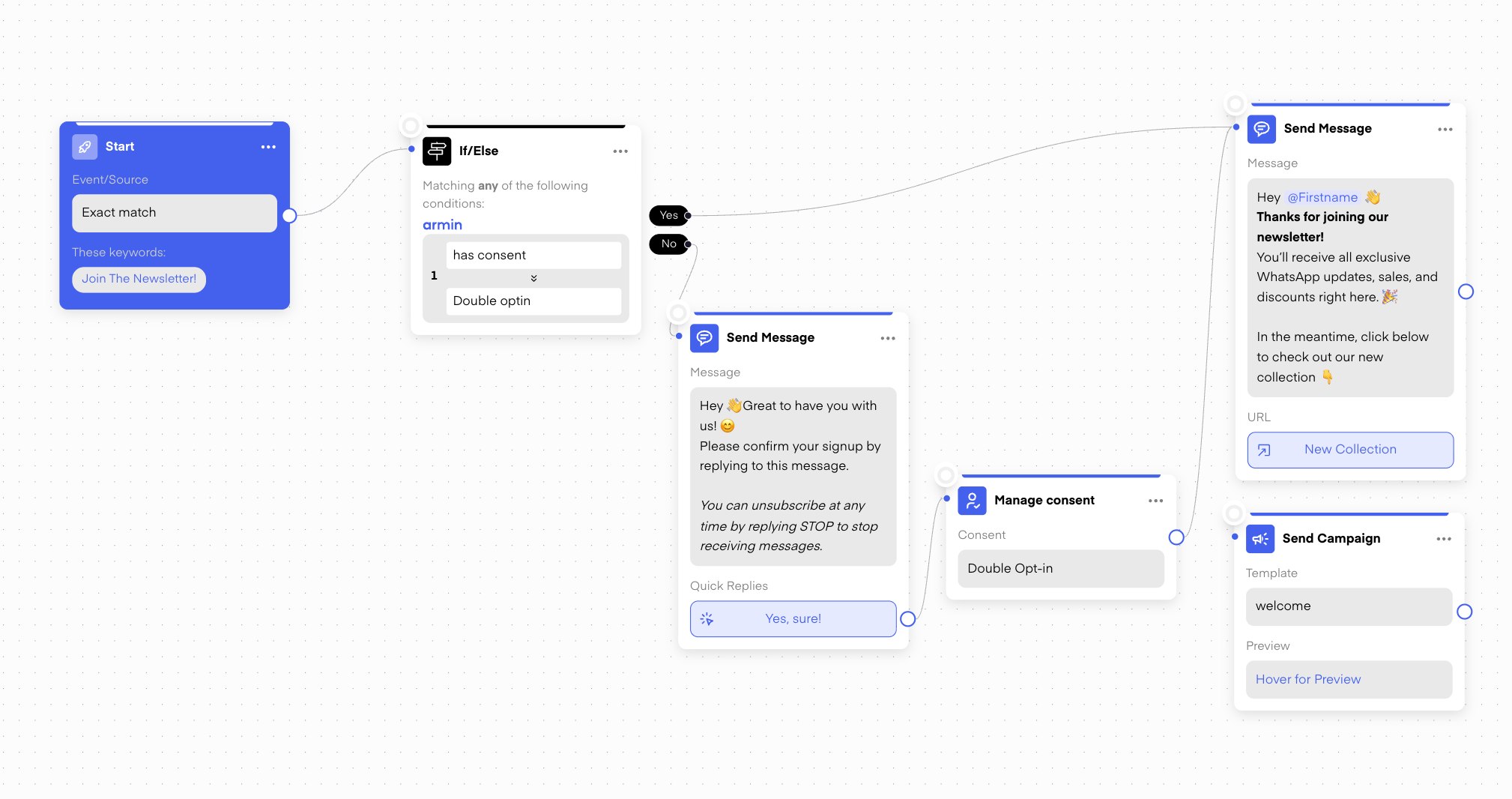
Start by reviewing your existing WhatsApp flows. Many automations include template messages where simple free-form messages would suffice. Since Meta charges for every template message initiated, replacing unnecessary ones can significantly reduce costs. How to do it:
- Go through each active flow.
- Identify where templates are used unnecessarily (for example, confirmations or replies that don’t need to start a new conversation).
- Replace those templates with normal messages whenever possible.
3) Check Campaign Frequency and Results
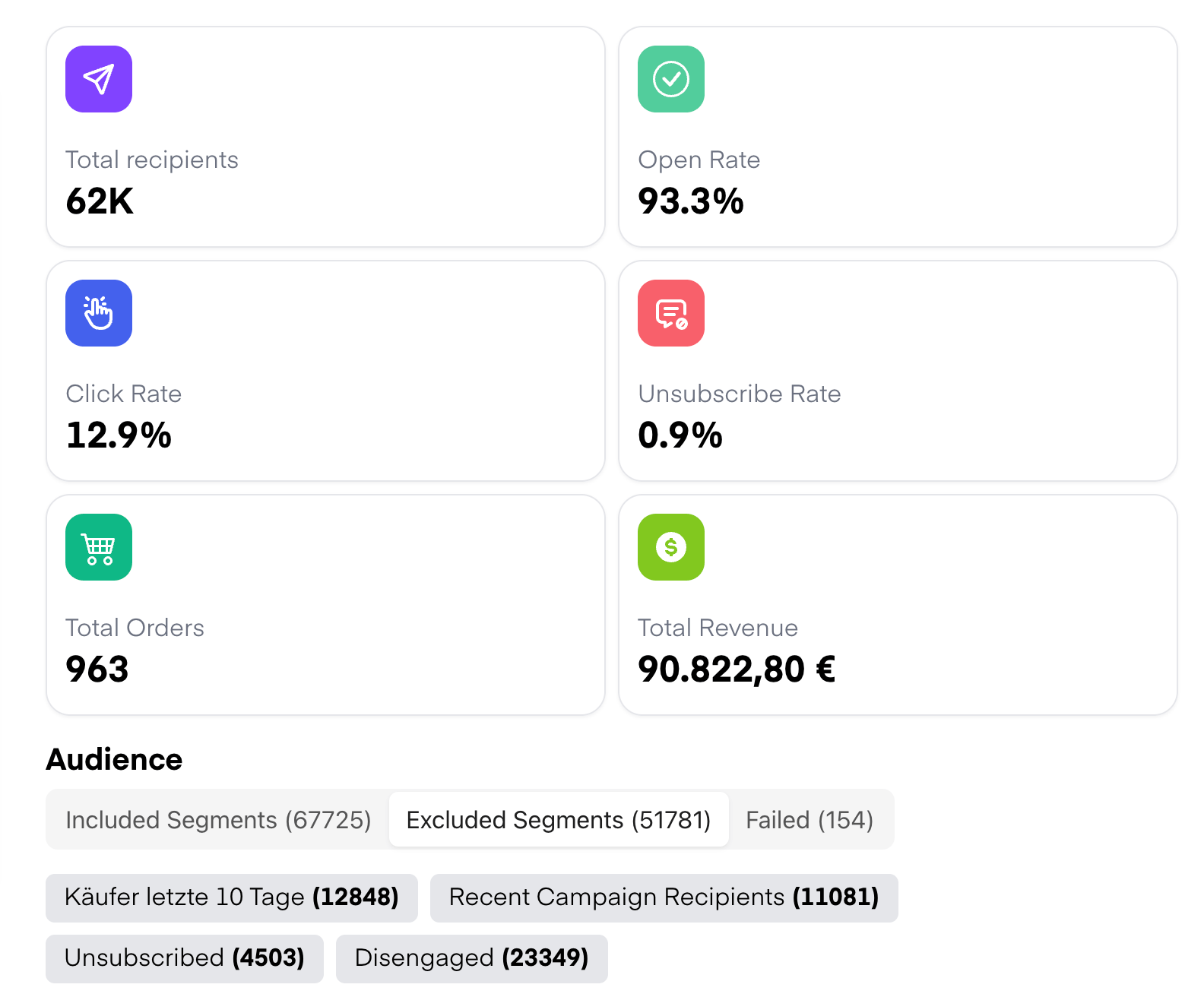
Sending campaigns too often can quickly drive up costs. It’s important to analyze which campaigns perform well and with which segments. Proper segmentation plays a key role in keeping costs efficient while maintaining engagement. For example, customers who purchase frequently can receive campaigns more often, while less active leads should only be targeted occasionally. What to review:
- How often campaigns are sent (weekly, daily, etc.)
- The open and reply rates for each campaign
- Which campaigns and segments generate the best results
- Dividing large campaigns into smaller, more personalized ones
- Segmenting based on engagement or purchase behavior