
Message Undeliverable 🚫
You will find the reason for this error here: Flow Errors If you have contacts in your list who cannot receive messages, you can easily opt them out in bulk. This prevents further failed delivery attempts and keeps your audience list clean.
Clean Up Undeliverable Contacts 📩
Go to Segments 🔍
Navigate to Segments in your Chatarmin dashboard: 👉 Chatarmin Dashboard – Segments- Click Create Segment and give it a name, e.g. “Message Undeliverables”.
-
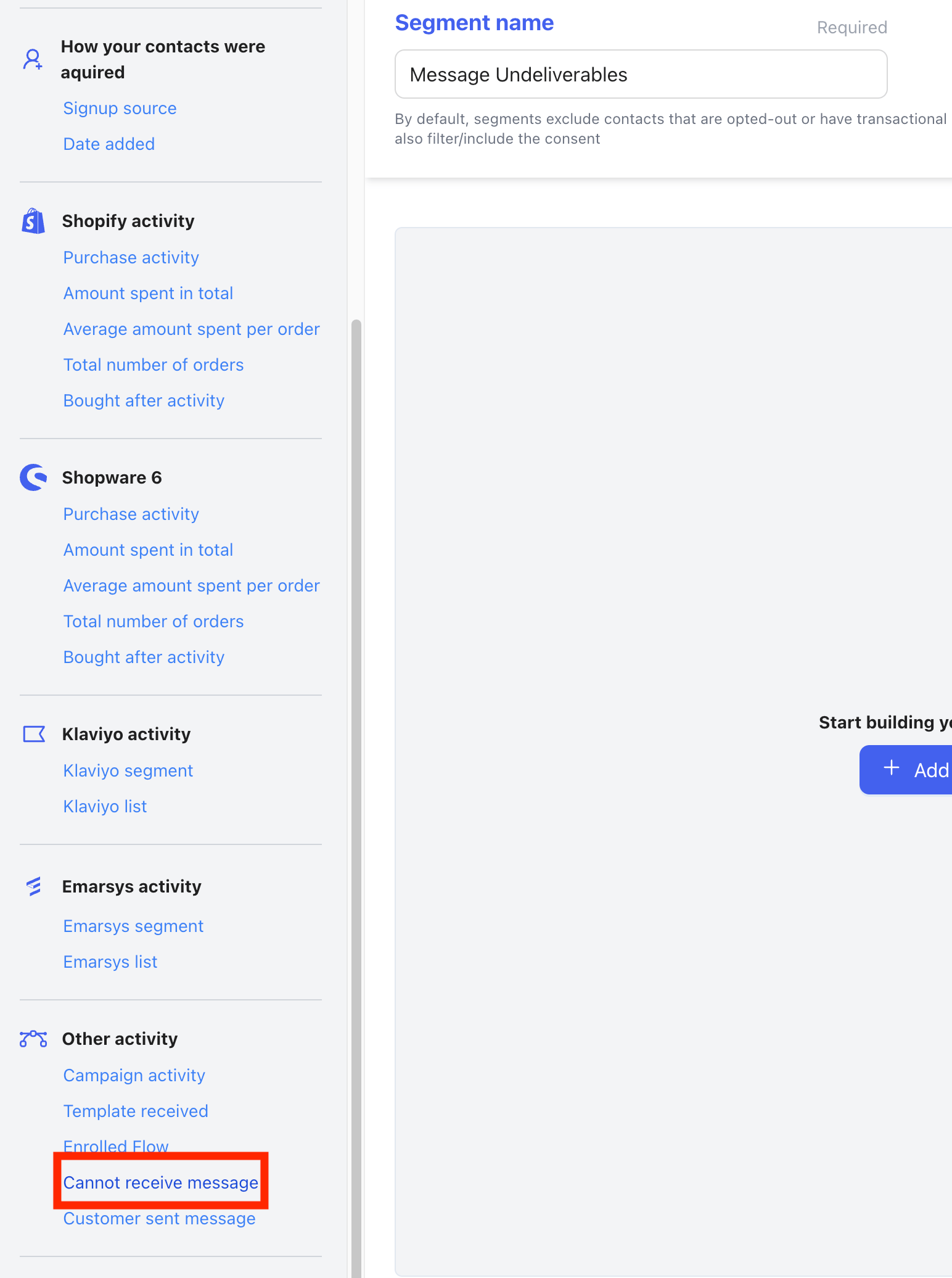
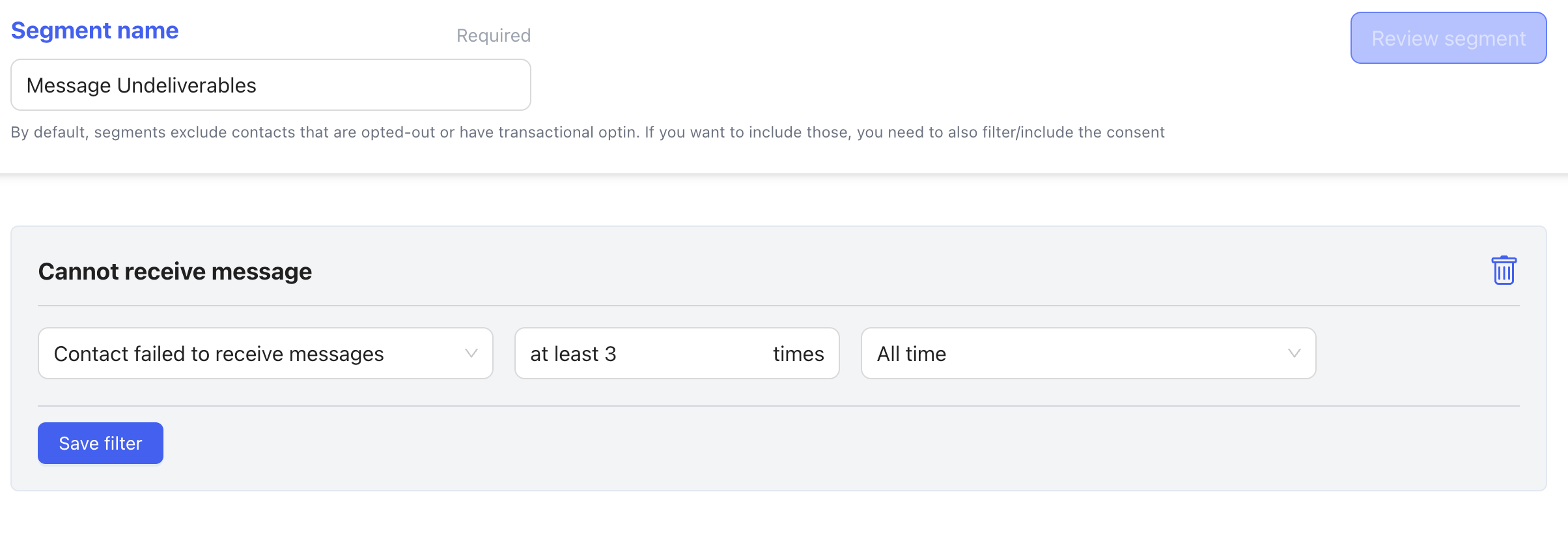
Under Add filter, select Cannot receive message and set the filter to at least 3.
-
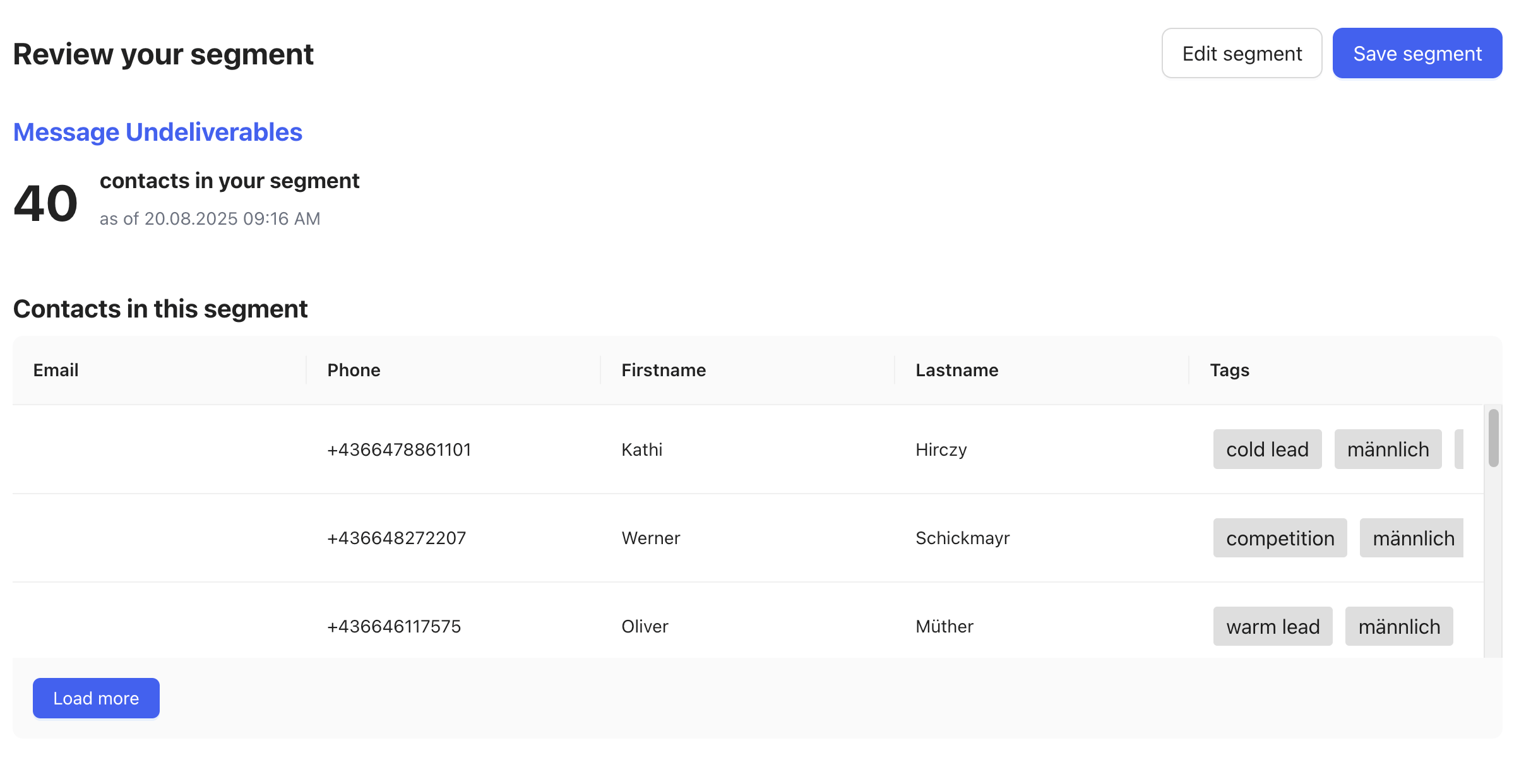
Now save the filter and Review Segment
- Save the segment.
Bulk Opt-Out 🚫📩
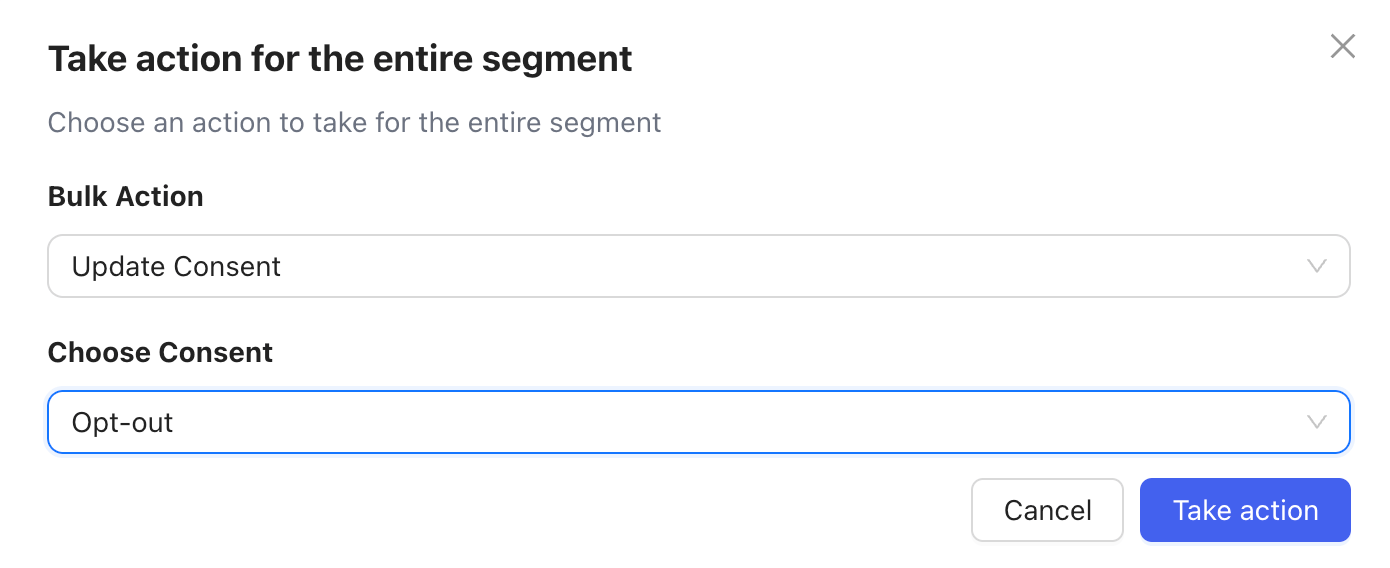
Once the segment is created:- Open the three dots (⋮) menu on the segment.

- Select Bulk Actions.
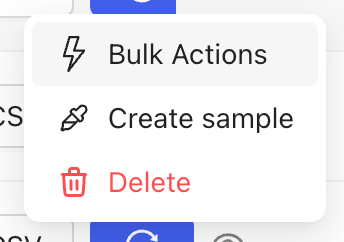
- Choose Consent → Opt-out.
🔄 Keep Segments Updated
You can refresh and update your segments regularly to continuously filter out any new “message undeliverable” contacts.