You can either watch the Video-Guide above or check-out the steps below!
First create Chatarmin Flow
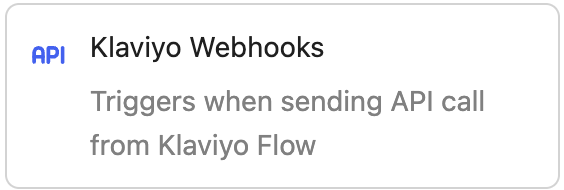
When you want to trigger a Flow from a third-party like Zappier or Klaviyo, your Flow Trigger has to be of type POST-Endpoint or Klaviyo Webhook. You can create a new flow here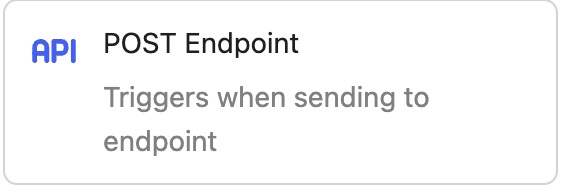
Calling the Chatarmin Flow from Klaviyo/Zappier
Now when you go inside a Flow in Klaviyo and choose “Webhook” as your Flow-Action, you will be prompted to input following things:- Destination URL
- Headers
- Payload Body
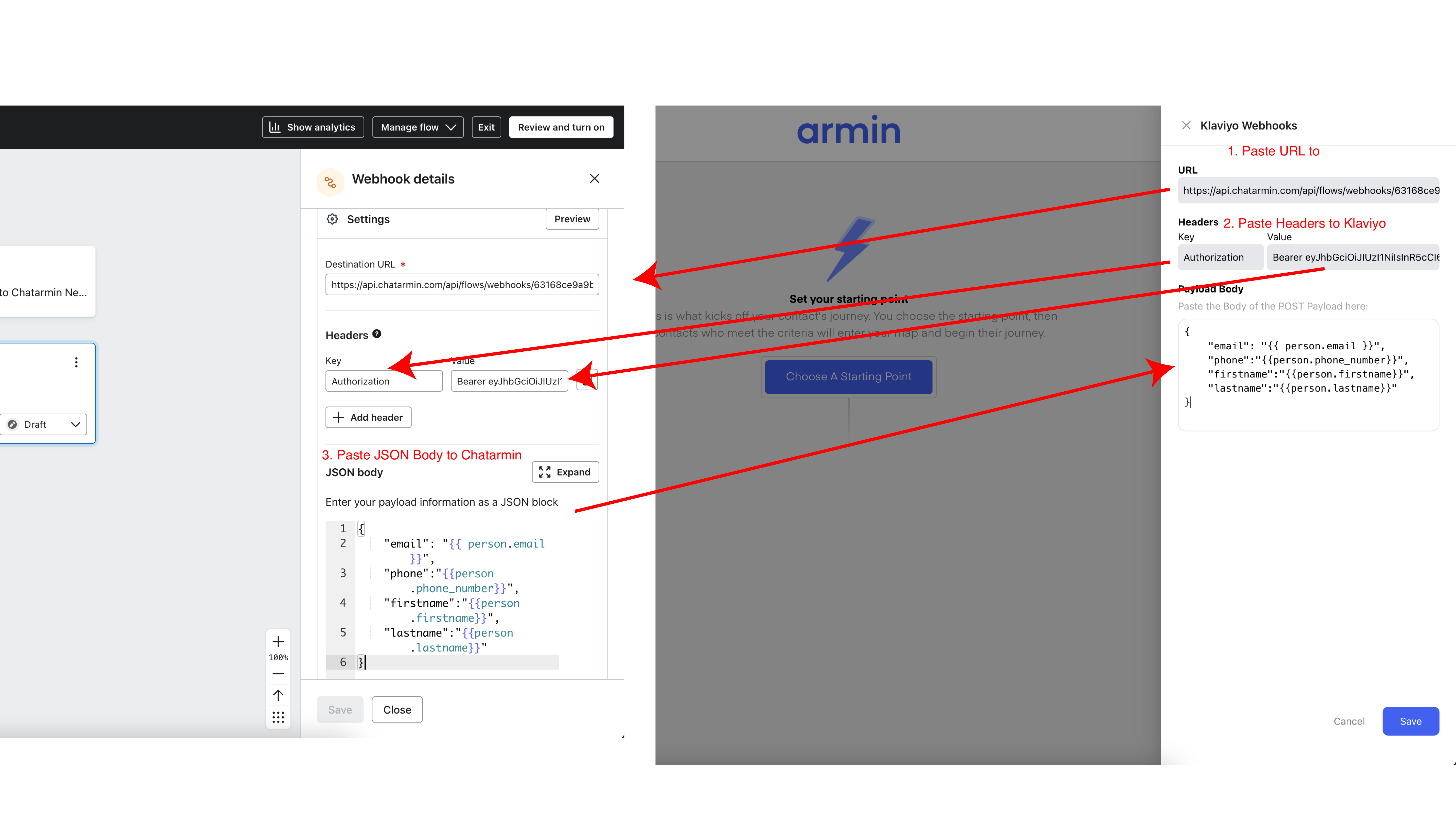
- The Destination URL comes from the Chatarmin Trigger
- The Headers come from the Chatarmin Trigger
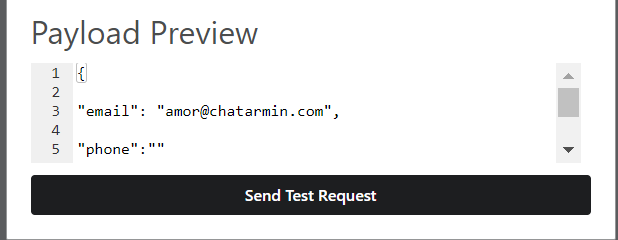
- The Payload Body needs to be set IN Klaviyo & be copy & pasted INTO Chatarmin
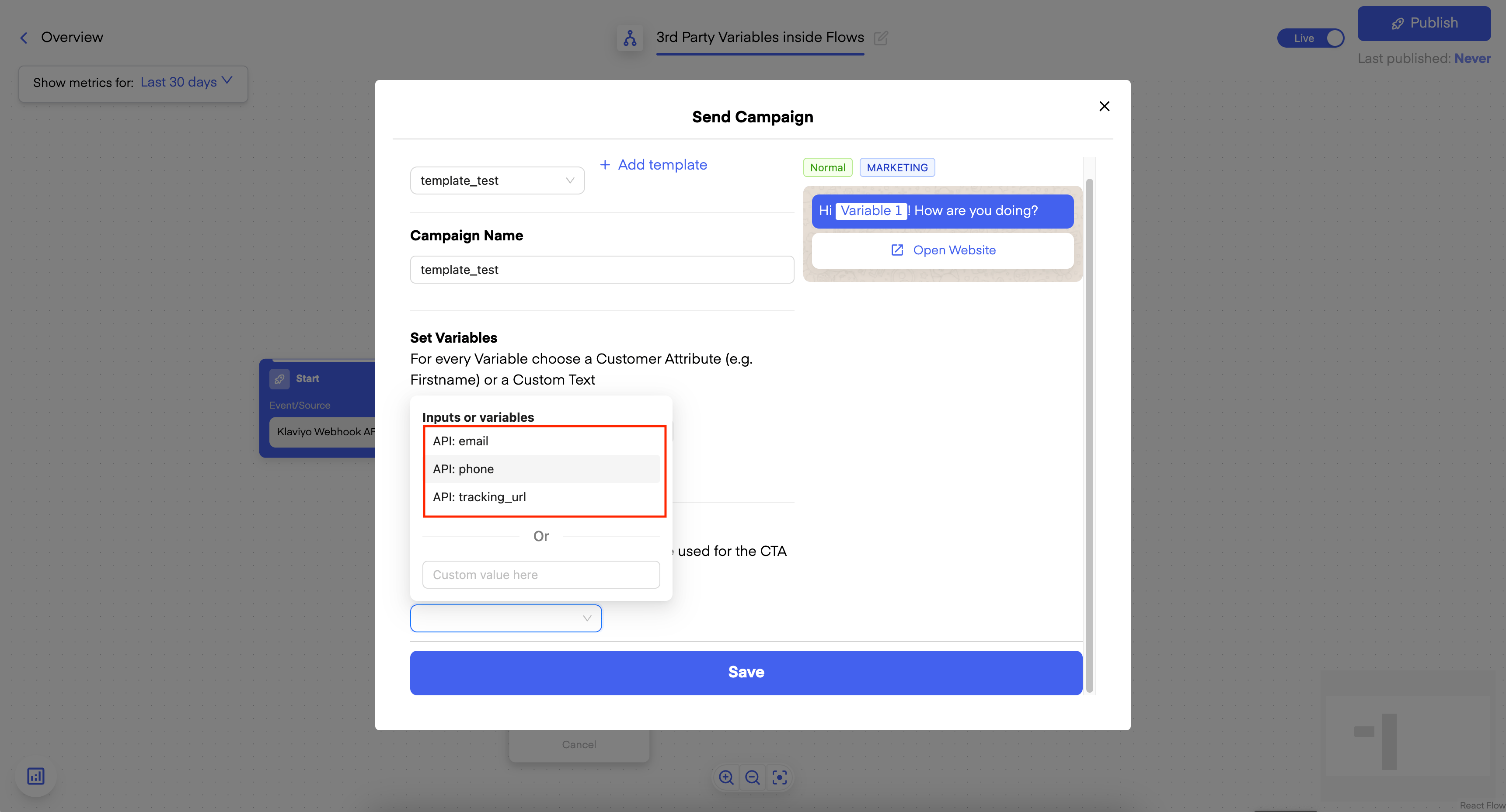
Using JSON/Payload Variables from Trigger in the Flow
Now, after you have configured your Trigger with the correct Payload Body and clicked on Save, you can add “Send Campaign” as the next step and select a Template: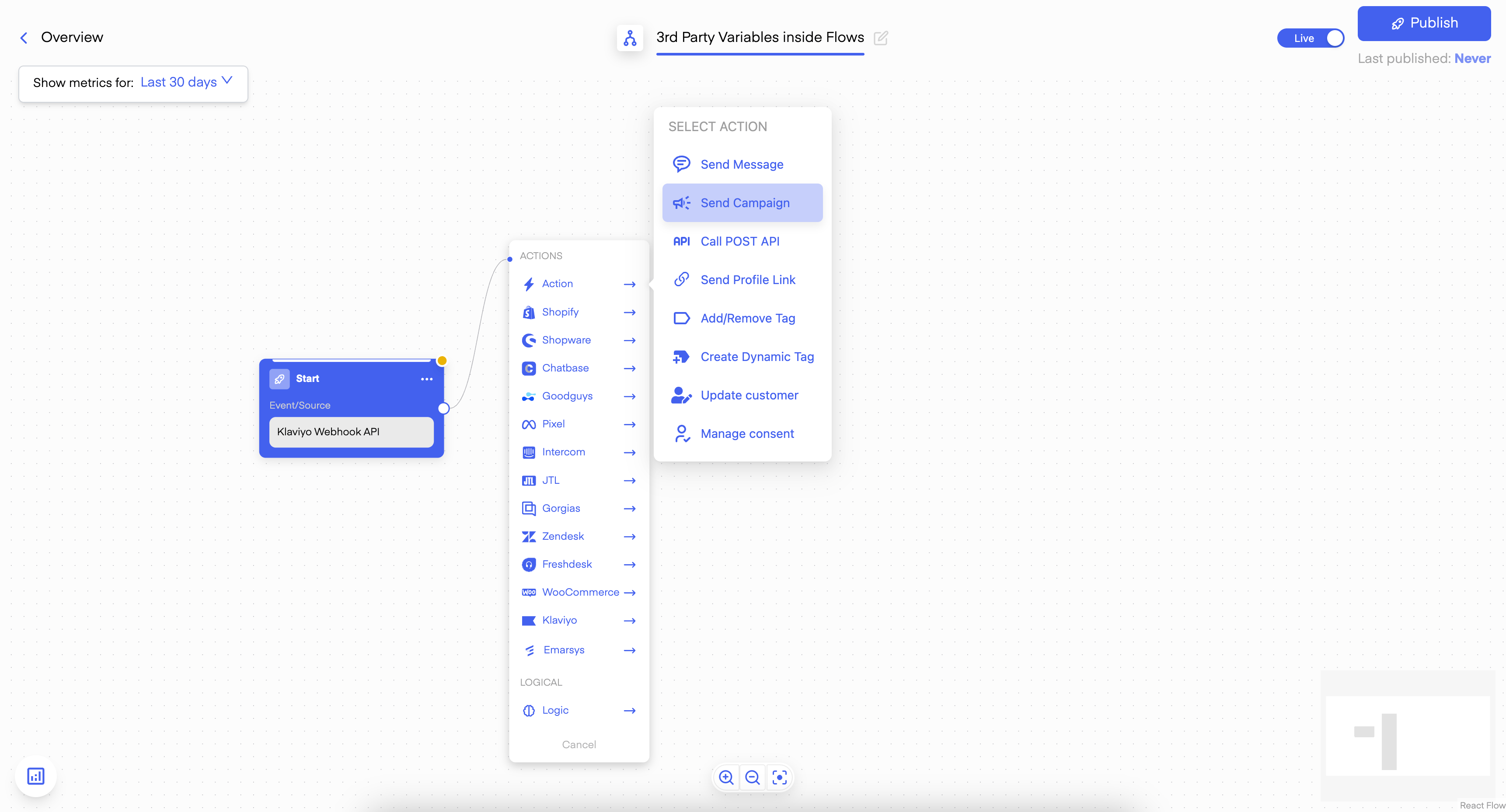
Testing
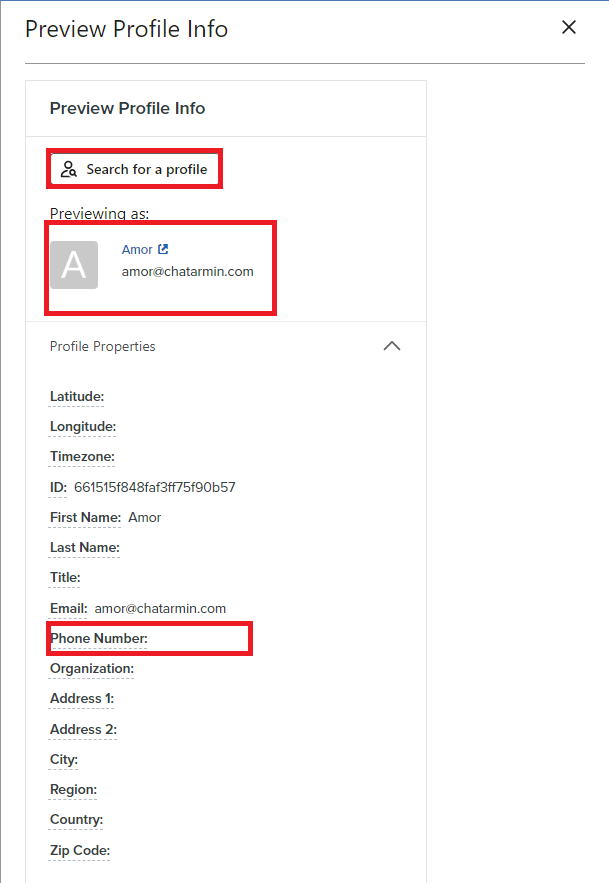
If you want to test if your Webhook works, you can do so by clicking on “Preview”.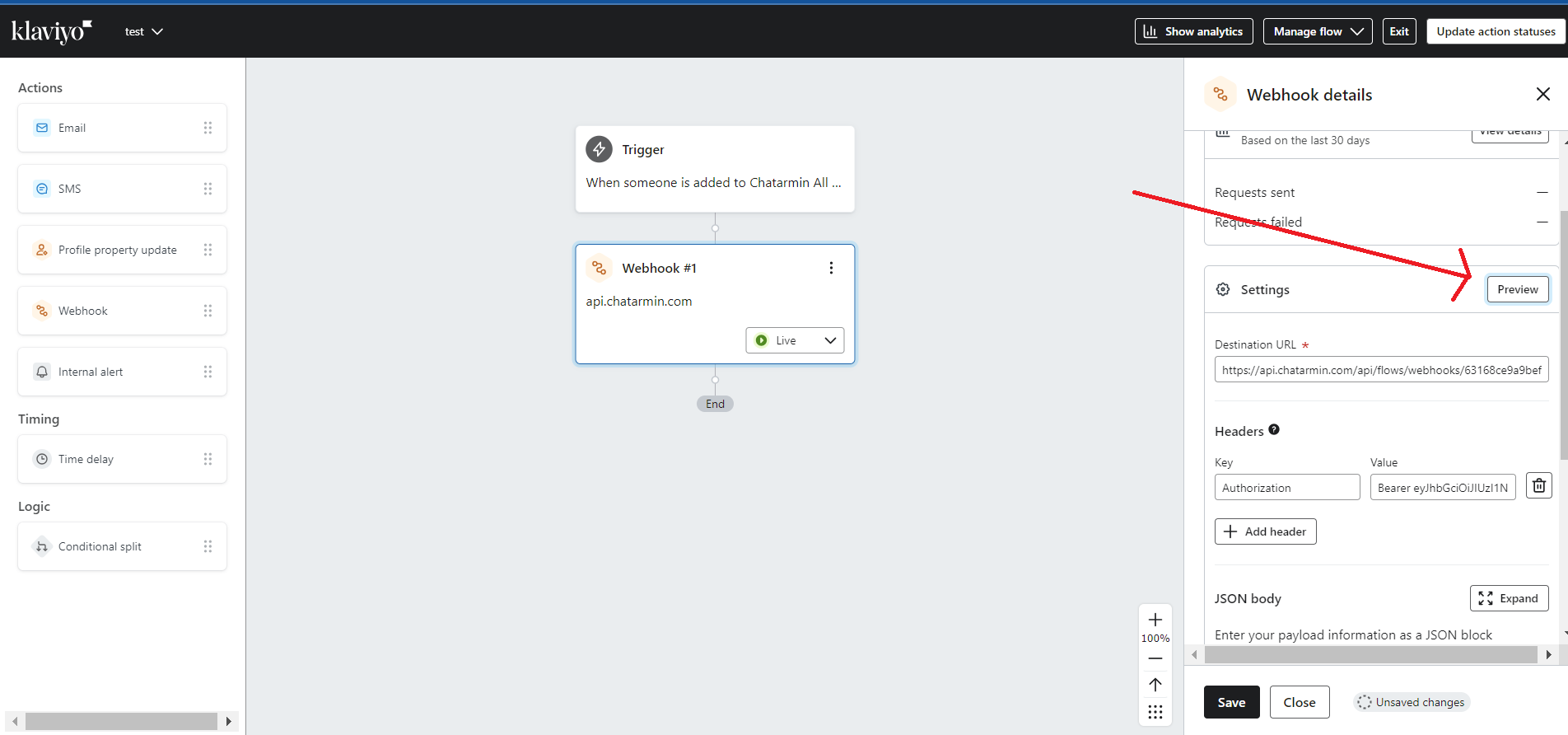
NOTE: Your “Phone Number” field has to be filled out for the Webhook to work.