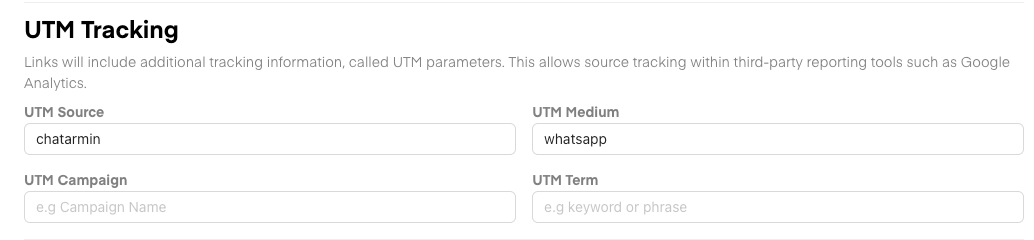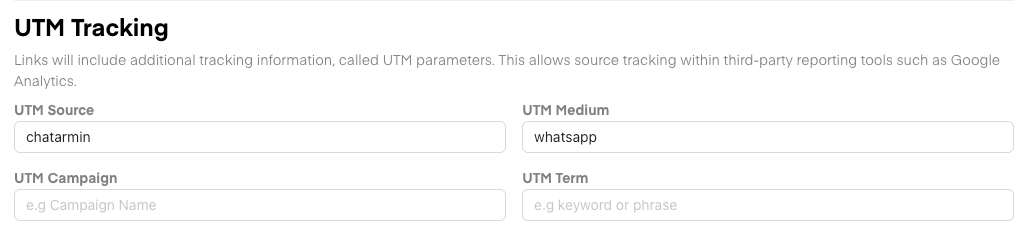
- UTM Source -> Default “chatarmin”
- UTM Medium -> Default “whatsapp”
- UTM Campaign -> Default “<Campaign Name / Flow Name>”
- UTM Term -> No default value
Flows - Send Message
When you add a CTA Button to your Message, you will see, that the UTM Settings (shown above) will appear: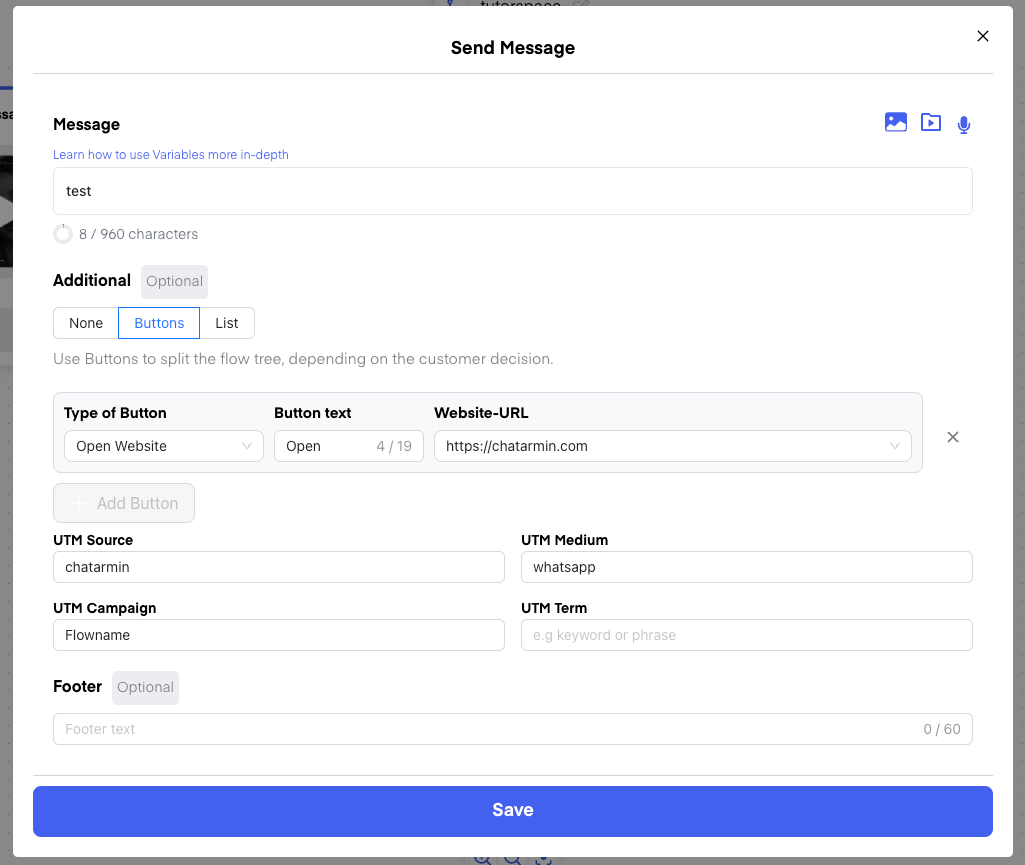
Campaigns / Templates
Whenever Templates are used in Flows or in Campaigns, then the same setting will appear below the Variables: