Create a Flow

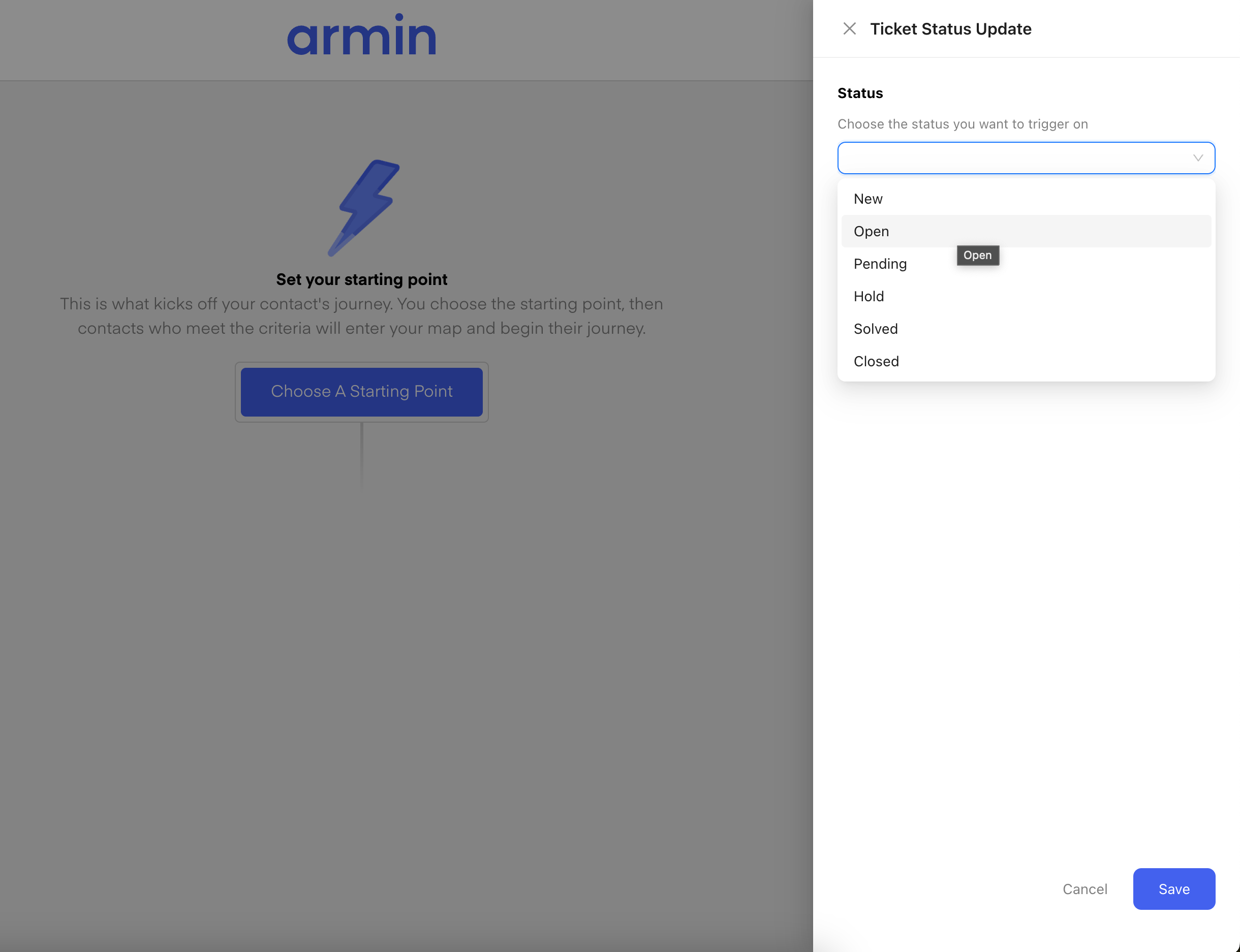
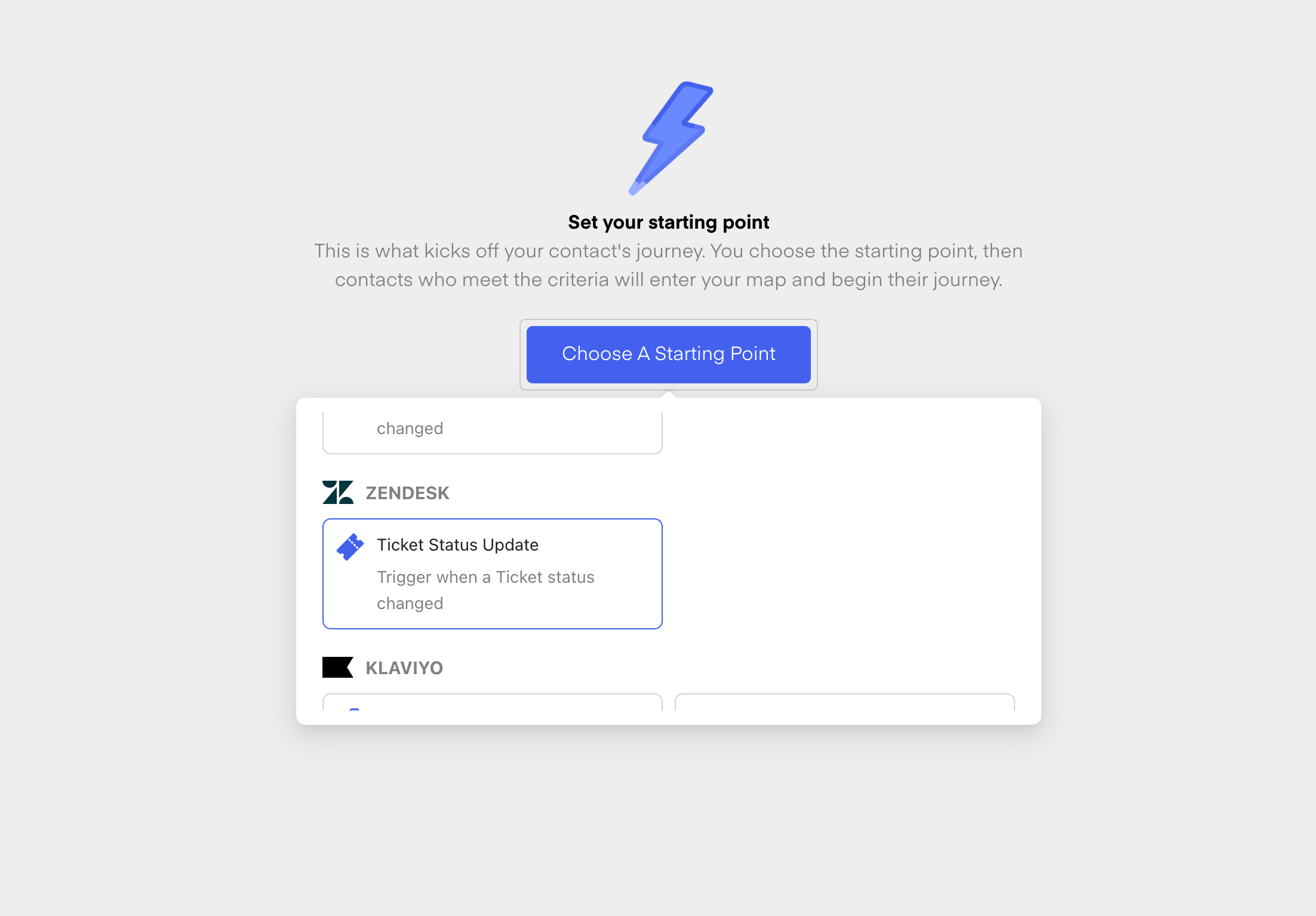
First, create a new flow from scratch. Give your new Flow a Name and then choose the Ticket Status Update Trigger from Zendesk: Chatarmin help center image Once you have chosen the Trigger, you can now select the Status you want to trigger one. Those are the different statuses:
  1. New
  2. Open
  3. Pending
  4. Hold
  5. Solved
  6. Closed
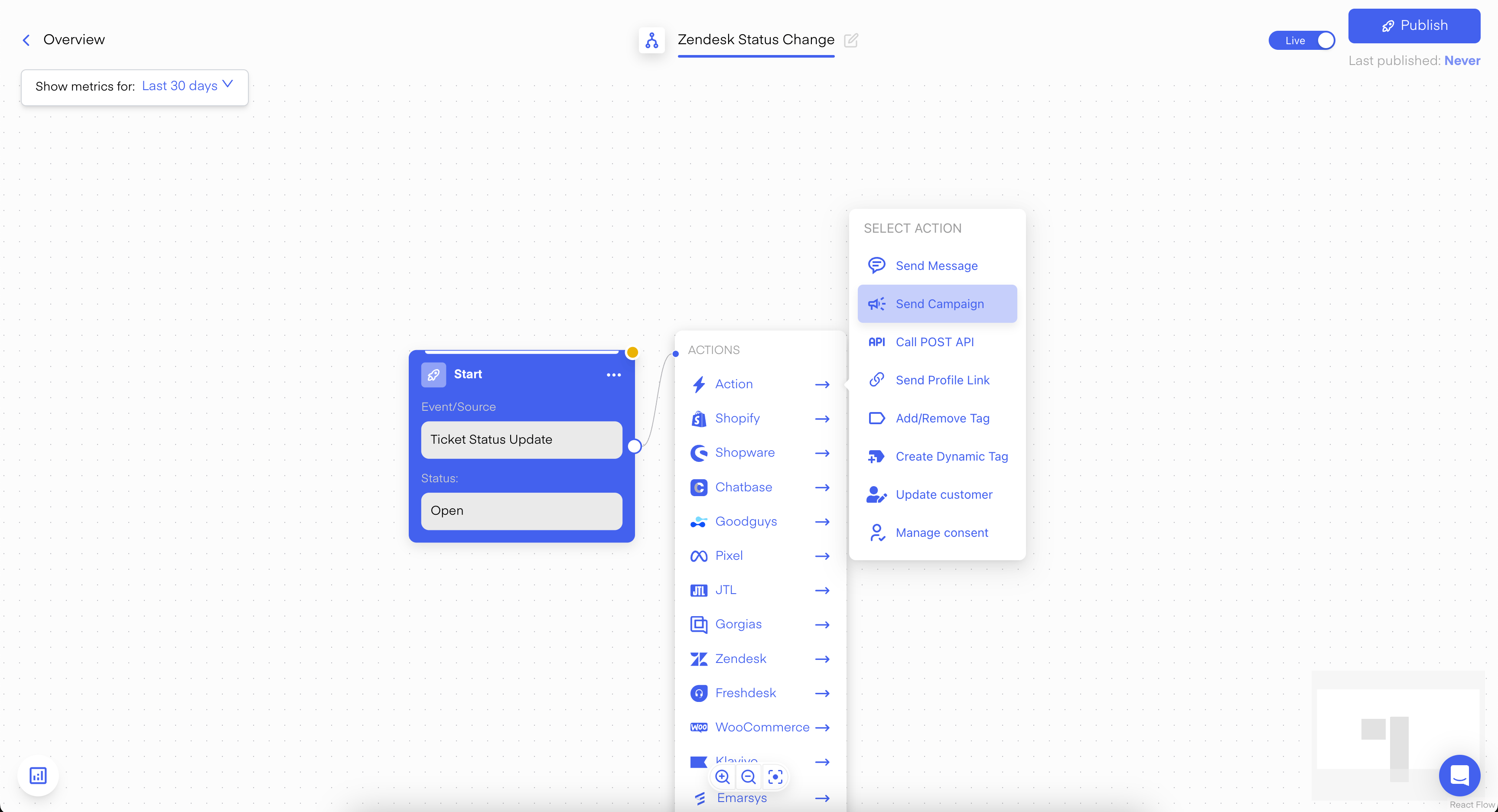
Chatarmin help center image Once you have also selected your Status, click on Save. Now you are in the Flow-Builder and you can now choose “Send Campaign” as the next step: Chatarmin help center image Use this Template/Campaign for:
  • Asking the customer for a review
  • Converting the support lead into a marketing Opt-in lead
  • Much more …