Get Started: Integrate Shopify with Chatarmin
Source: Chatarmin, Q3 2024
Attention! If you are using the new Shopify Checkout (UI Extensions), check out this Guide for installing the Shopify App and see the available UI Extensions
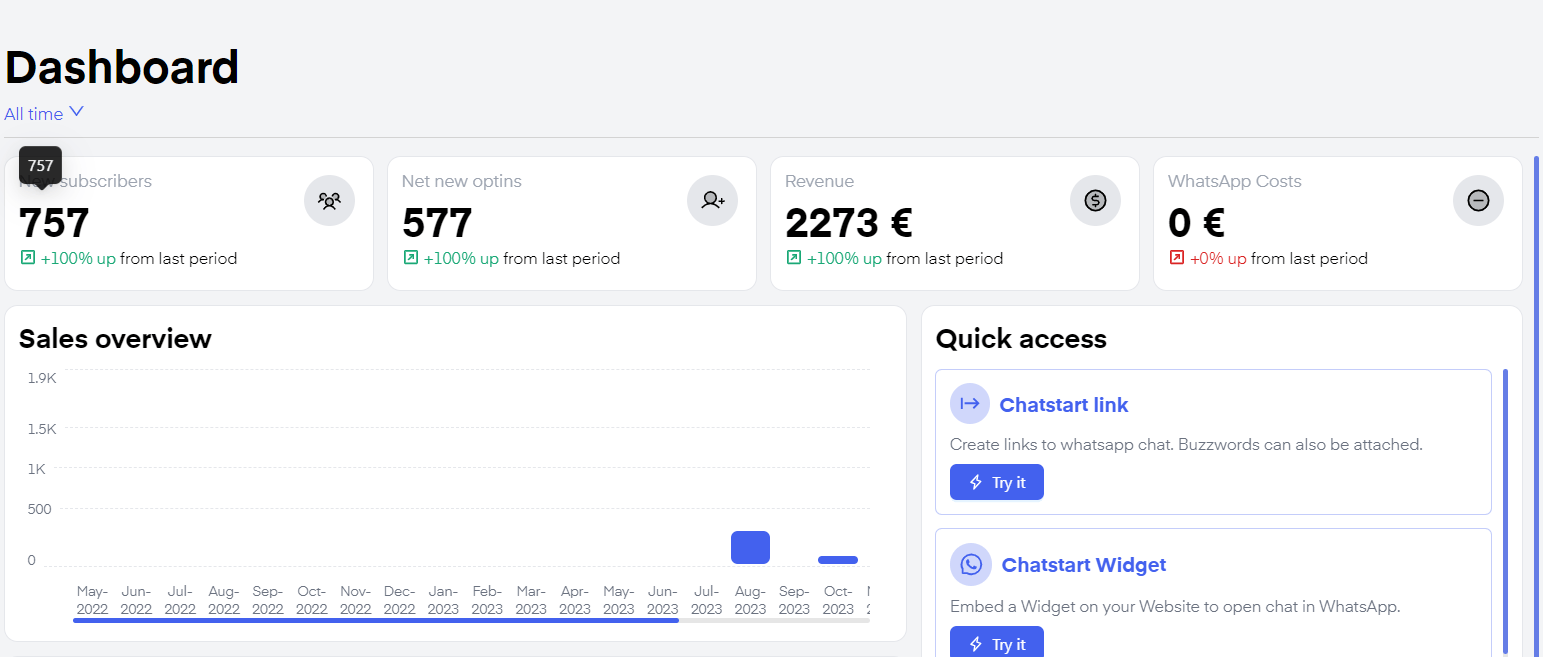
Revenue attribution
Order Page Widget
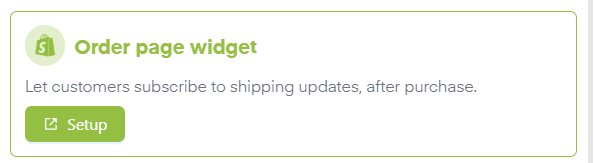
You can create an Order Page Widget with our Shopify integration. On one hand, you give your customers additional quality of life improvements, on the other hand, you are simultaneously constantly generating leads passively and increasing the size of your WhatsApp list.
Segmentation with Shopify
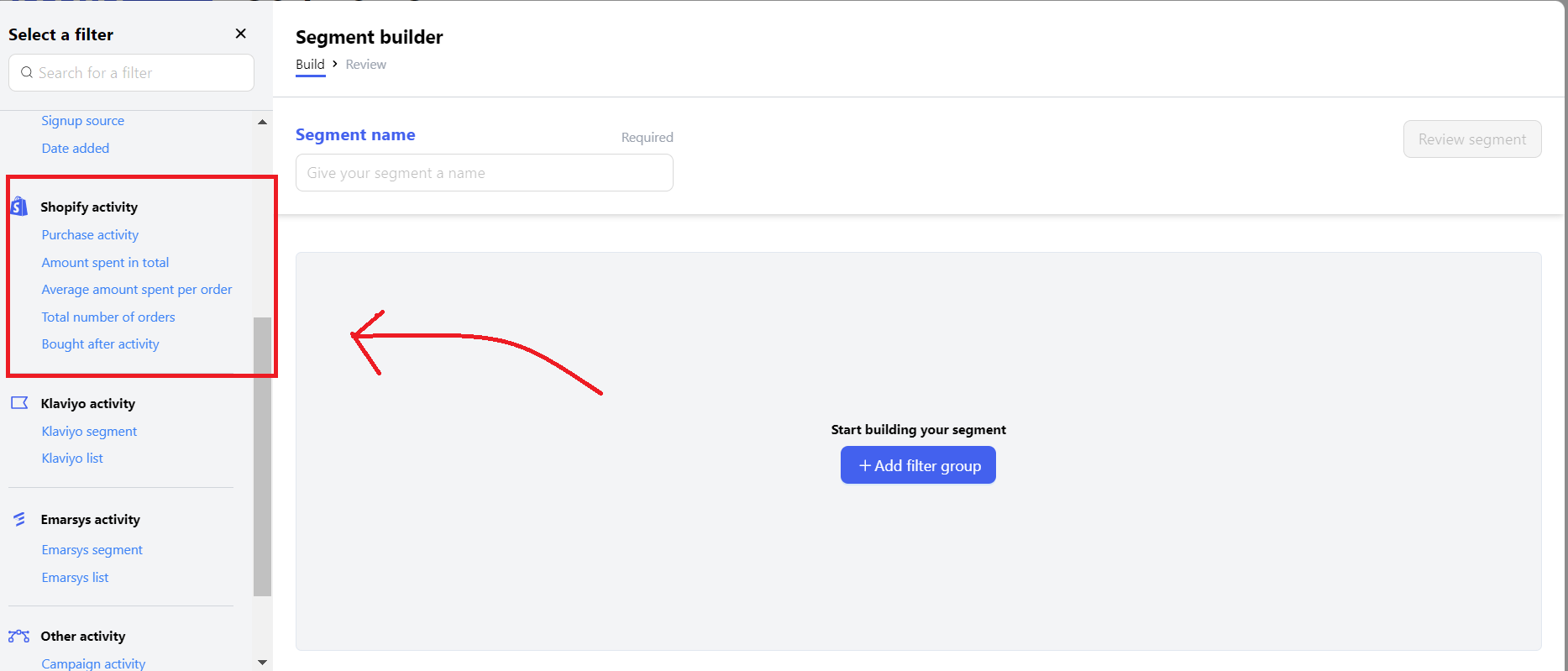
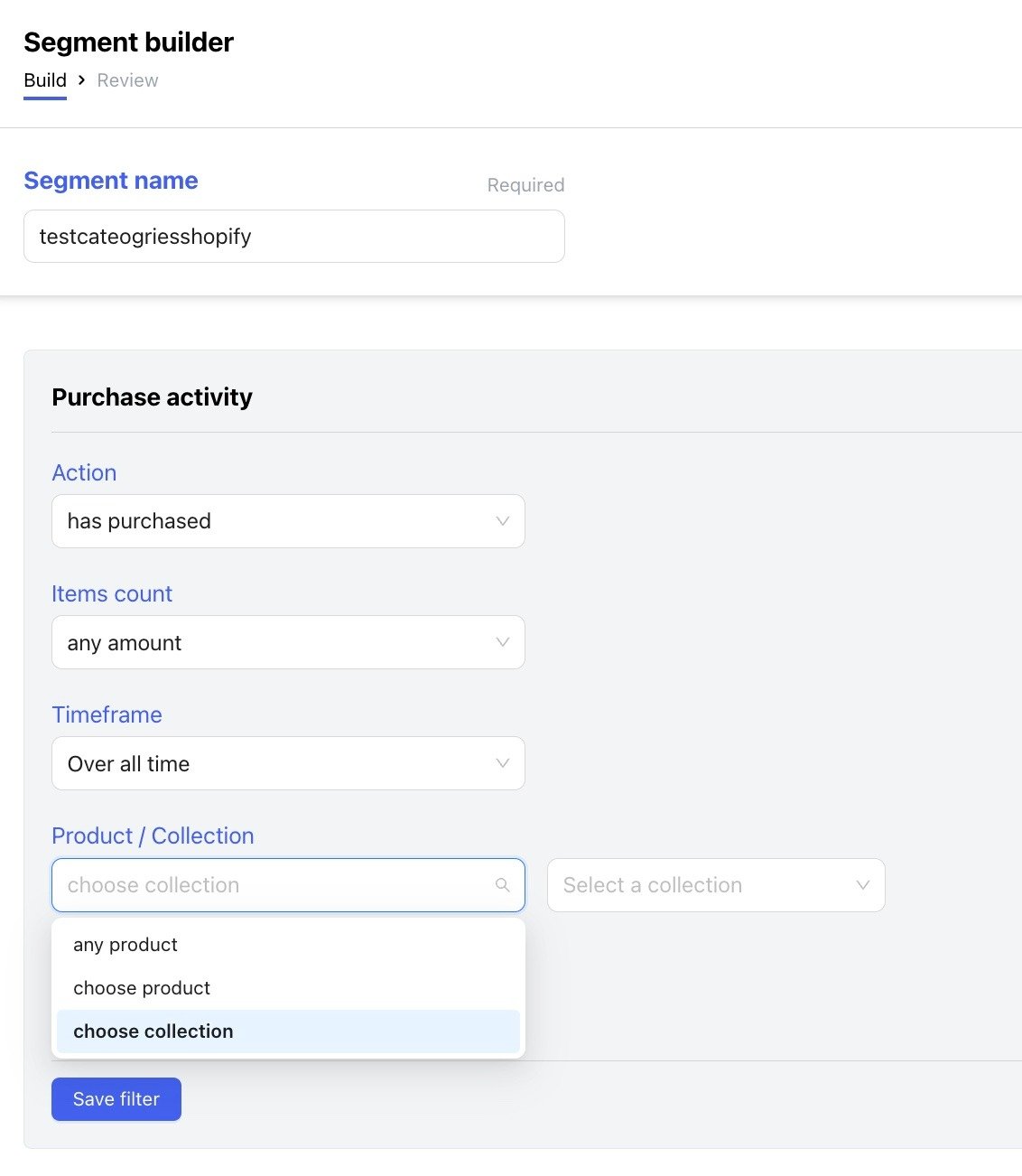
You can use the Shopify information you have on your clients to create specific segments. These segments can later be used to do splits in Flows via If/Else splits or to send campaigns to specific user cohorts.
Shopify WhatsApp Flows
Watch this video guide to understand your basic Shopify WhatsApp Setup in 15minutes:
Source: Chatarmin, Q1 2024
You can also use your Shopify Information inside of flows:
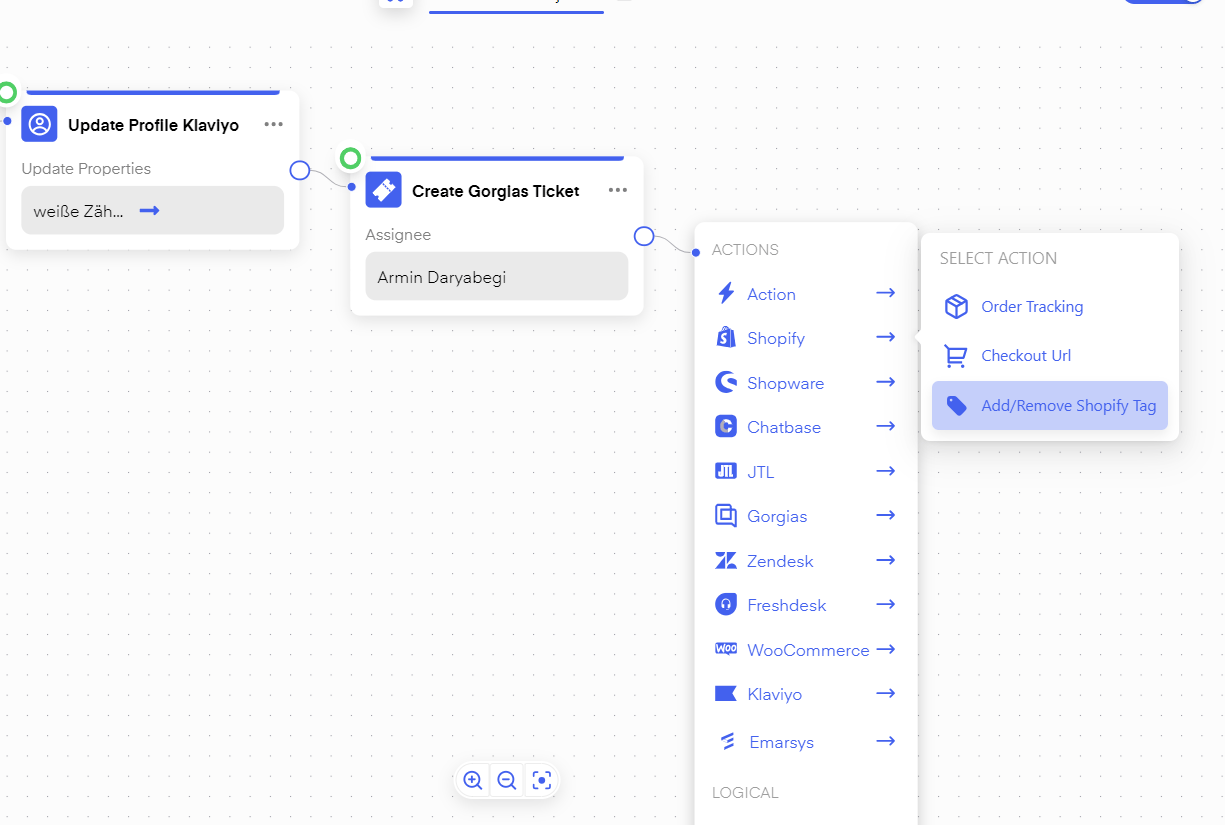
For instance, you can give your Shopify Accounts specific Tags depending on user behavior inside of Chatarmin Flows.
If/Else: branch by Shopify order source
In an If/Else split, open Shopify and choose Order source. You can branch when the sales channel of the order is or is not a value you pick. Chatarmin shows common Shopify channels (for example online store, Point of Sale, or subscription orders). If your shop uses a custom sales channel or app, enter its source name or app id in the custom field below the list. Use this to send different messages for POS vs online orders, or to skip automations for orders created in admin. You can combine Order source with Shopify flow triggers such as Order paid, Order shipped, or Order fulfilled. You can also use Shopify Actions to trigger specific Flows. These triggers include: Abandon Checkout, Order shipped, Order Fulfiller, and Order Paid. For example, you can trigger a client on a paid order and send a 14-day delayed message about whether the client was happy with his order and ask for a review on rating platforms such as Trustpilot.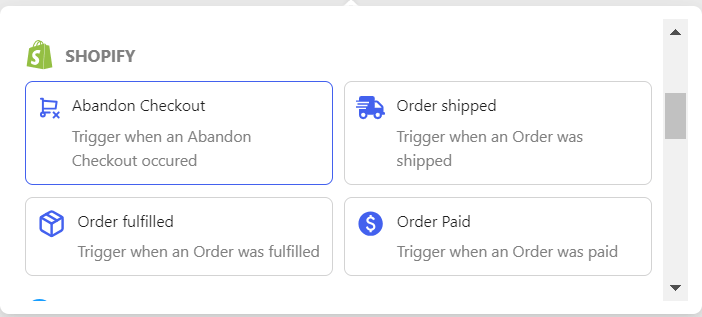
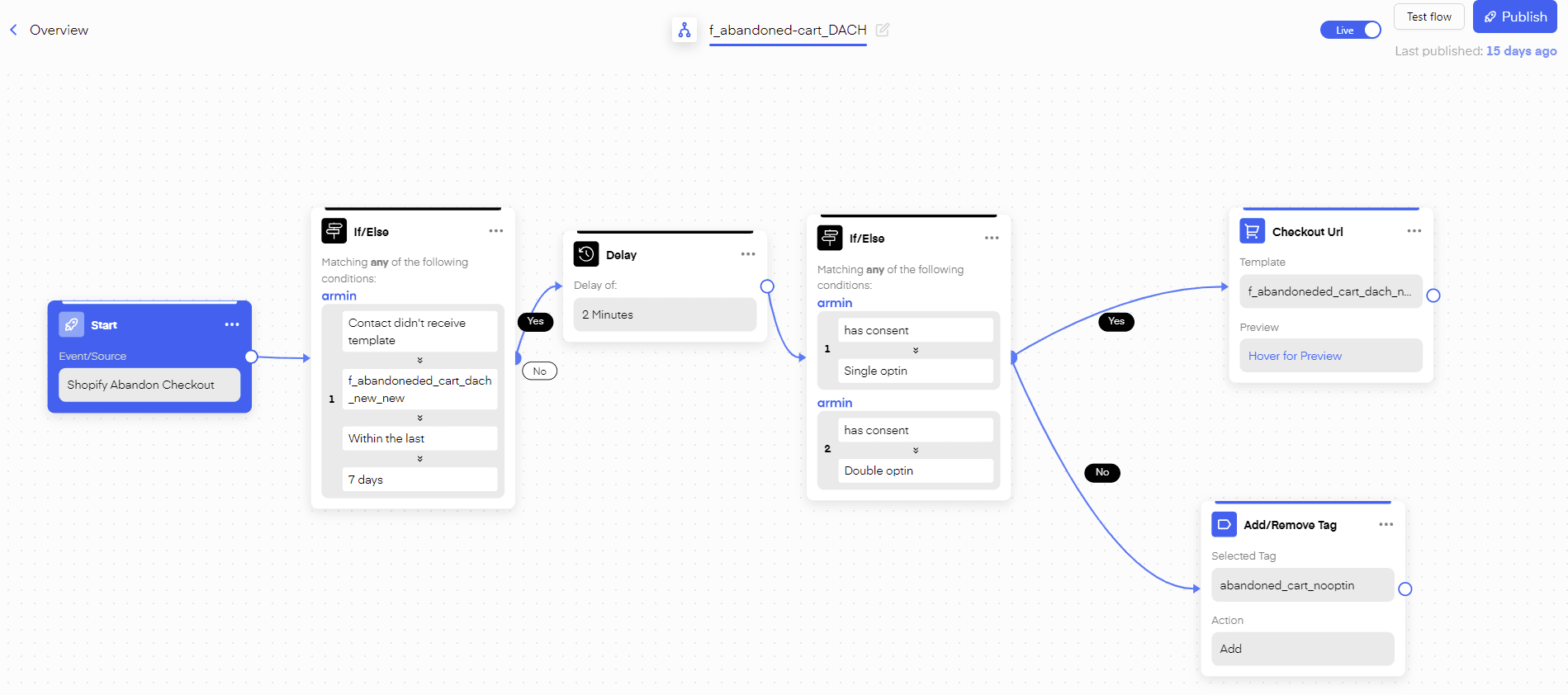
- abandon the checkout at the last step and check if it gets shown in shopify
- don’t forget, you are filtering with if/else for your E-Mail
- So just make sure you double-check all that, and
- make sure you have 10-15min time to test it 2-3x so it propperly works
Shopify Draft Order: Custom Checkout Links in Chat
Find out how to create and send unique checkout links in your Chatarmin chat feature, here:
Source: Chatarmin, Q3 2024
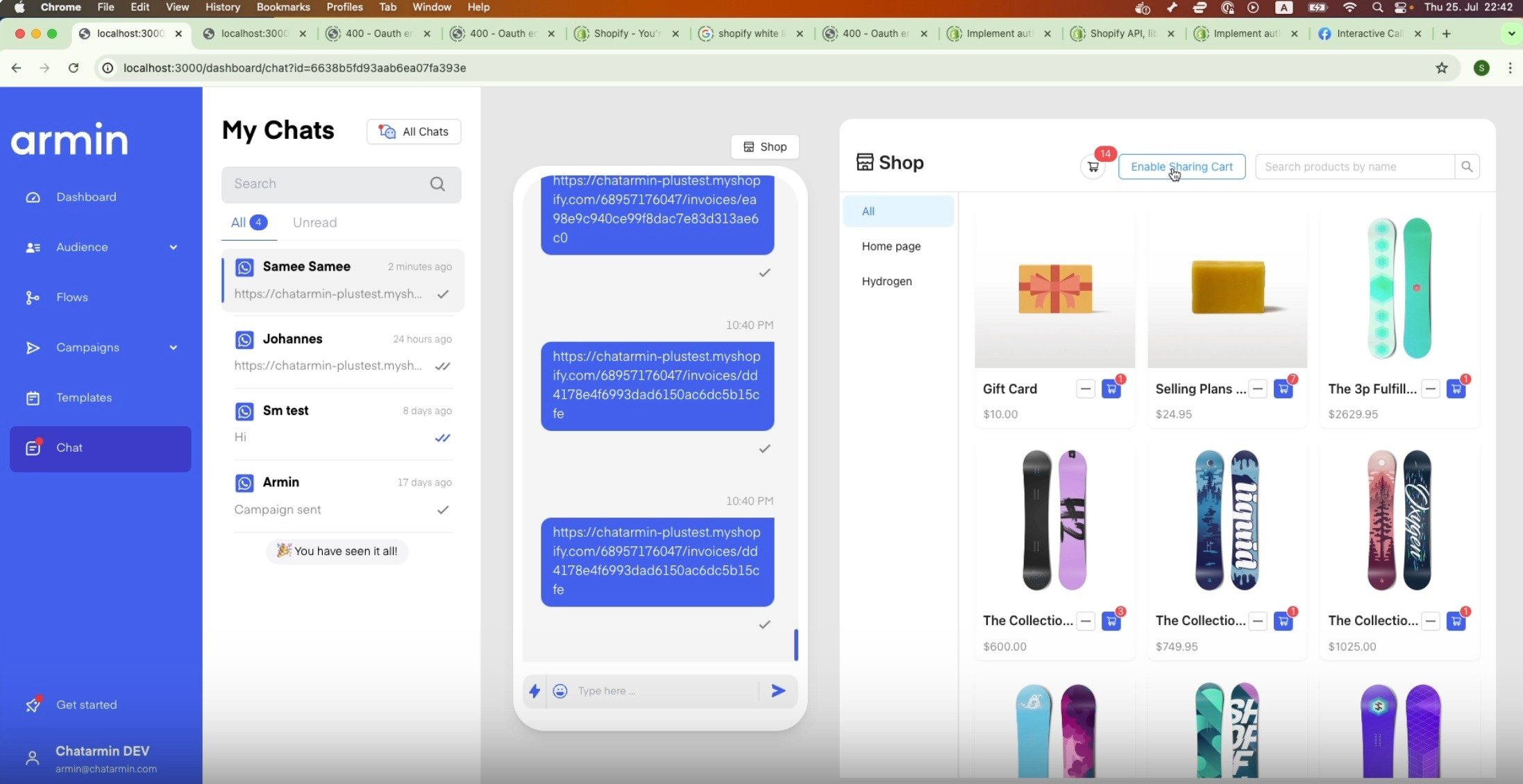
If you’re doing sales&support via WhatsApp through Chatarmin, you might find it useful to send your clients their dedicated unique checkout links, by collecting their favourite items. Improve your conversion rate and shorten sales cycle through the Chatarmin Shopify Draft Order feature, Create custom Shopify checkout links whilst chatting with your clients via WhatsApp!
Another demo of our in-chat shopping feature via Shopify:
*Source: Chatarmin, Q3 2024
* Make sure you enable the “Enable Sharing Card” Button right in the future, through which you will be automatically directed to the respective Shopify settings page, in order to grant Chatarmin the necessary permissions, for you to use the feature!