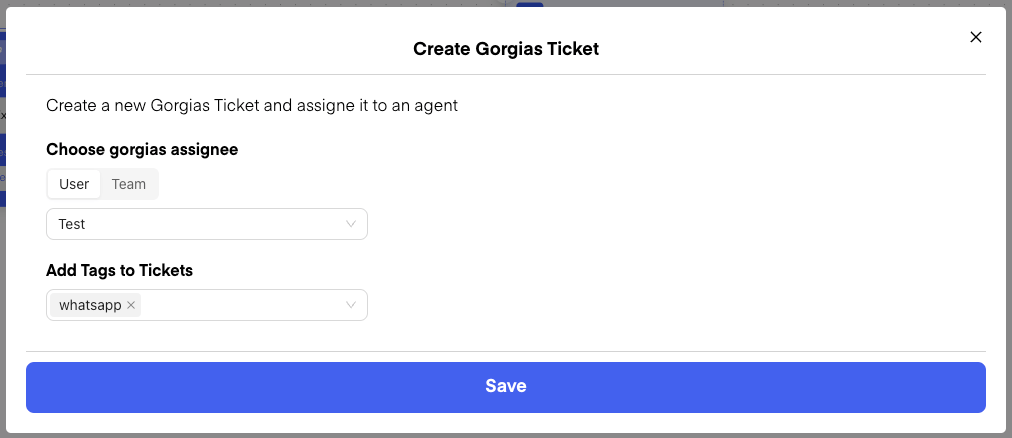
🧳 Creating Gorgias Tickets
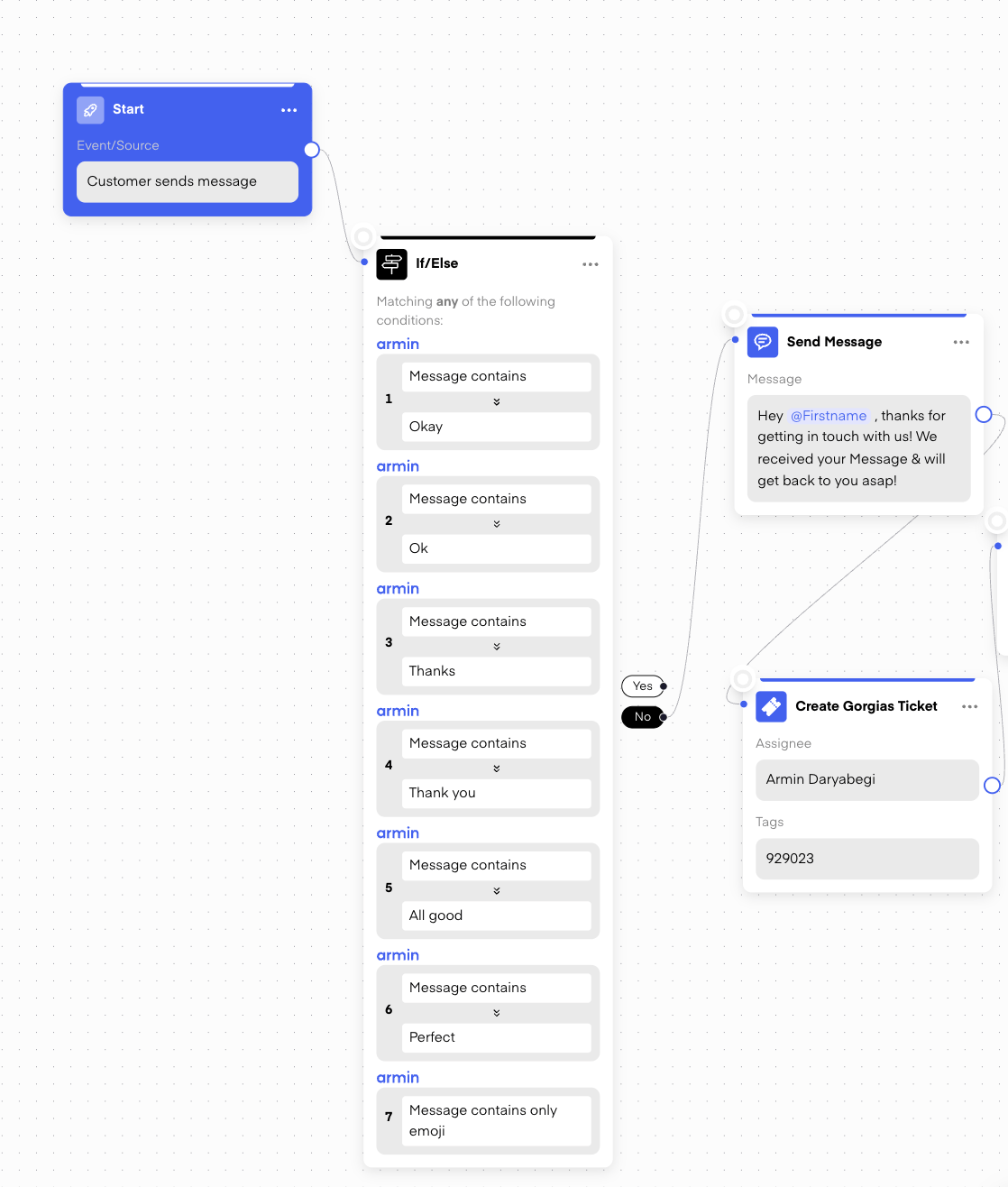
In Chatarmin, you can automatically create Gorgias tickets when customers send messages or certain buzzwords trigger the creation of a ticket. This ensures that support teams are promptly notified of any customer inquiries. However, it’s crucial to filter messages properly to avoid unnecessary ticket creation. You don’t want every single message (like “Thank you” or “Okay”) to create a ticket. By using If/Else conditions, you can exclude common responses like “Thank you,” emojis, or simple acknowledgments.
Example:
- If message contains: “Thank you” or “Okay” → No ticket creation.
- If message contains: “Where is my order?” or “I need help” → Create Gorgias Ticket.
⏳ Preventing Multiple Tickets for Multiple Messages
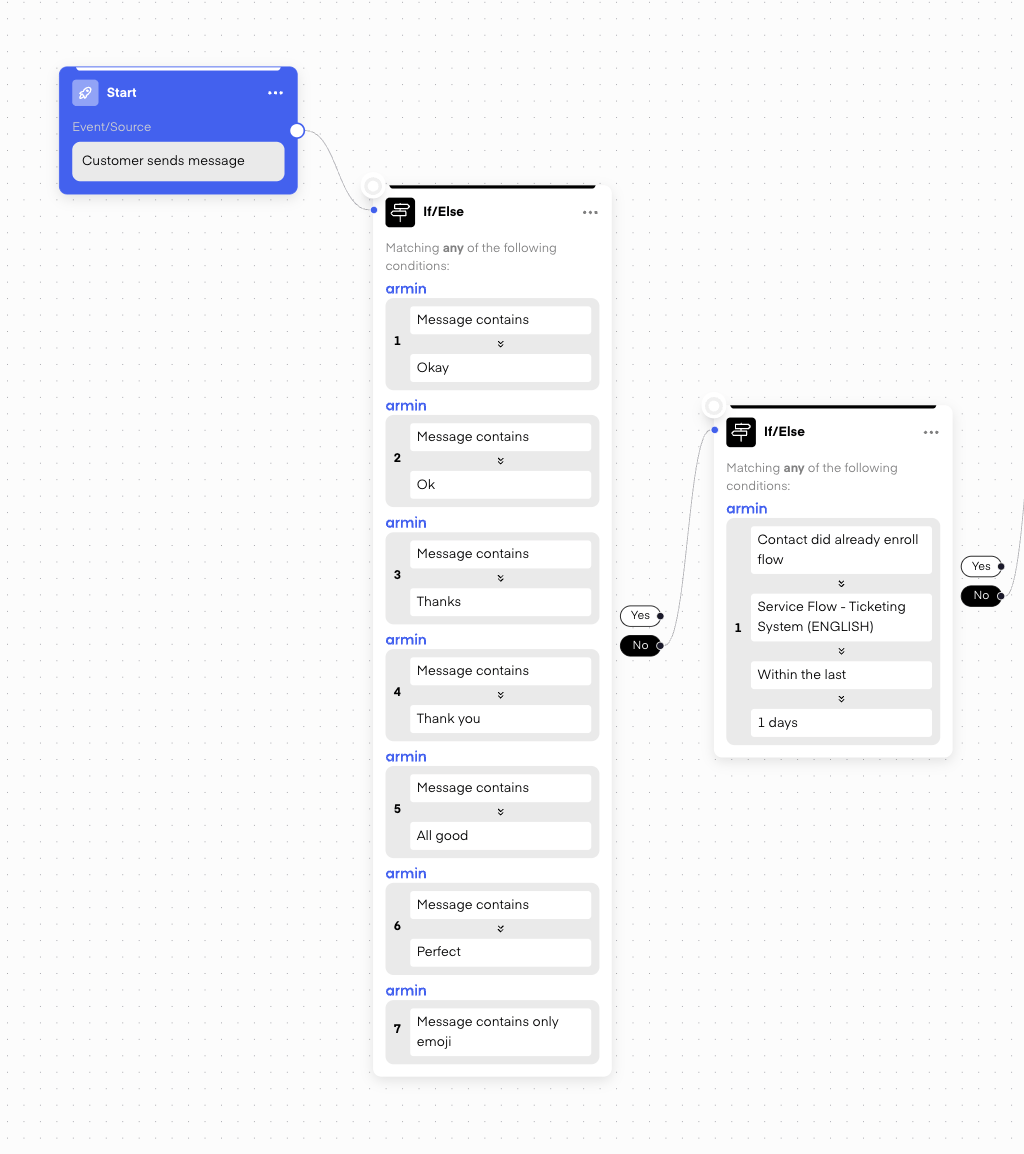
A common issue is that a customer might send several messages in a short span, which can result in multiple tickets being created for the same issue. Solution: You can set up a second filter to check if the customer has already completed the flow within the last day. If the flow has already been completed and a ticket was created, no new ticket will be made. This ensures that only one ticket is created per flow, even if the customer sends multiple messages.
🔄 Ticket Conditions
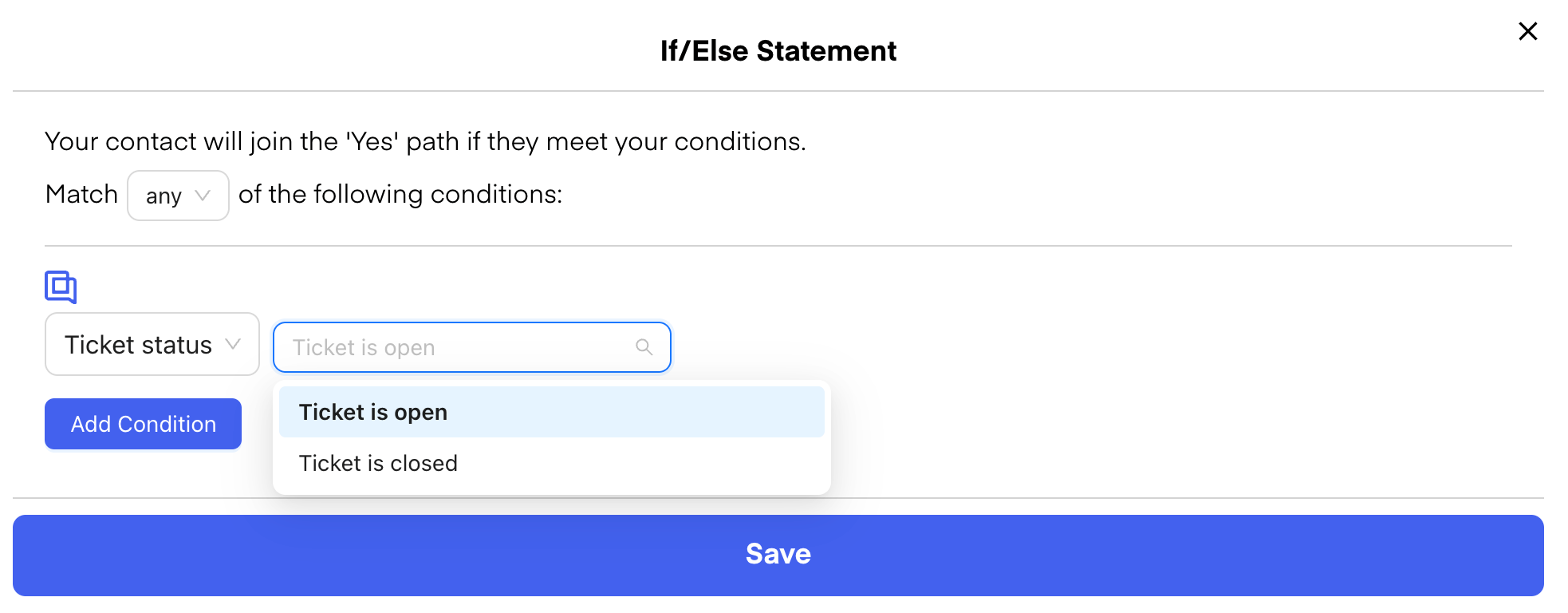
You can also set conditions to check whether a Gorgias ticket has already been closed or is still open.
Example Workflow:
- If the ticket is closed, send a message like:
“Your request has been closed. If you need further assistance, feel free to reach out.” - If the ticket is open, send a message like:
“Our team is taking care of your request and will get back to you as soon as possible.”