Why integrate Freshdesk? 🤔
By connecting Freshdesk with Chatarmin, your support team can continue using Freshdesk to manage customer requests via WhatsApp without switching tools. Meanwhile, your marketing team can leverage Chatarmin to generate and nurture leads. This ensures customers communicate via one WhatsApp account, allowing you to convert support leads into marketing contacts efficiently.
🔧 Freshdesk Connection
Create API Key
- Navigate to the Freshdesk connection page in Chatarmin.
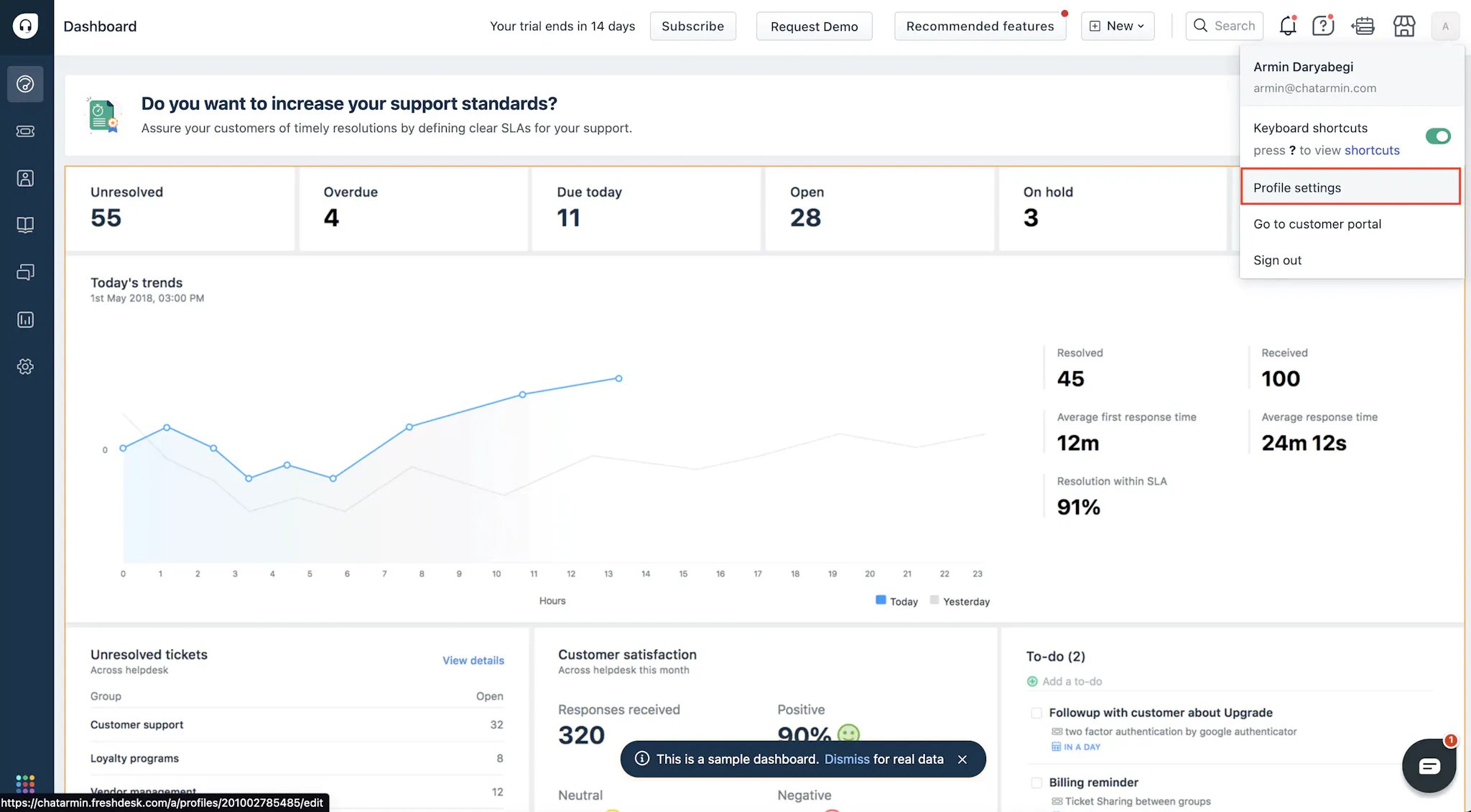
- Log in to Freshdesk, click your profile (top right) → Profile Settings.
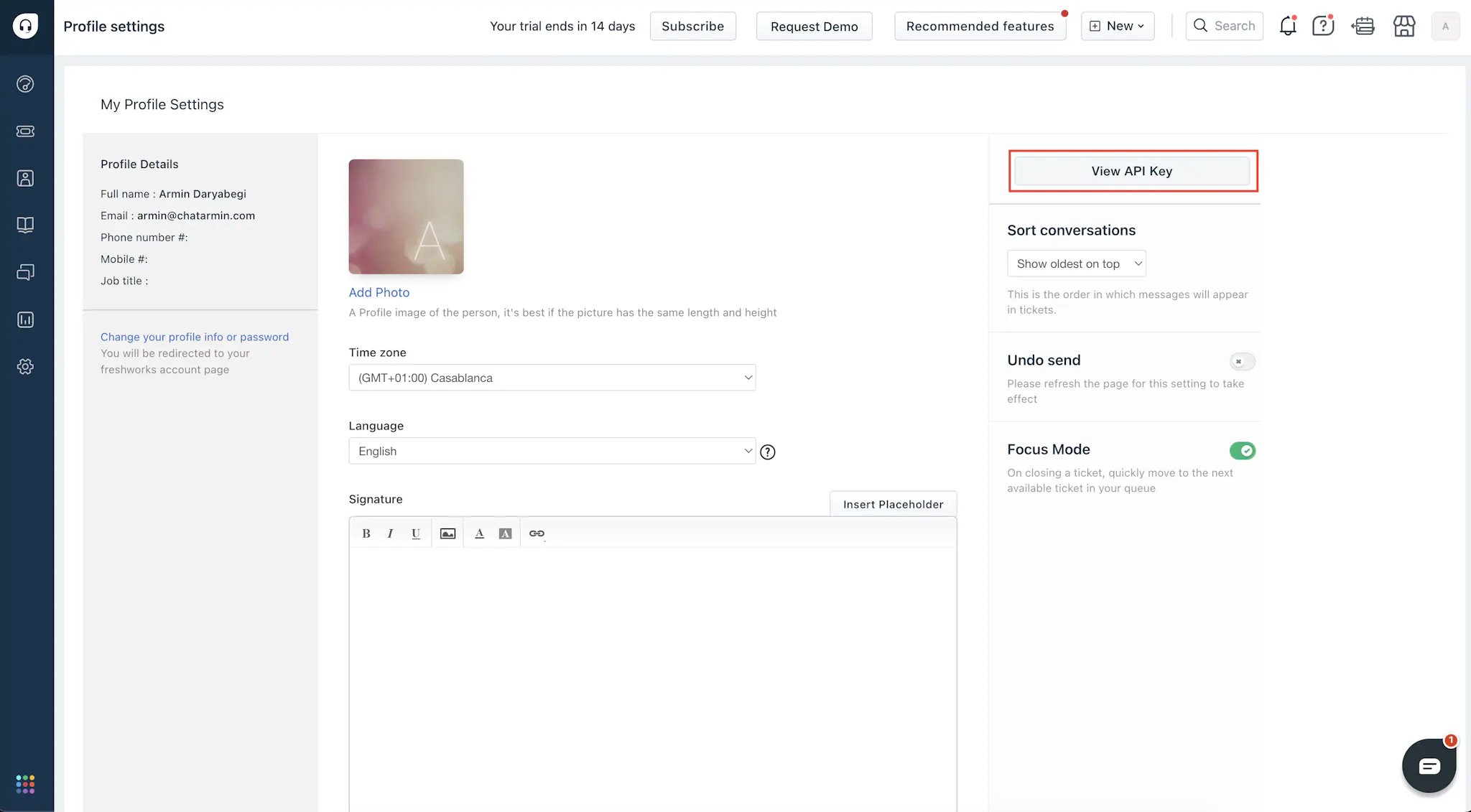
- Select View API Key, copy it along with your Freshdesk domain.
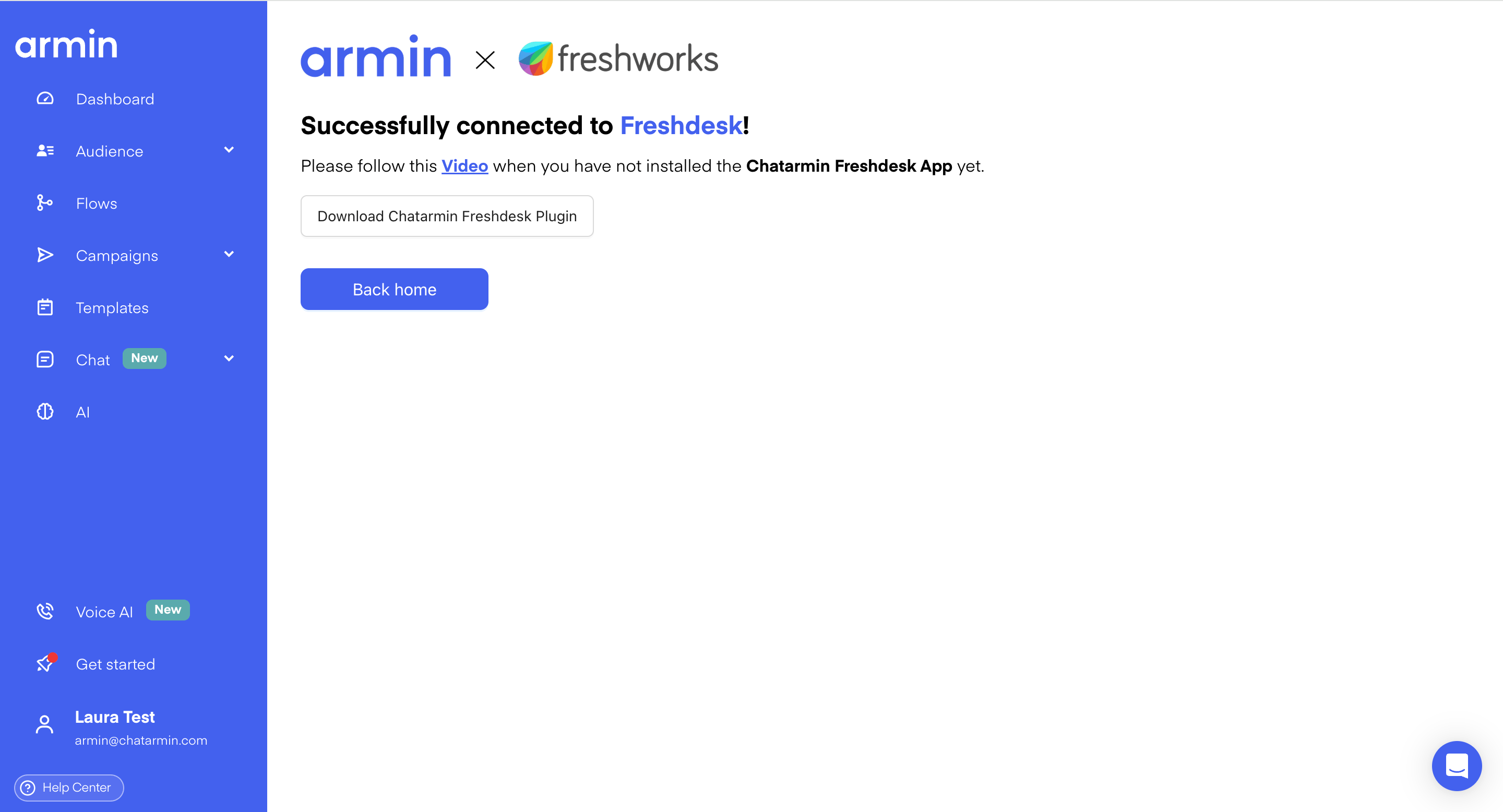
- Paste both into Chatarmin and click Connect.
- Download the app file from the Success Page.
Install the Chatarmin App in Freshdesk
Navigate to Admin → Apps → Manage Apps → Custom Apps → Developer Portal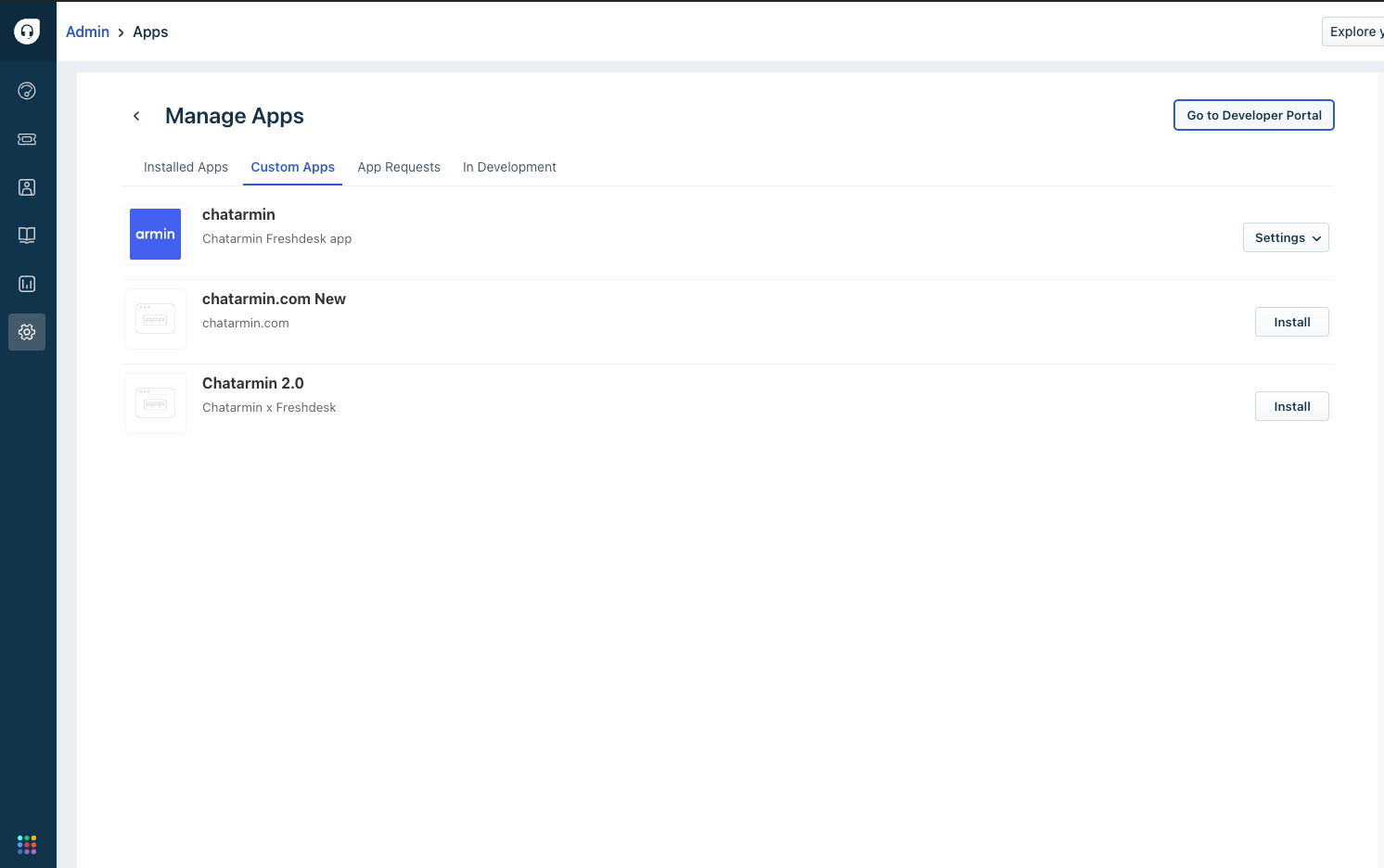
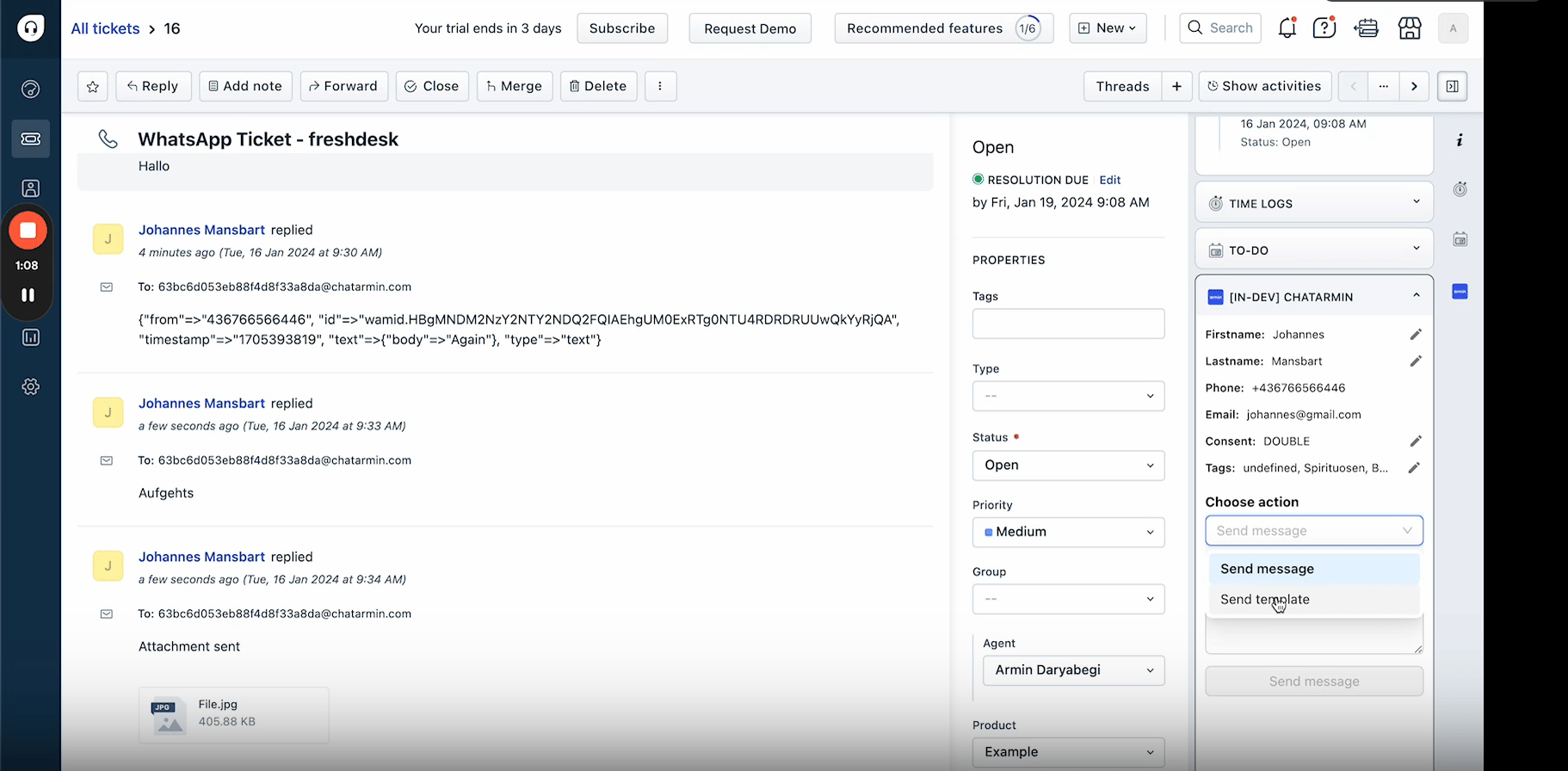
Then, select Custom Apps and upload the previously downloaded Chatarmin. 🎥 Prefer a video guide?
📩 Creating a Freshdesk Ticket
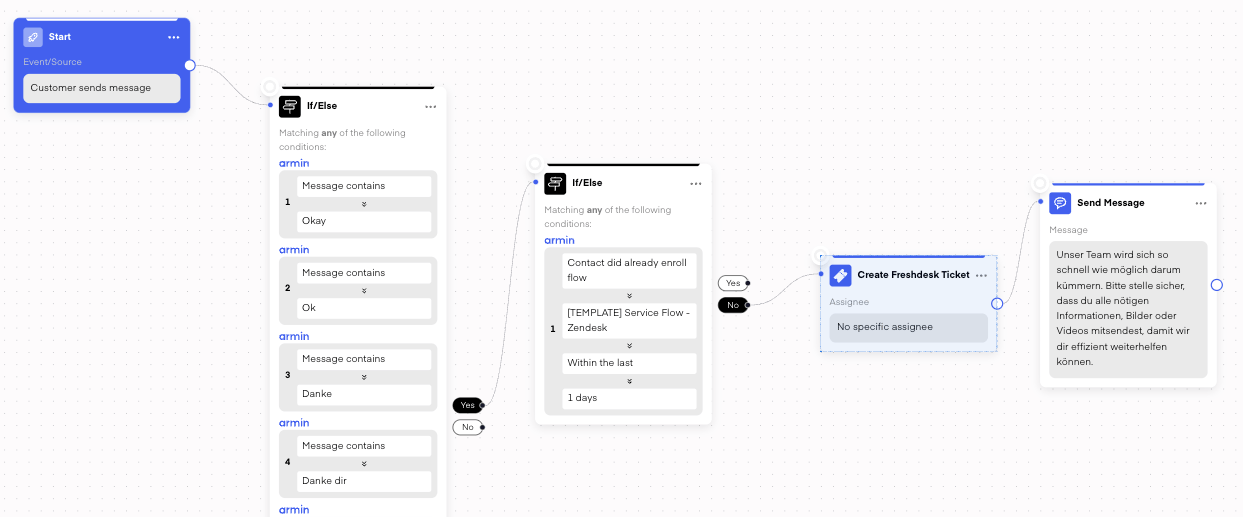
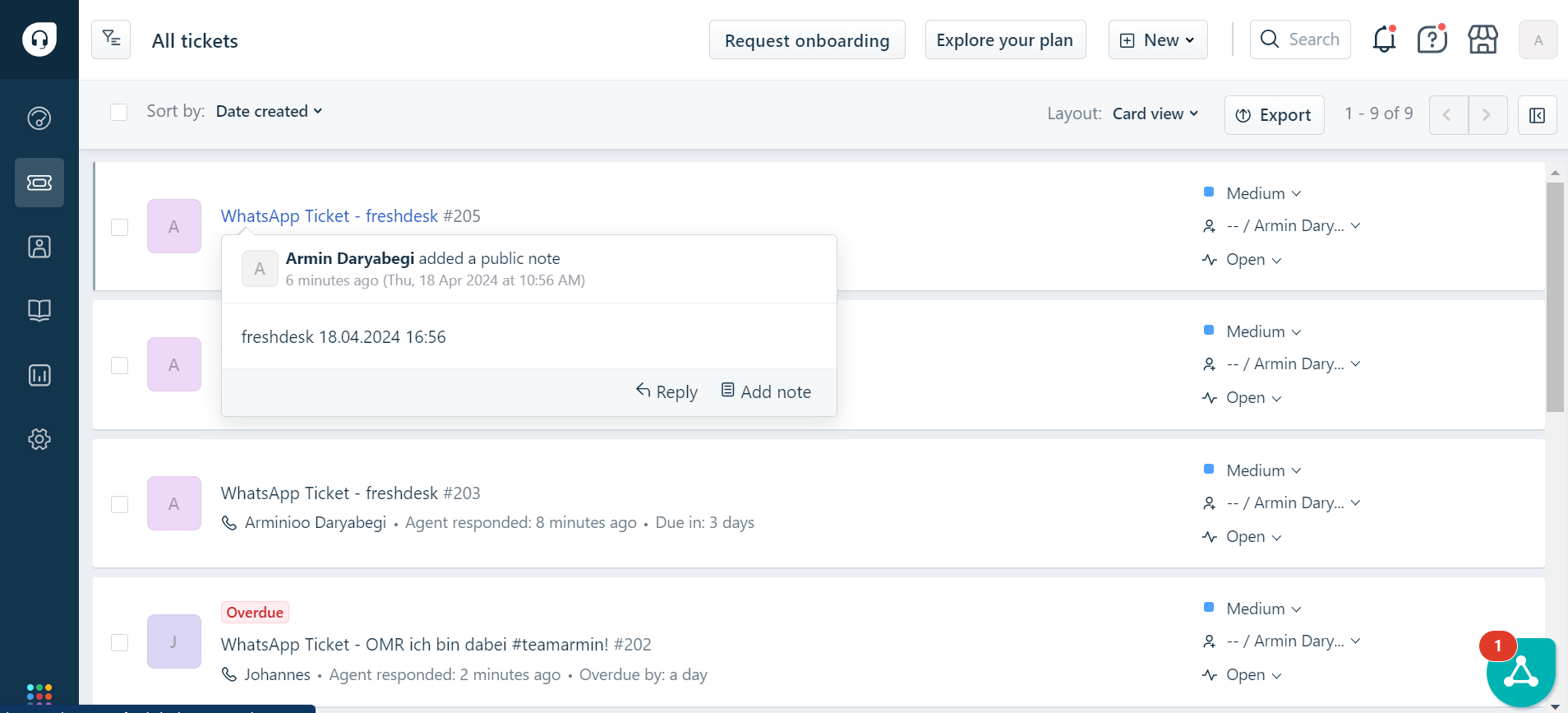
Incoming WhatsApp messages can automatically create Freshdesk tickets. Use filters to exclude irrelevant messages like emojis or simple replies.