
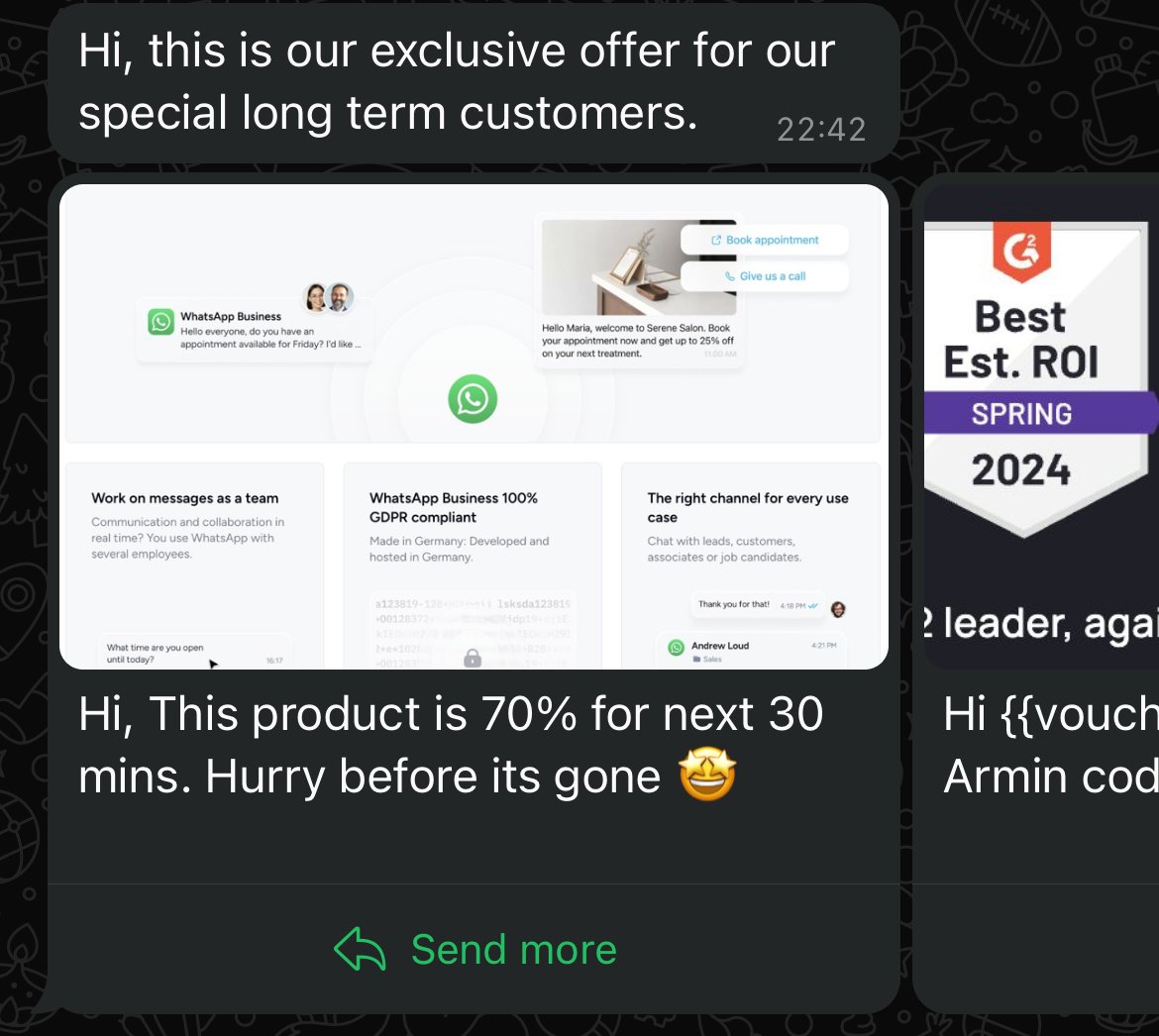
Creating the Template
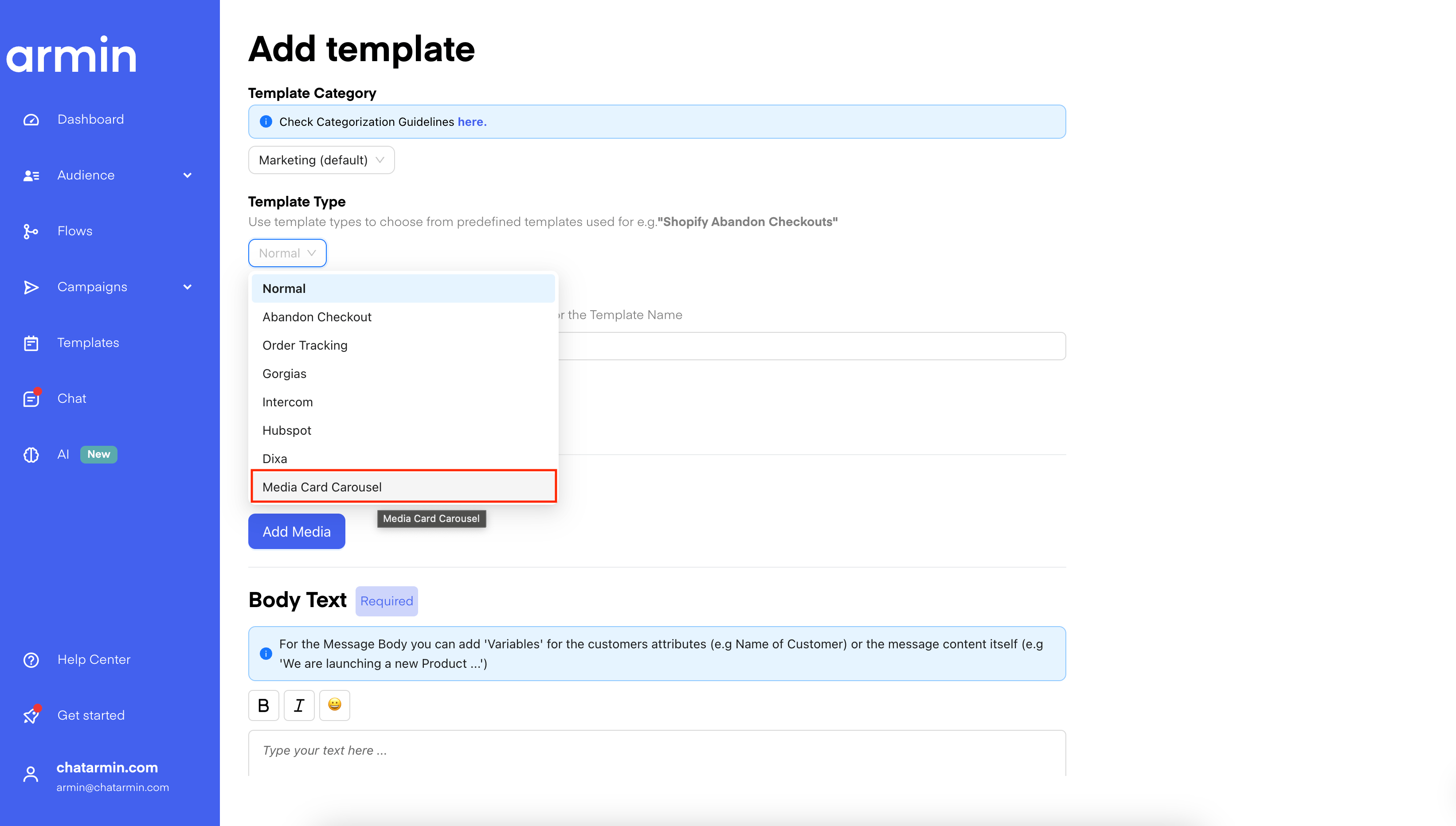
First of all, you will need to choose the “Media Card Carousel” as the Template Type.
Carousel Template Q&A
Q: I’ve tried to set up a new campaign with a carousel. When scheduling the campaign, I added the images and links for each of the products, but unfortunately the link that is displayed when testing the campaign is the one inserted in the template itself, and it remains the same for each product displayed. Do you have a solution for this? A: This seems to be only a UI issue. When you test the carousel to yourself, you will see that there will be the different links set.So when you click on “Schedule now” -> It will open a popup where you can select your contact for testing.