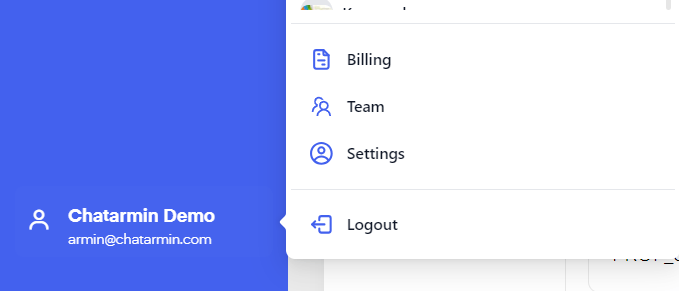
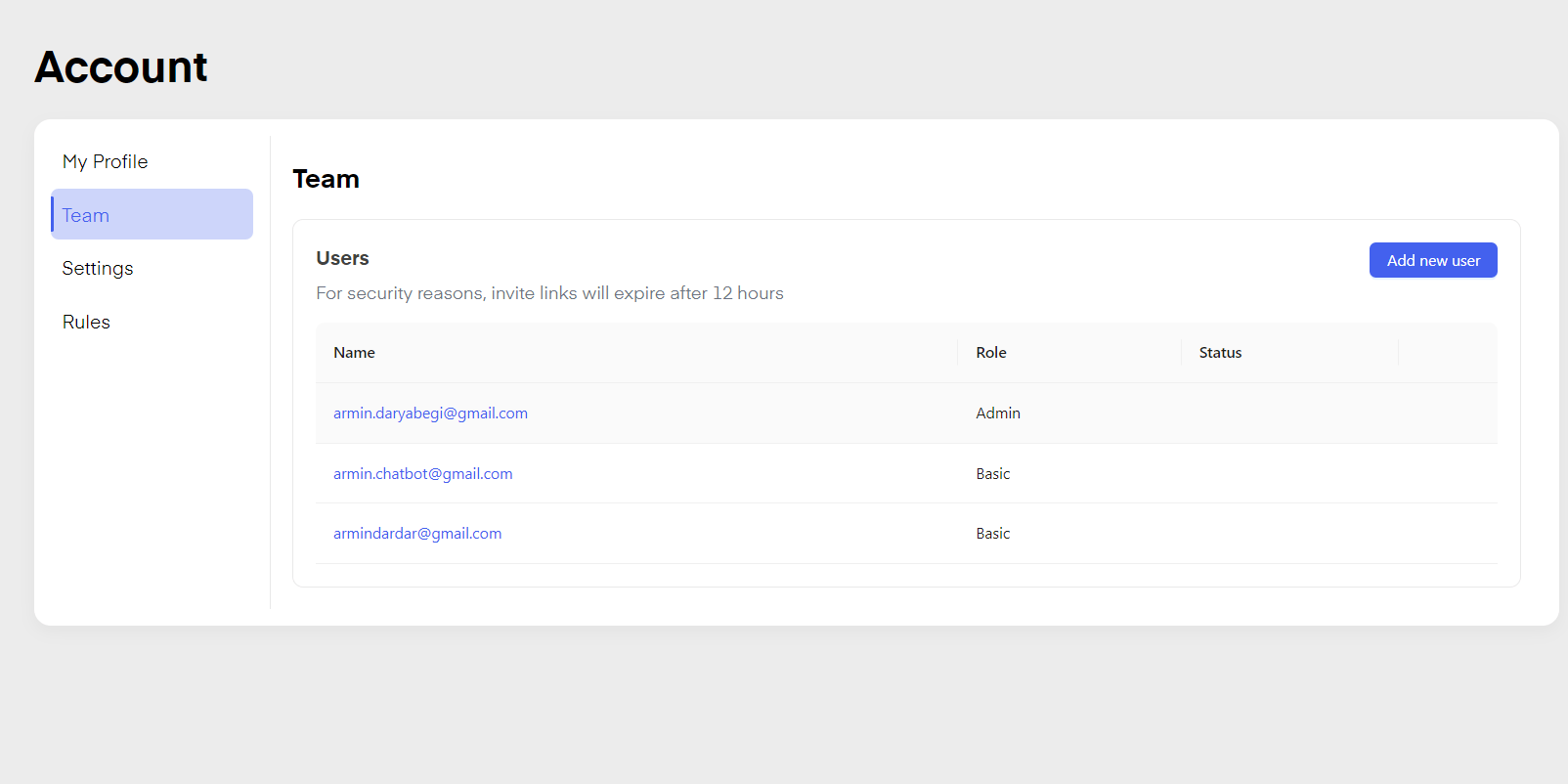
By clicking on the bottom left on your “Account Name” the following window will open:Click on “Team” to add or remove users to or from your team. The user is added via Mail-Invitation and receives a valid link for 12 hours until it expires, if the user does not accept the invitation the admin has to remove the user and resend the invite.
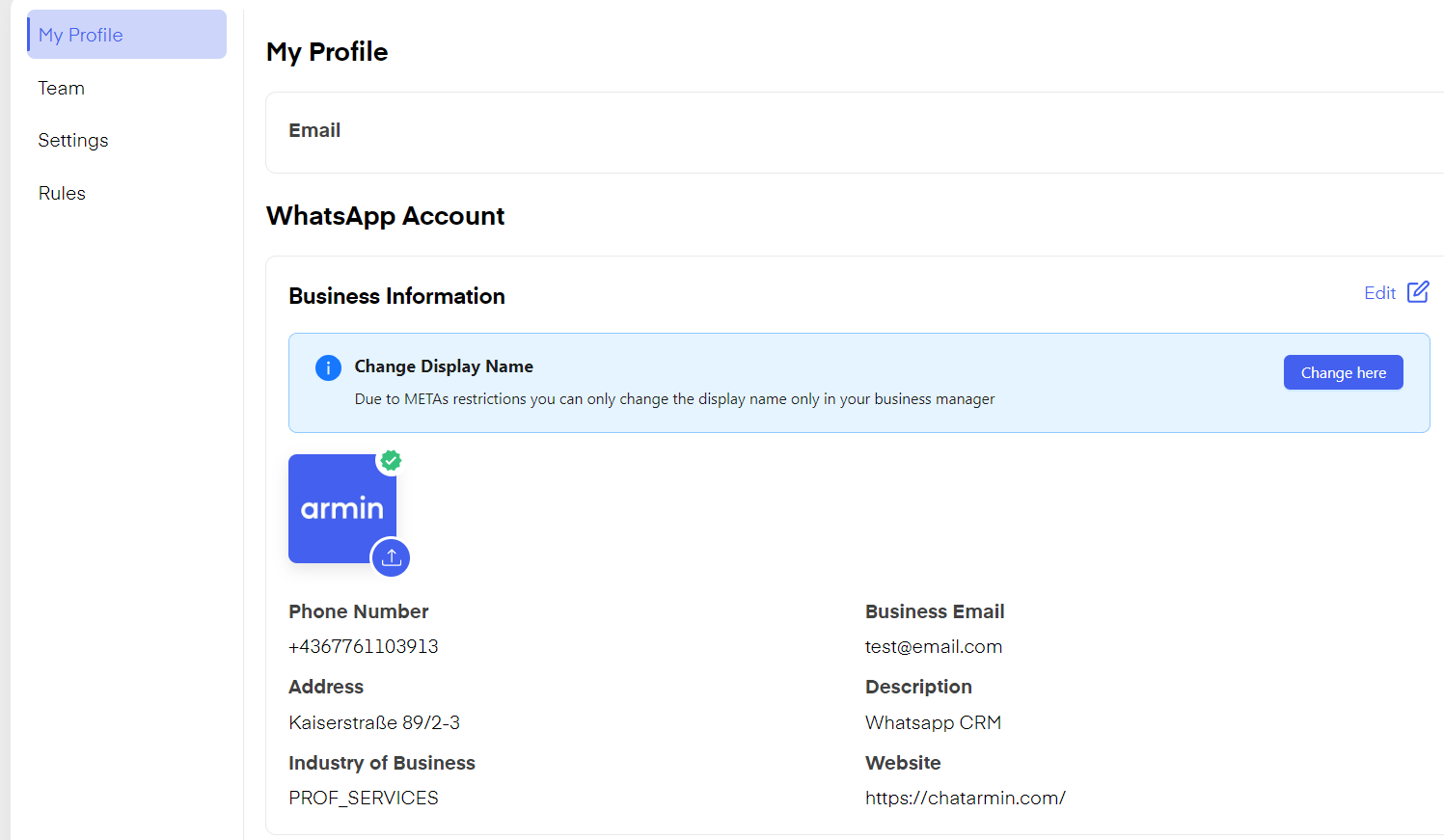
You can click “My Profile” to set your WhatsApp picture edit your company info and description, and edit your status displayed on WhatsApp by clicking “Edit”.
The “Team Feature” in the CRM enables admins to define and manage their team by assigning roles with specific responsibilities:Support for handling customer interactions, Basic for limited access and tasks, and Admin for full control over settings and team management. Streamline operations by organizing roles effectively.
You can add users as “Admin” “Basic” or “Support”.“Admin” has all rights, and can remove and add users. “Basic” can create and edit Flows, create and edit templates, send campaigns, send messages via the chat, create segments and tags, and edit your audience. “Support” only has access to chats and audience.
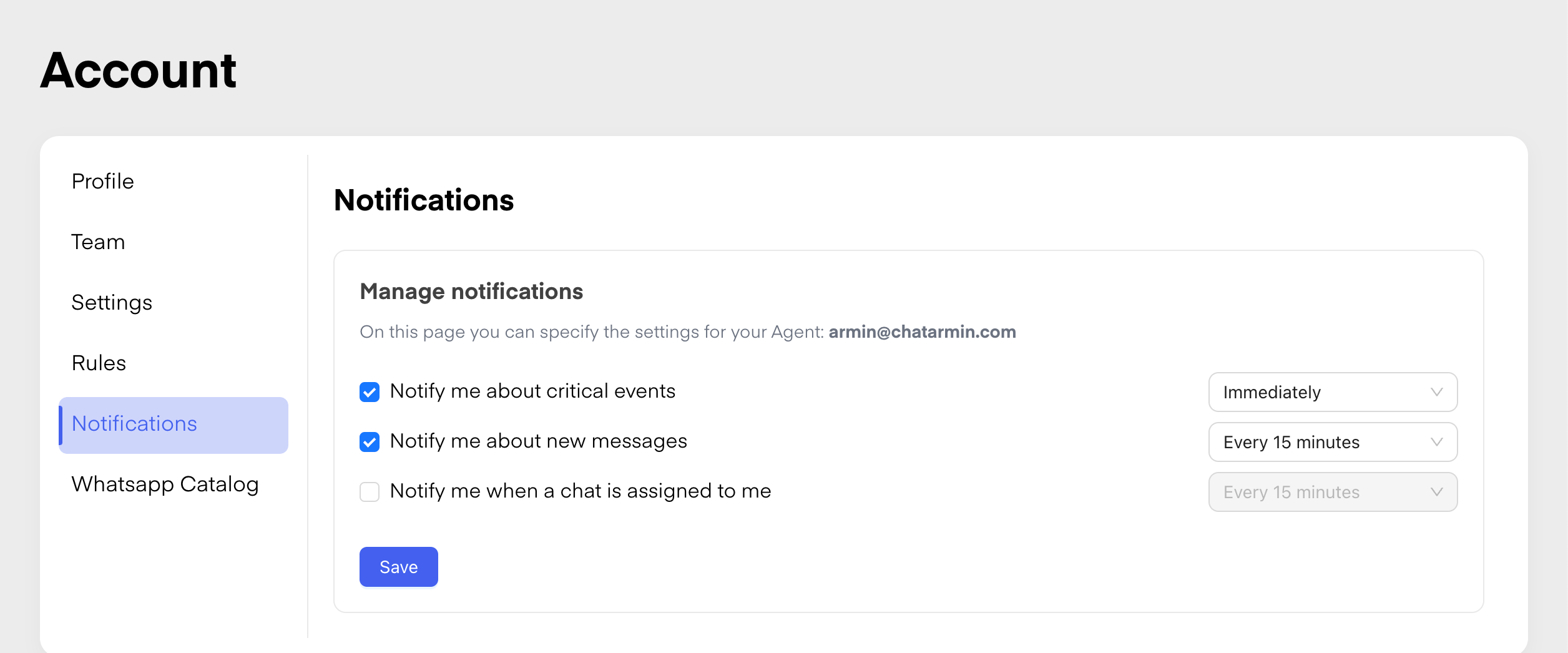
The “Notification Feature” in Chatarmin allows admins to define when support agents are notified about new chat assignments.Admins can customize triggers, such as instant alerts, delays, or specific conditions (e.g., chat priority), ensuring timely responses and improved team efficiency. Notifications can be sent via email.Set intervals and define notification criteria at ease.
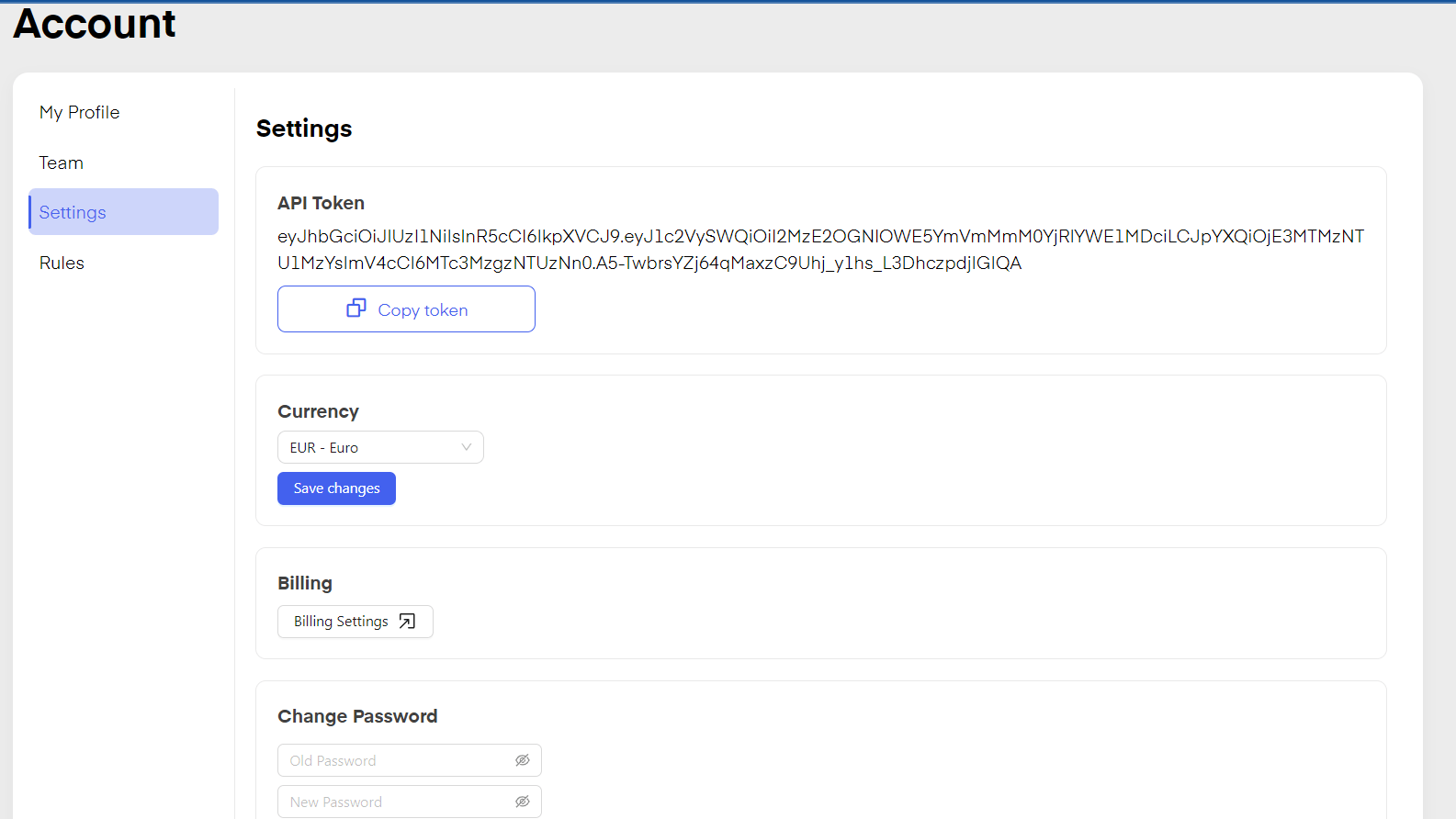
By clicking on “Settings” you can see your API Token, change the currency displayed in your Chatarmin Account, see your “Billing Settings” and change your Password.
Your API token authenticates the Public API, MCP connections, and other integrations you run outside the dashboard.
Open Profile → Settings to Create API token, Copy token, or Regenerate token.
Chatarmin shows an expiration date under the token when one applies. Dates within 30 days are highlighted so you can plan an update.
Regenerate token replaces the current token immediately. Confirm the dialog, copy the new token, and update every integration, script, or MCP client that used the old value.
If you see a dashboard banner about a security update to the API token, use Get new token (or Regenerate token in Settings) and swap the token everywhere before the deadline shown in the banner. After that date, requests that still use the old token are rejected.
Regenerating or replacing your API token stops the previous token from working right away. Update external systems before you regenerate if you need zero downtime.
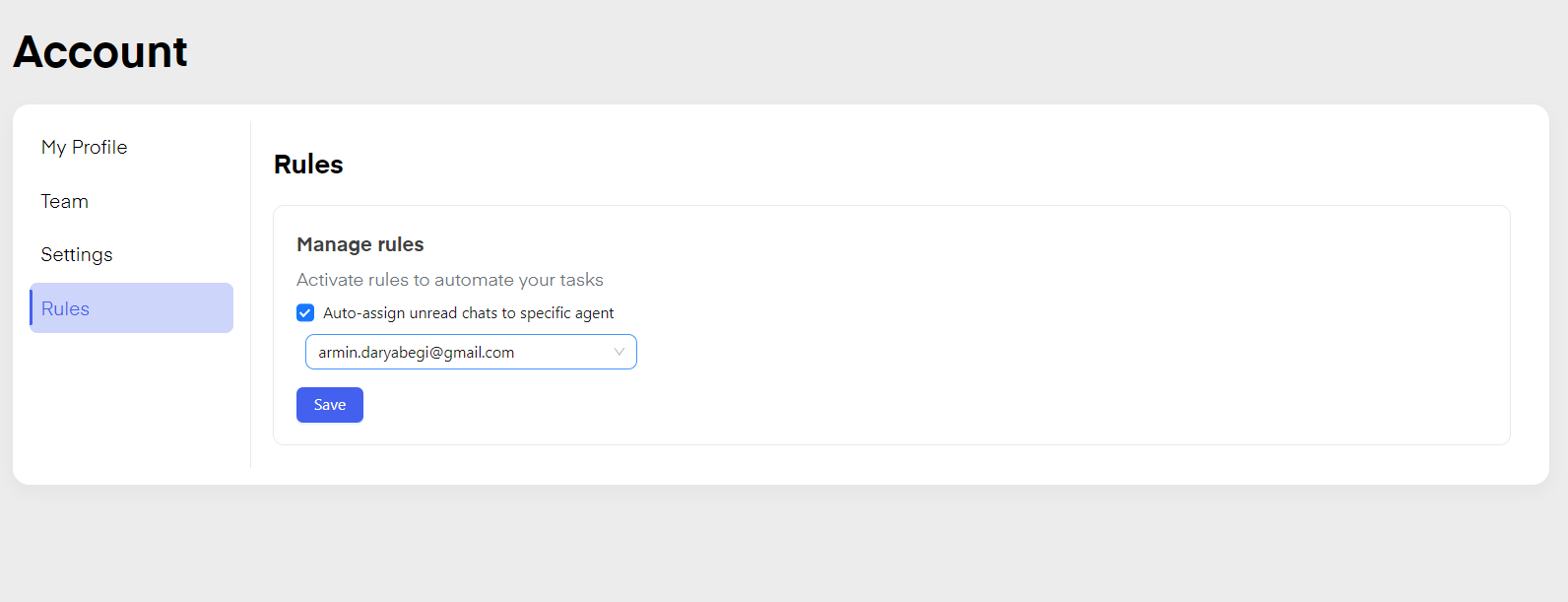
By clicking “Rules” you can “auto-assign” incoming conversations to a specific Agent/Team Member.