
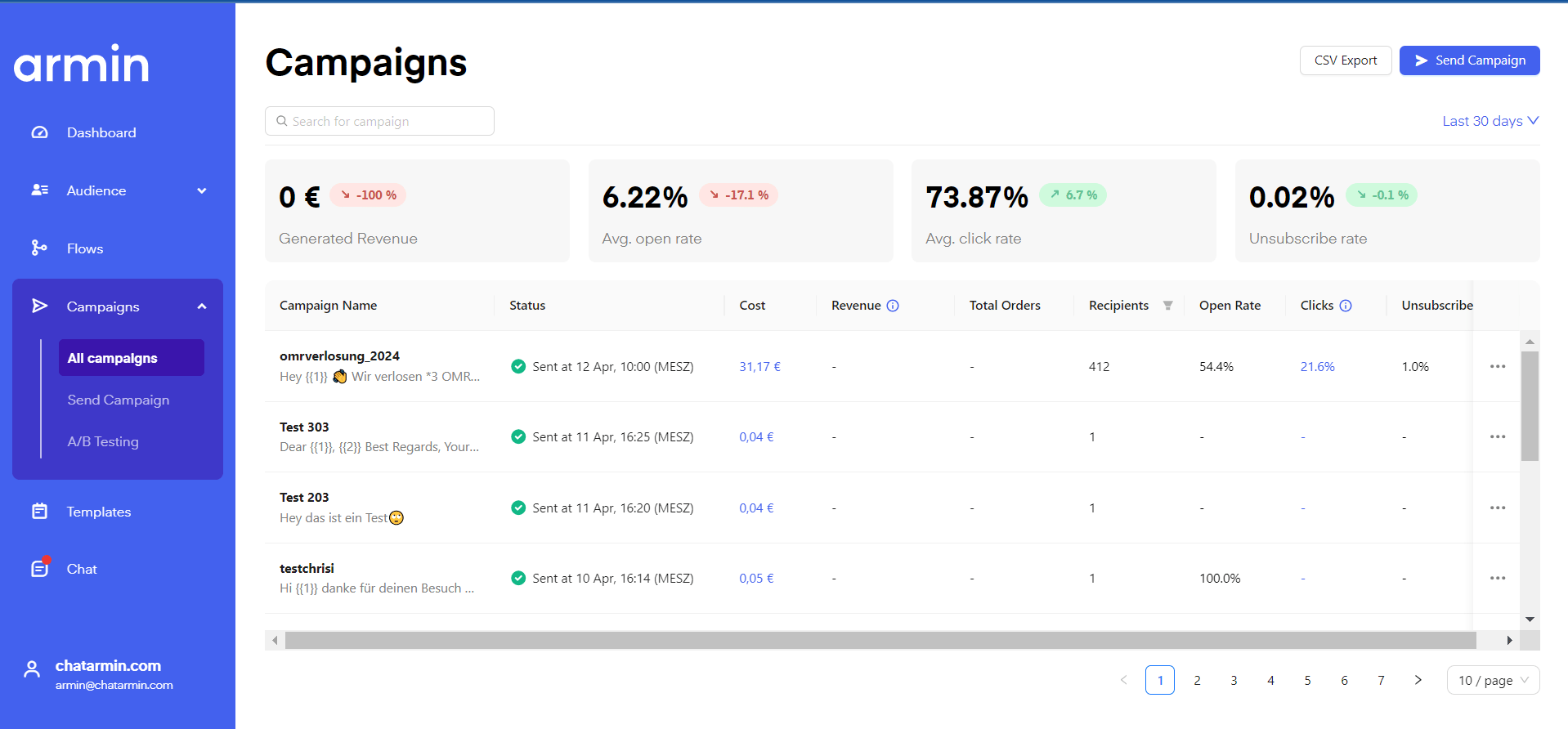

Alternatively here is a video breaking down the “Campaigns” feature:
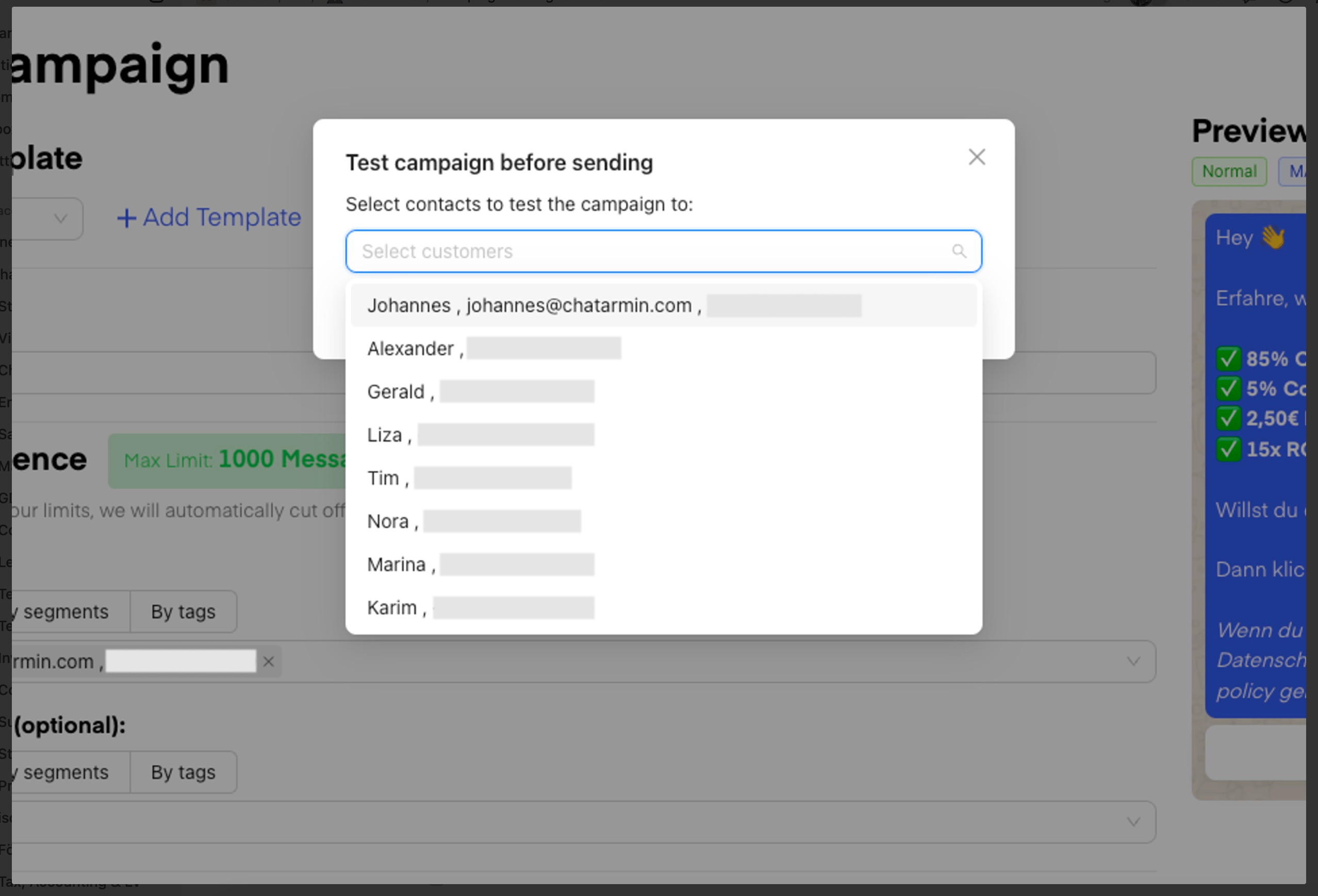
Test campaign send
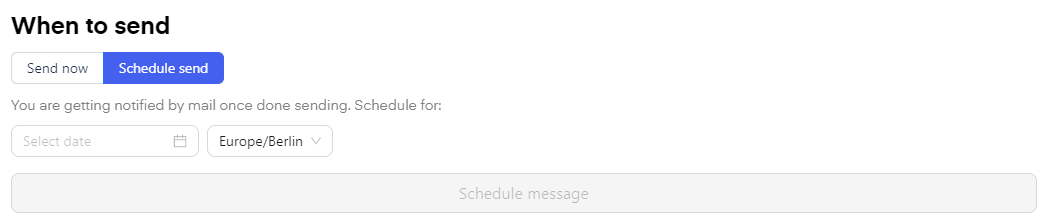
🚨Feel free to test your campaign before sendout. Simply choose the adressants and test your campaign, before blasting it out to your list 🤓
Send campaign
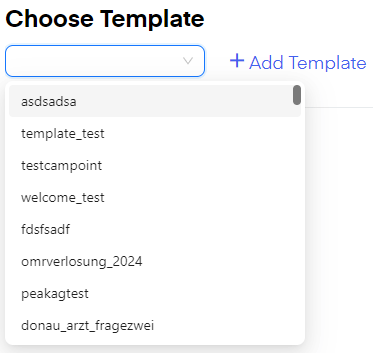
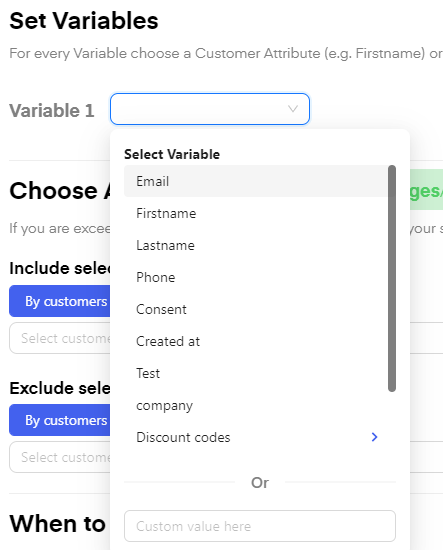
Here you can choose a “Template” you have previously created or create a new “Template”.
You can add different kinds of media to your template, like pictures/photos, videos, pdf. Please note that this type of content always needs to be approved by meta first.
You can find a meta guide for sizing and other parameters for videos (and other media) here.

Duplicate a Campaign
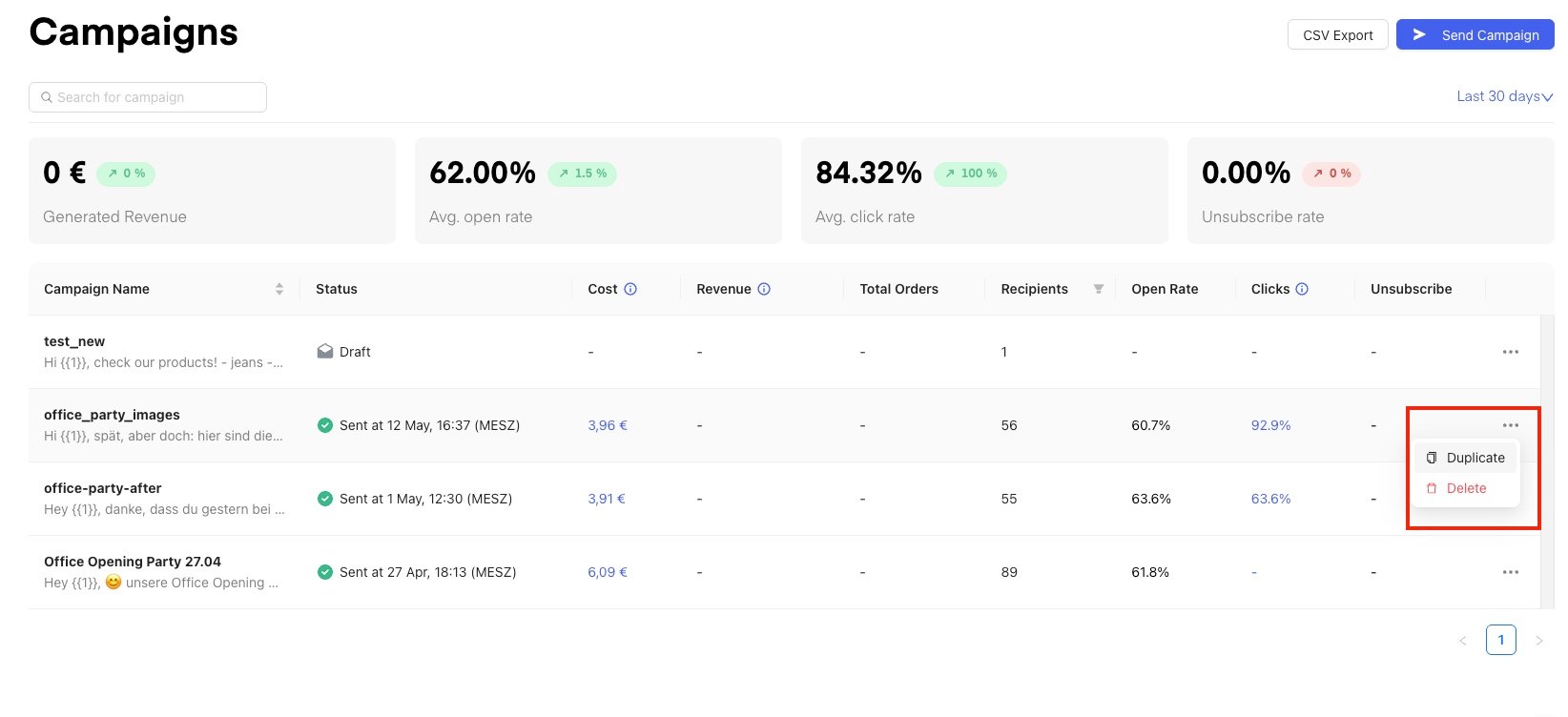
You can now duplicate any existing campaign directly from the campaign overview. This is useful when you want to re-use a campaign’s template, media assets, and audience settings without having to set everything up from scratch. How to duplicate a campaign:- Go to Campaigns in your dashboard.
- Find the campaign you want to duplicate and click the ”···” (three-dot menu) on the right side of the campaign row.
- Select “Duplicate” from the dropdown.
-
A “Duplicate Campaign” modal will appear. Here you can:
- Choose “Duplicate to the same account” to create a copy within your current account (selected by default)
- Choose “Duplicate to different account” to copy it into a different Chatarmin account you have access to
-
The duplicated campaign is pre-filled with the original campaign name +
_new(e.g.office_party_images_new). You can rename it as needed.
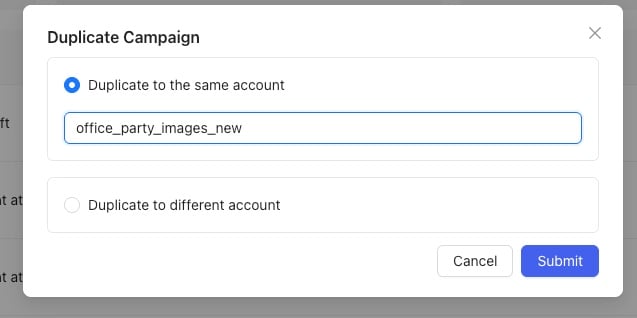
- Click “Submit” to confirm. The duplicated campaign will appear in your campaign list as a Draft, ready to edit and send.
💡 What gets duplicated? The duplicate includes the campaign’s template, media assets, and pre-set audience segments — so you can jump straight to reviewing and scheduling without rebuilding from scratch.
Campaign Send Limits Q&A
How many messages can be sent per minute?
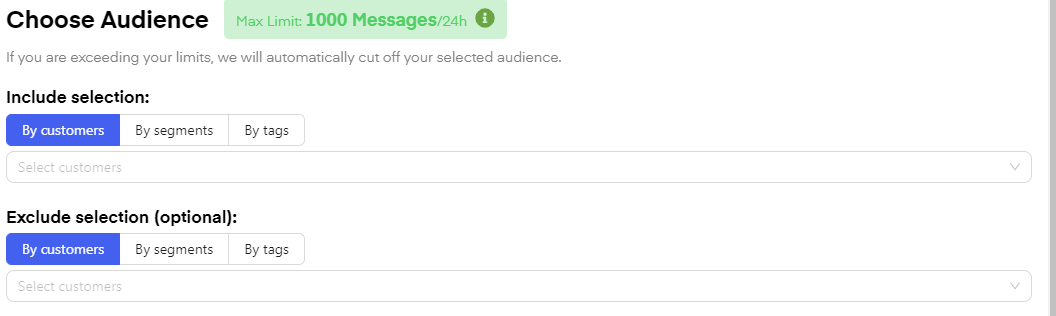
- Default 70/second -> On special request at META (this requires the Blue Tick + highest level of the messaging limit) also 300/second
- Update 032024: From 1 to 50,000 it takes about 25 minutes. We are currently optimizing to get it to 15 minutes.
- Exactly, until the campaign starts. But you can also pause it if it is already being sent
-
Basically, META does this directly, so they pause the campaign/template if there is negative feedback, that’s how it is with us too, yes.
Pausing Campaign
When a campaign is paused on META, the associated template may still remain active or get automatically reactivated after 2-3 hours. This is a normal META behavior. To resolve the issue and continue sending messages, you can duplicate the template, create a new segment with recipients from the first campaign, and launch a new campaign while excluding those who already received messages. Additionally, if a campaign is only partially sent (e.g., 16K out of 41K leads), you may need to split the remaining recipients into separate waves and schedule additional sends accordingly.