
Introduction
A/B testing is one of the most effective ways to improve your campaign performance over time. Instead of guessing what works best, you can test different variations and make decisions based on real data. It helps you understand what resonates with your audience — whether that’s shorter vs. longer text, images vs. videos, or different messaging approaches — and ultimately allows you to increase conversions and engagement.What You Can Test
With A/B testing, you can compare different elements of your campaigns, such as:- Short vs. long text
- Different wording or tone
- Images vs. videos
- Media cards or carousels
- Call-to-actions
- Personalization variables
Important: Template Approval
Before creating any campaign, you must first create your WhatsApp templates and get them approved by Meta. Without approved templates, campaigns cannot be sent.How to Set Up an A/B Test
- Go to Campaigns → A/B Testing
- Select the templates you want to test
- Configure your variations:
- Add variables
- Choose images, videos, or media cards
- Set up carousel content if needed
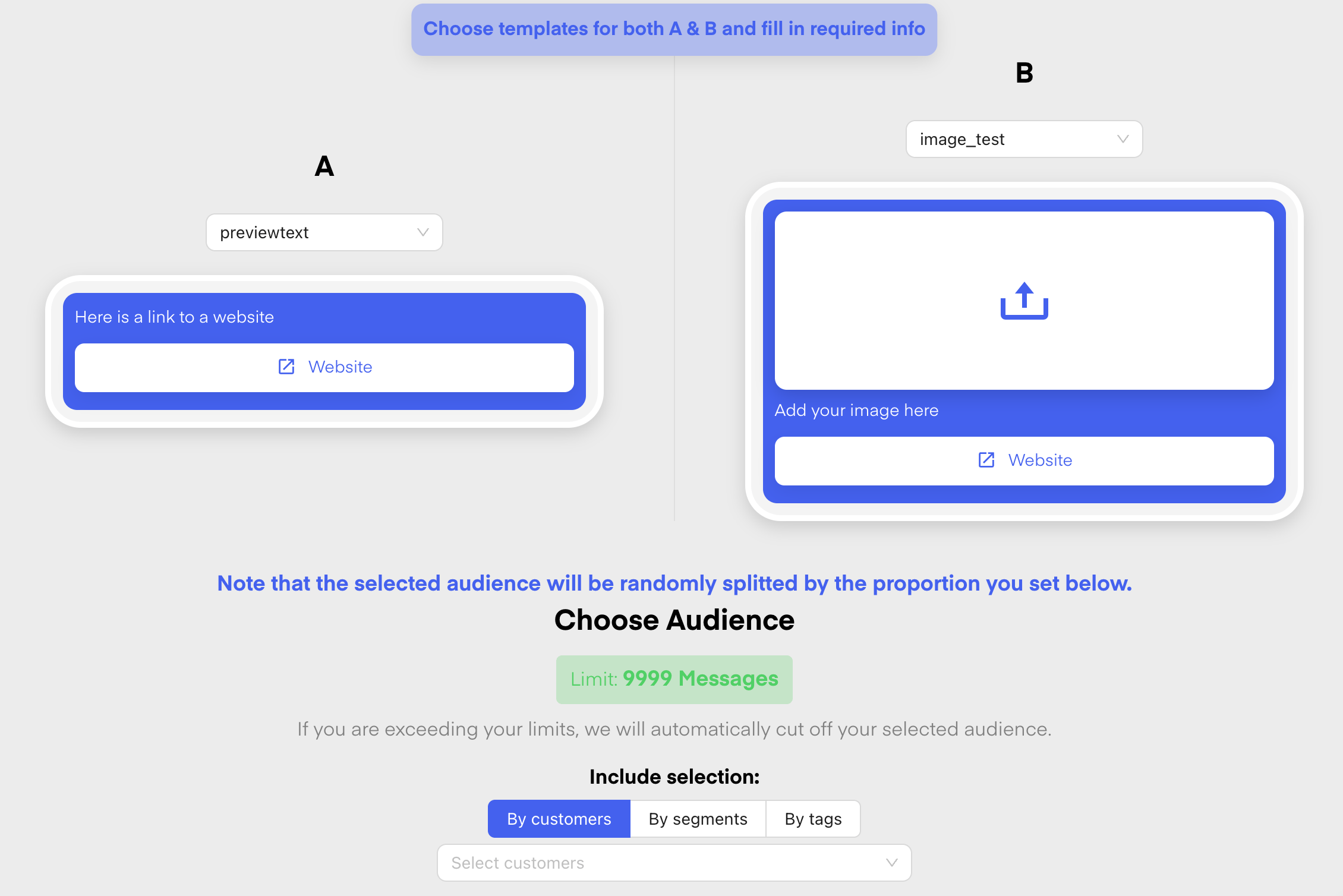
- Define the split between your variants:
- Example: 50/50 for equal testing
- Or 70/30 if you want to favor one version
- Choose your audience:
- Define inclusion and exclusion segments
- Schedule your campaign:
- Send immediately or schedule for later
Best Practice
Before sending your campaign live, always test it internally from the send confirmation step:- Choose Test both variants when prompted
- Pick one or more test contacts; variant A is sent first, then variant B
- Confirm you received both test messages and checked formatting, variables, and media