
Step-by-Step Guide
- Go to the Inbox page Open your Inbox in HubSpot.
-
Create a new view
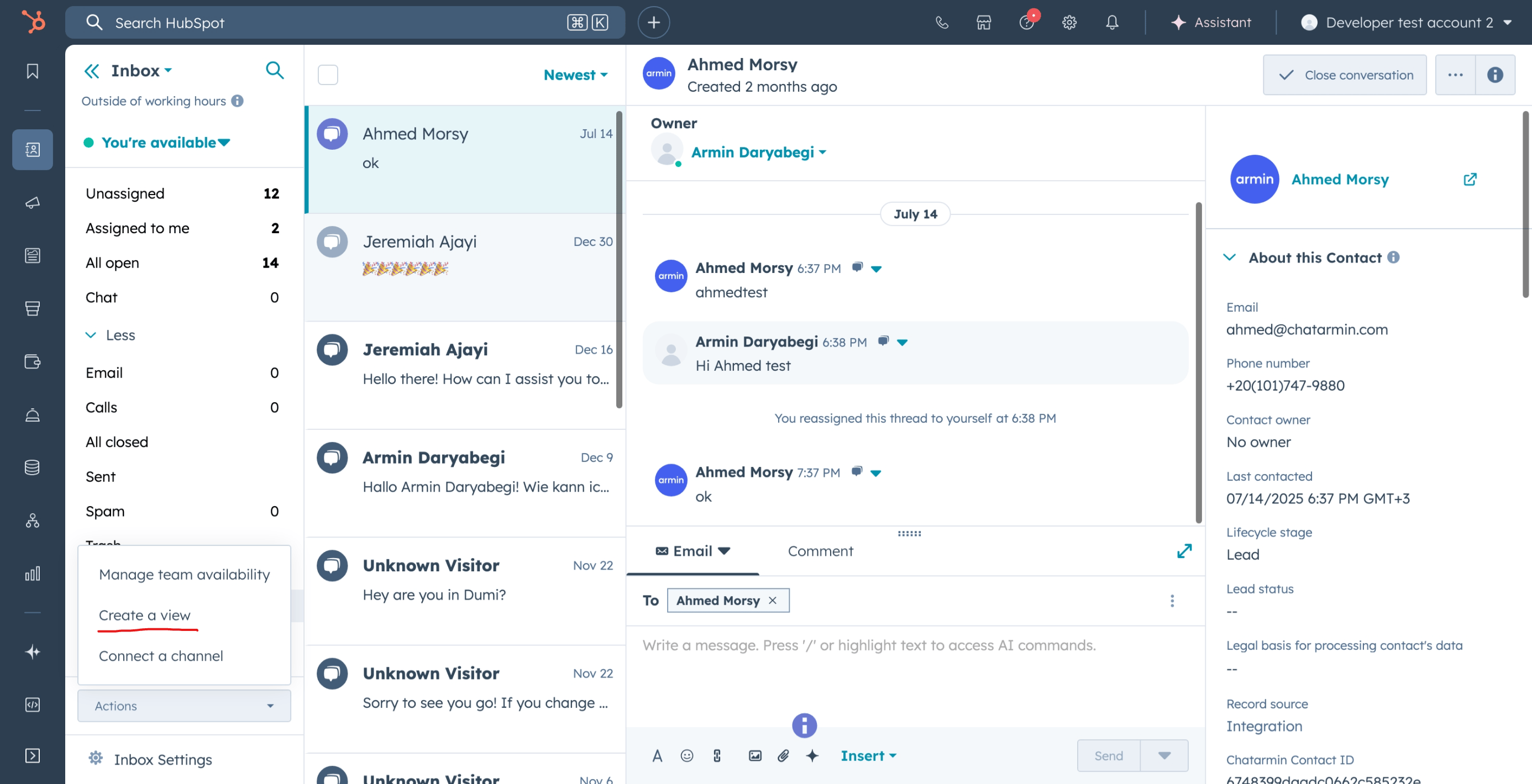
- Click on Actions in the top-right corner.
- Select Create a view.
-
Name the view
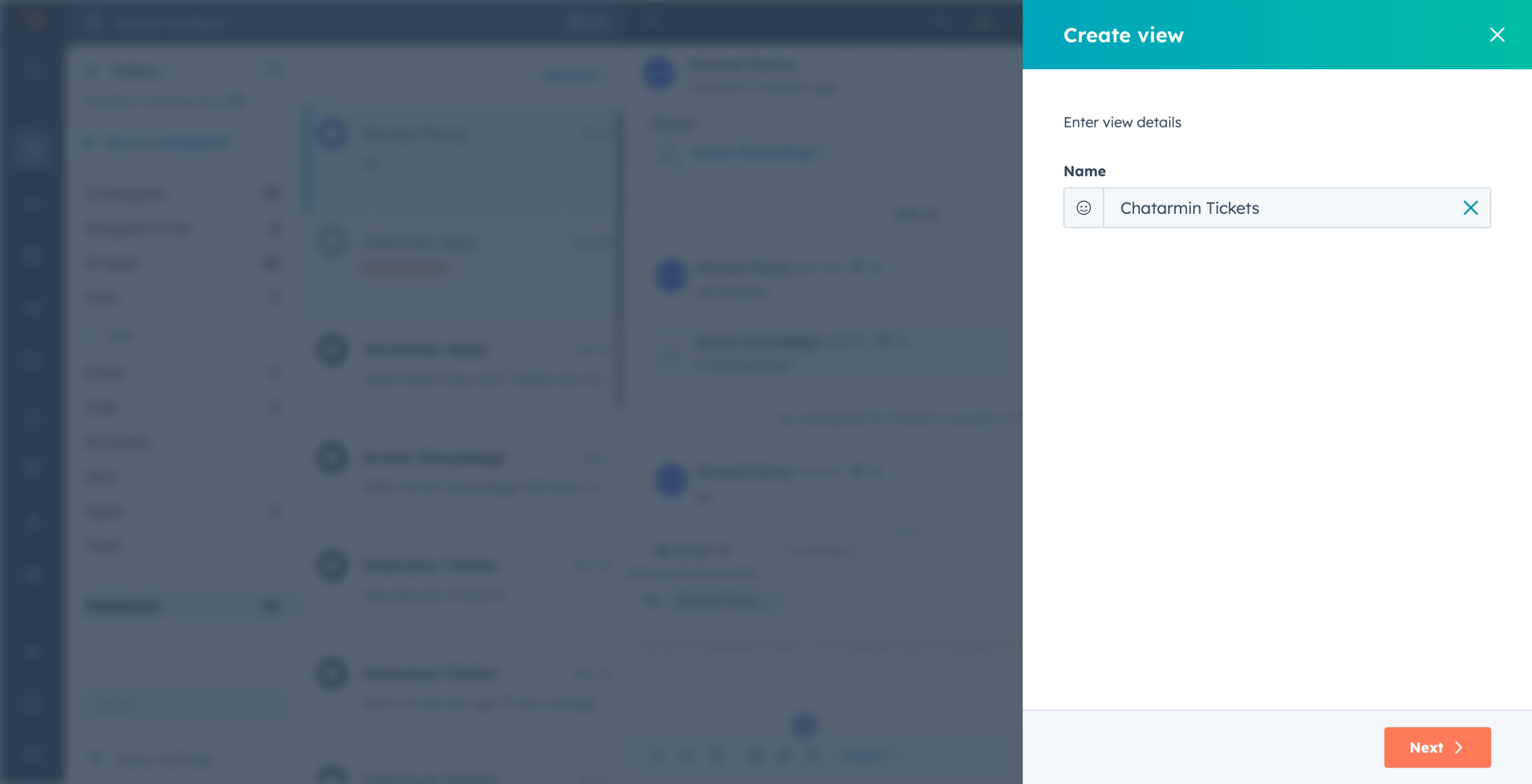
- Give your view a name, e.g. Chatarmin Tickets.
- Click Next.
-
Add a filter
-
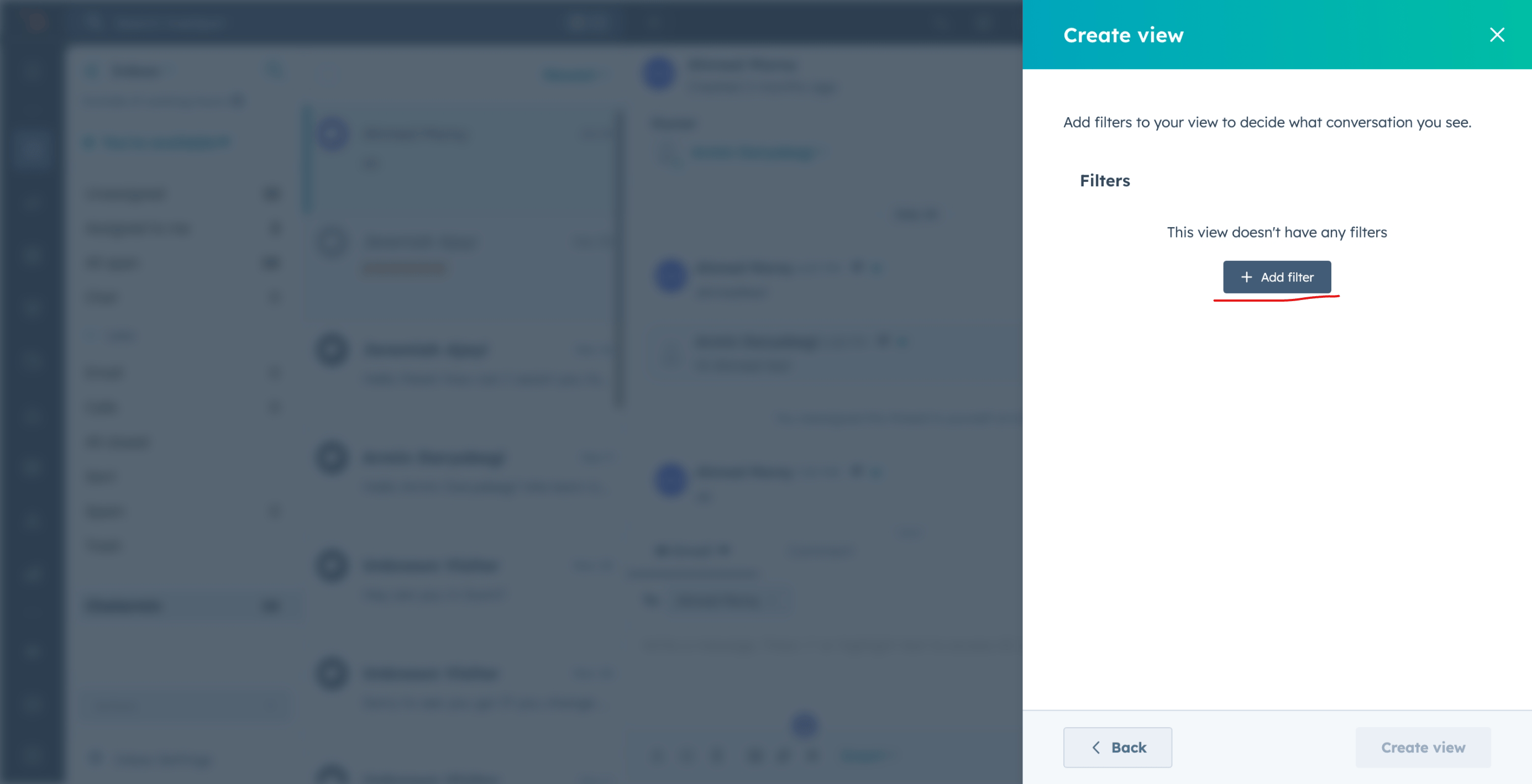
Click on Add filter.
-
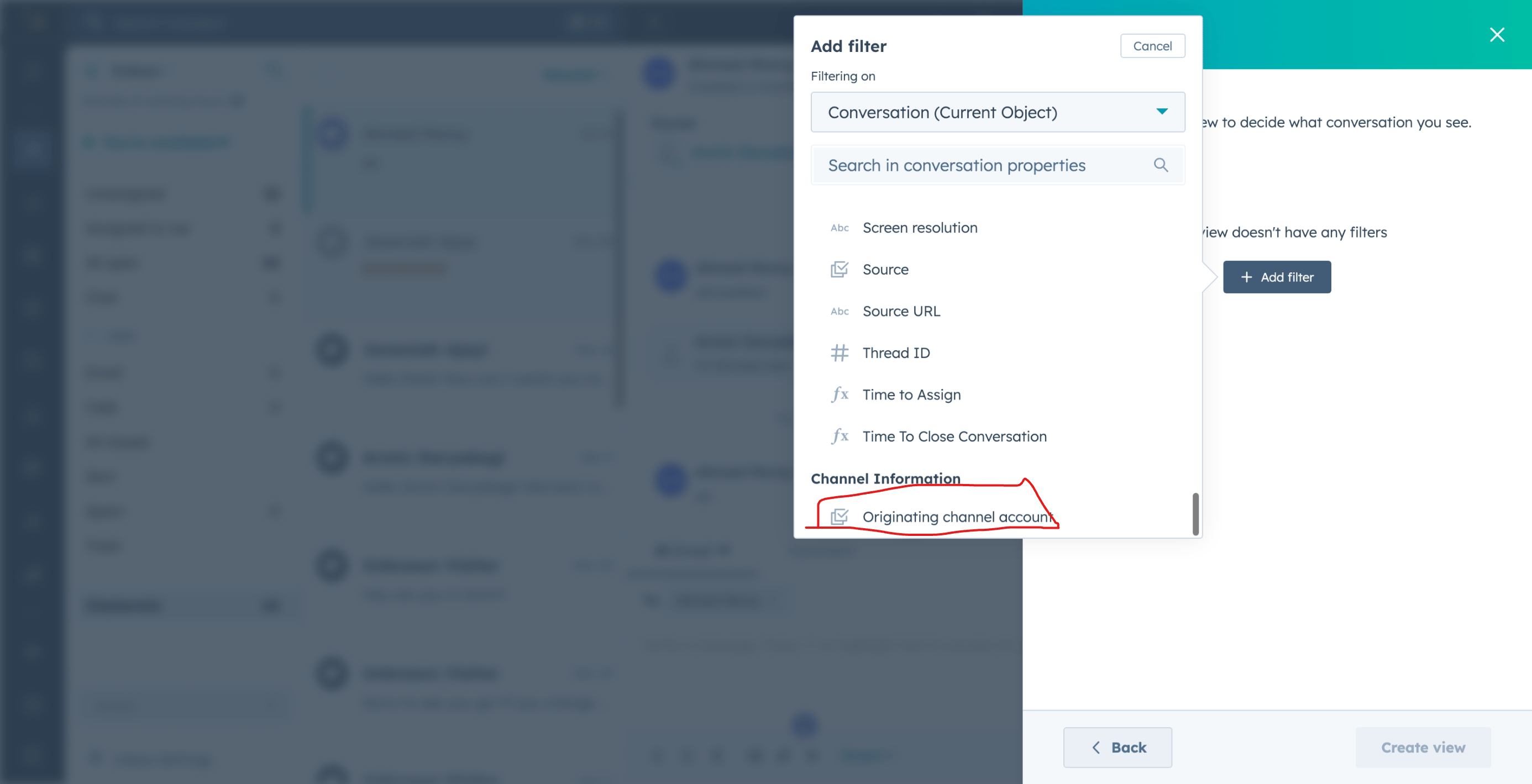
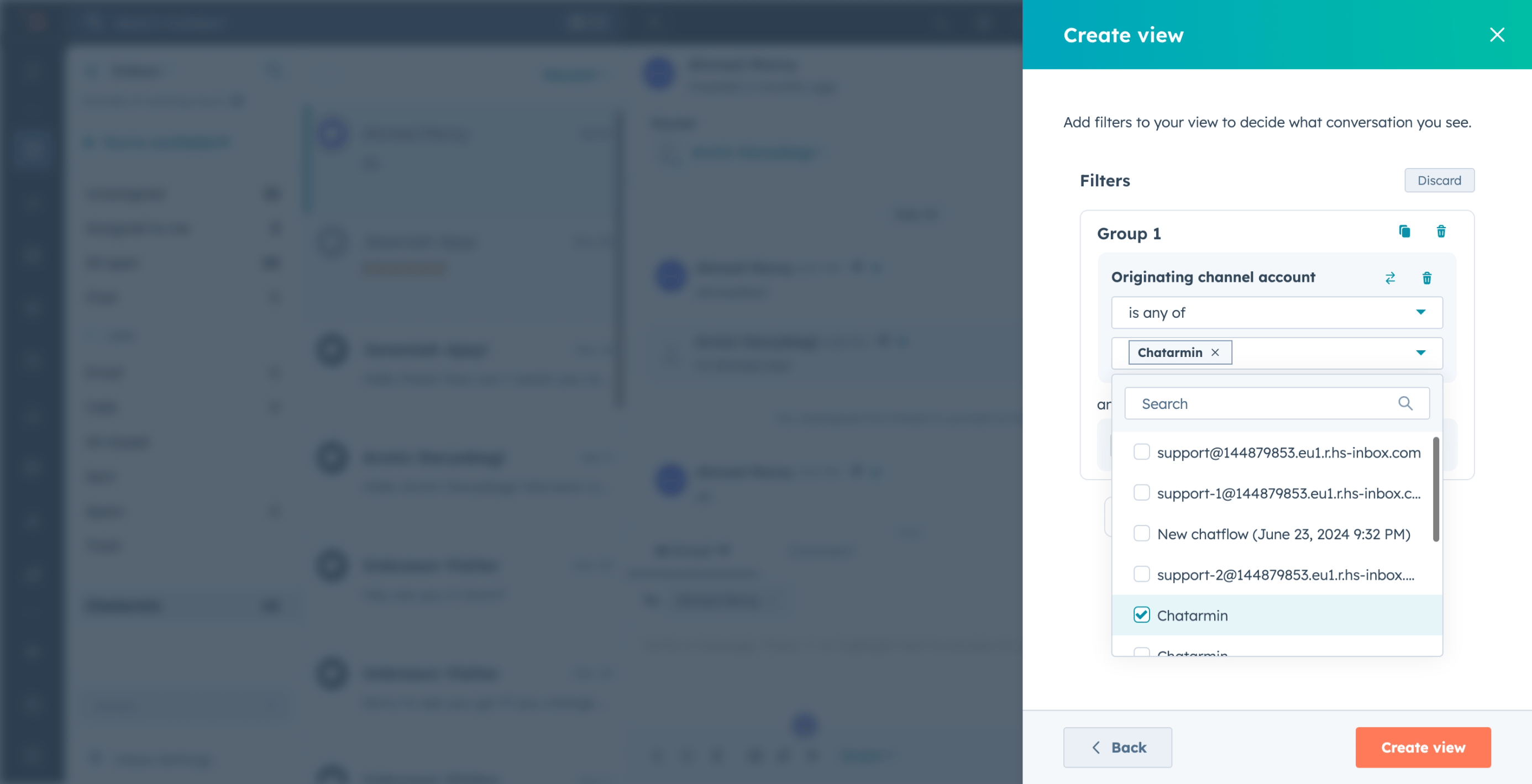
Scroll down and select Originating channel account.
-
From the list, choose your Chatarmin channel.
-
Click on Add filter.
-
Save the view
- Click on Create view.