Integrating Chatbase


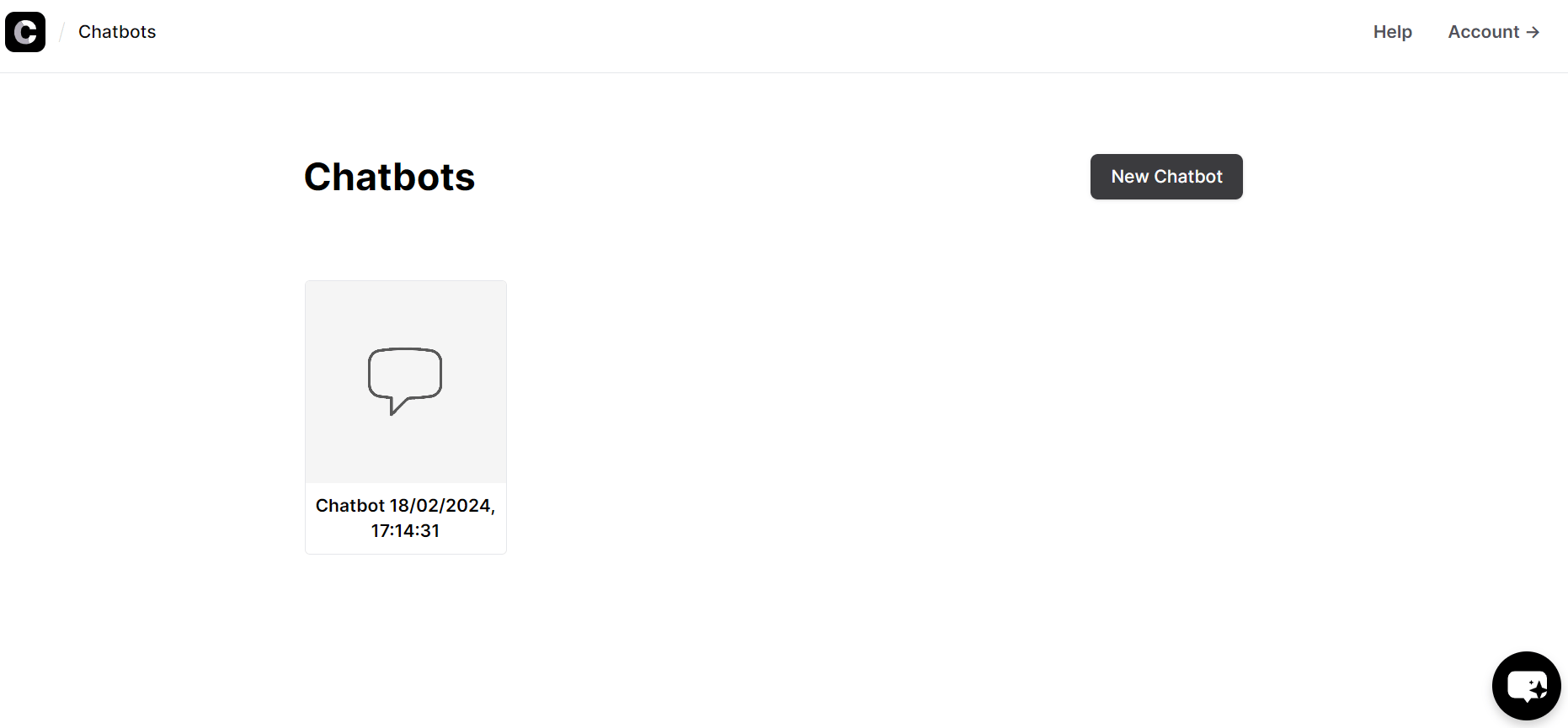
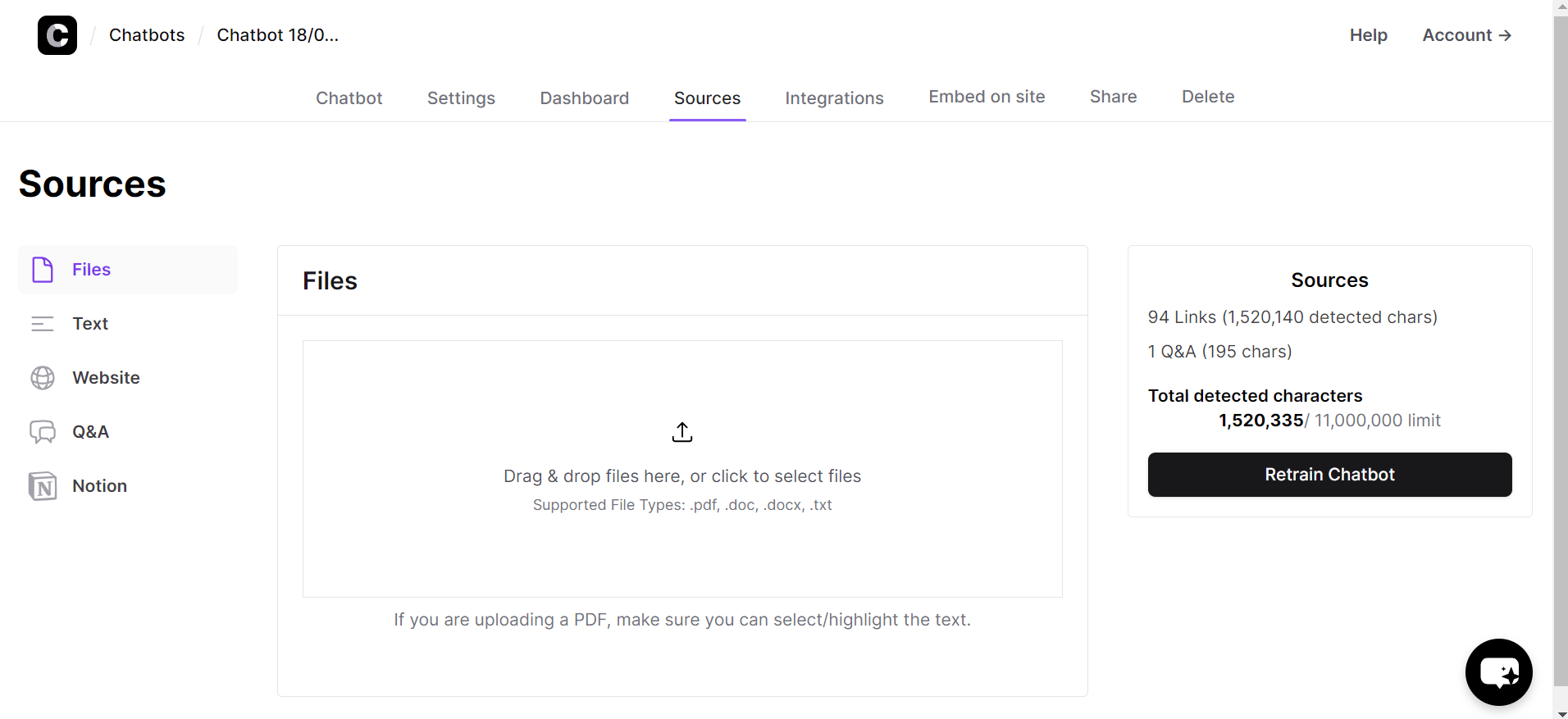
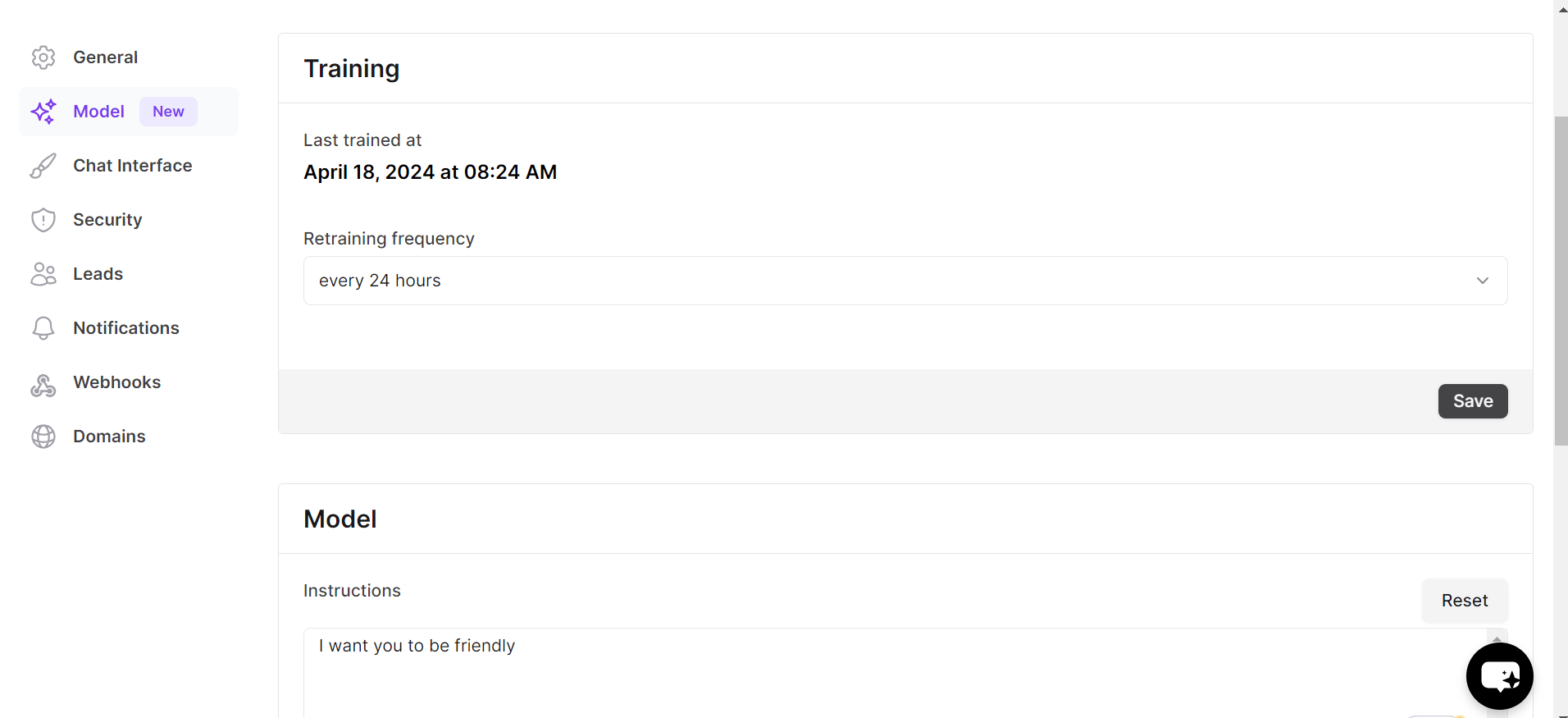
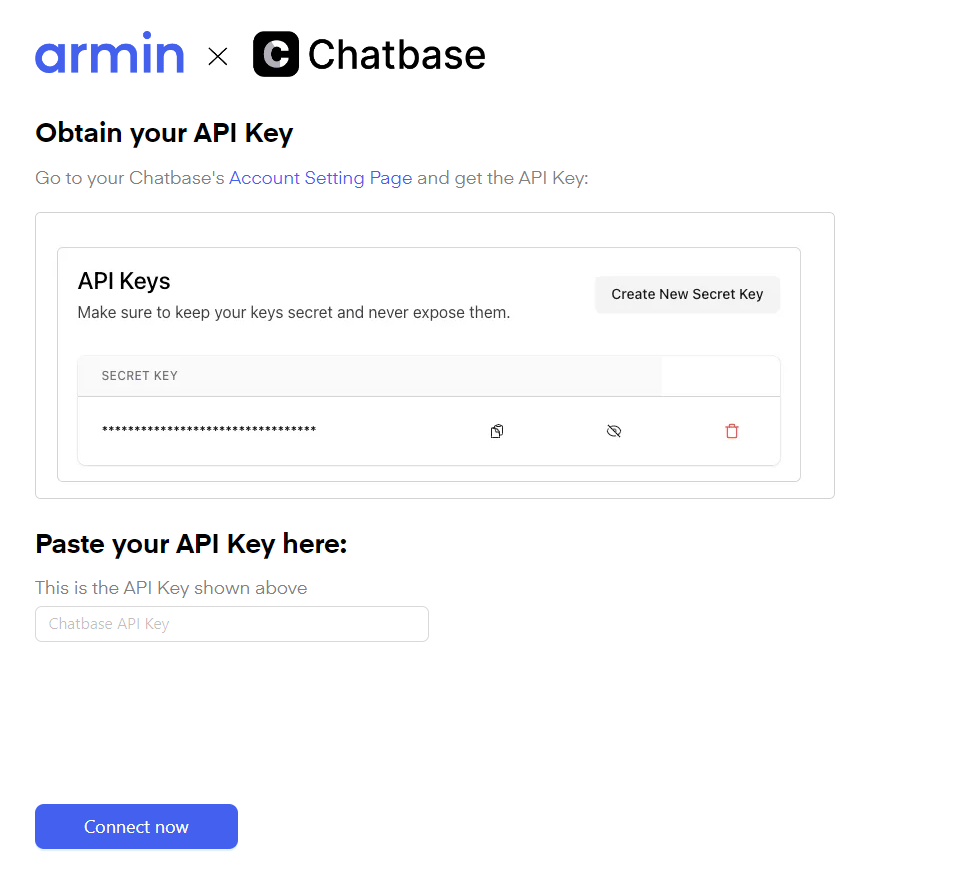
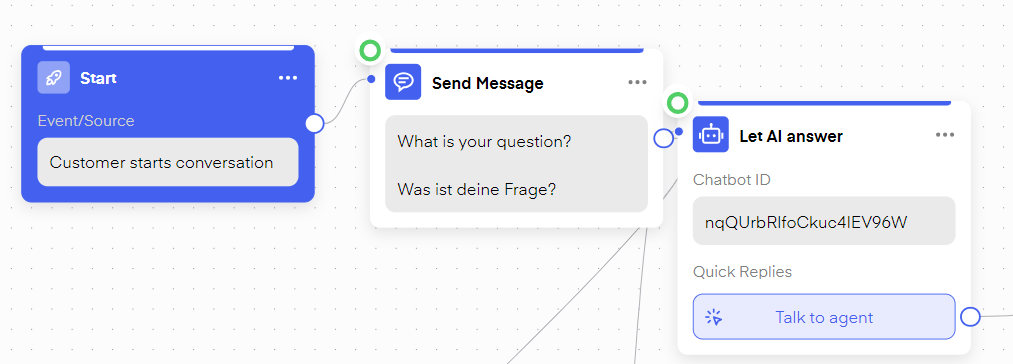
You can integrate your Chatbase bot into Chatarmin to help solve your incoming customer requests via WhatsApp. After buying your 25€/Month Chatbase subscription you can train your Chatbase bot. To do this crate your bot by clicking “New Chatbot” in Chatbase. Chatarmin help center image After you create the bot, you can define what information the chatbot should work with. This can be text files, plain text, or your website and its subpages, you can also create a Q&A manually. Chatarmin help center image Under “model” you can give your chatbot specific instructions on how to behave, e.g. be overly friendly, always ask if they need anything else, etc. Chatarmin help center image You can then go to https://chatarmin.com/dashboard/chatbase/connect and follow the instructions to connect your chatbase bot to your WhatsApp account. Chatarmin help center image After connecting your Chatbase Bot to your WhatsApp account, you can include the bot inside your Flow. Your flow could look something like this: Chatarmin help center image Create a “Customer starts conversation” flow and then use the “action” “Let AI answer”, choose your bot, and determine a button text the bot should send when it can not handle the request. All done!