
📲 WhatsApp Channel Setup
Set up automated WhatsApp message forwarding from ChatArmin to CXArmin. This integration allows WhatsApp messages to be routed to your CXArmin inbox based on custom conditions defined in your flow.
✅ Prerequisites
Make sure the following are in place before you begin:
- Active ChatArmin account with WhatsApp integration
- Active CXArmin account with correct user permissions
- WhatsApp Business API already configured in ChatArmin
⚙️ Connect ArminCX with Chatarmin
- Go to your ArminCX dashboard.
-
Navigate to Channels → WhatsApp.
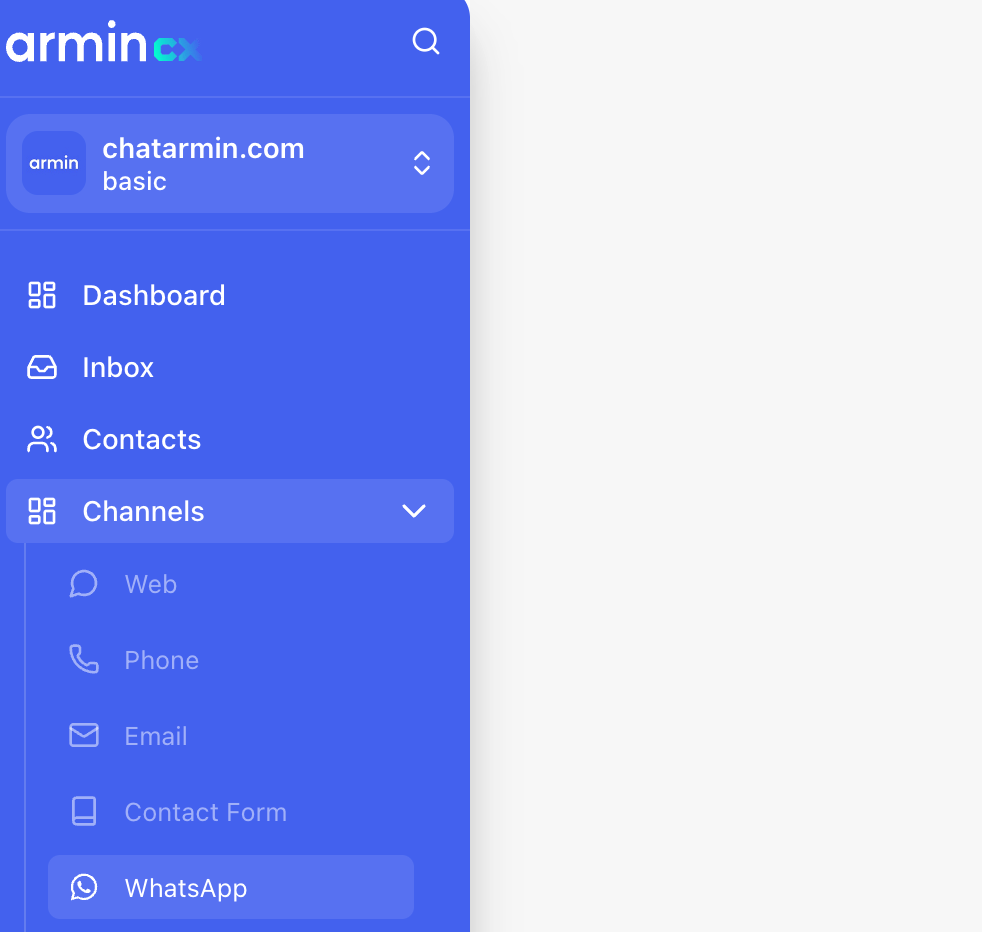
-
Click on Add.
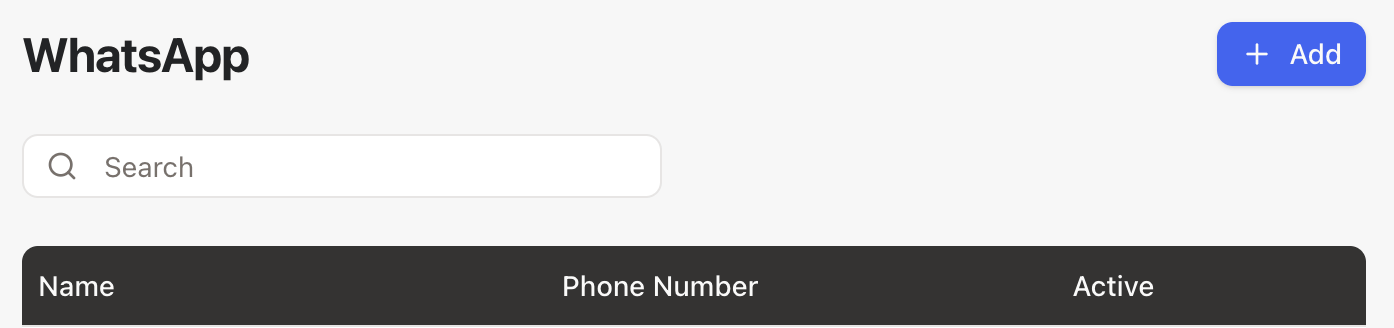
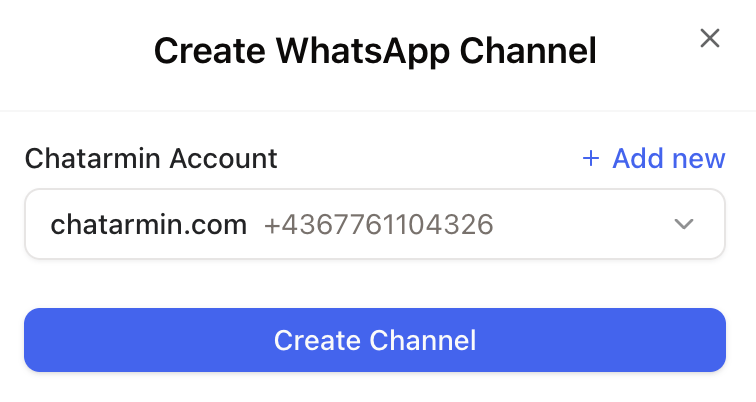
- Select the WhatsApp number you have already connected in ChatArmin.
-
Click Create Channel.
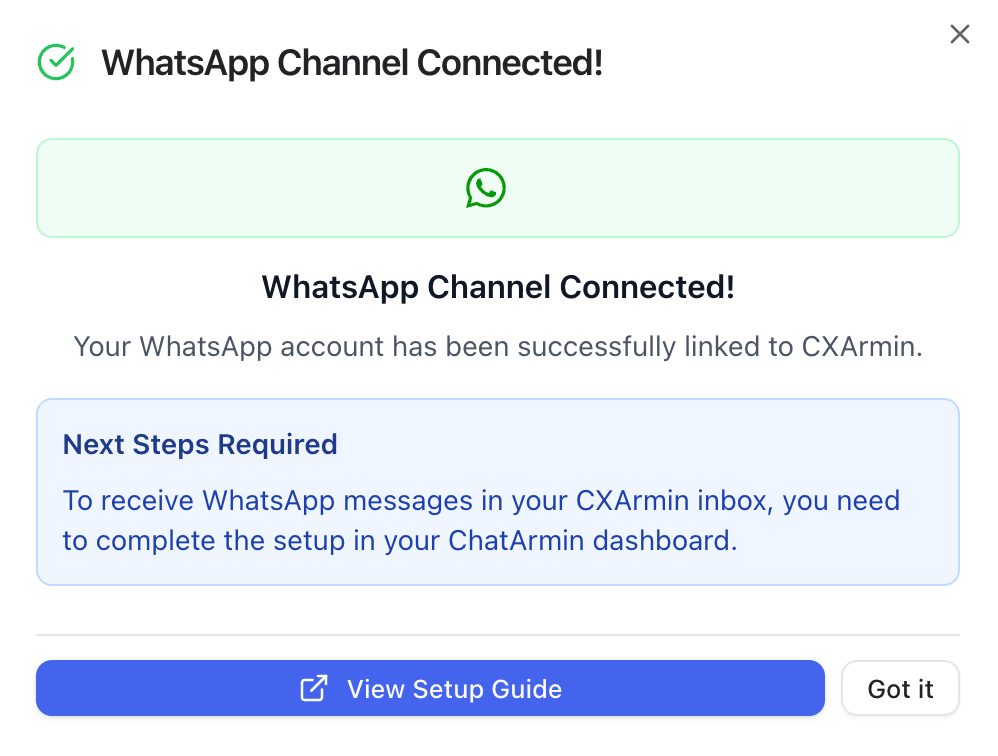
- ✅ Once you see the Success Message, the connection between ArminCX and ChatArmin is active.
💡 Best Practice ArminCX Flow
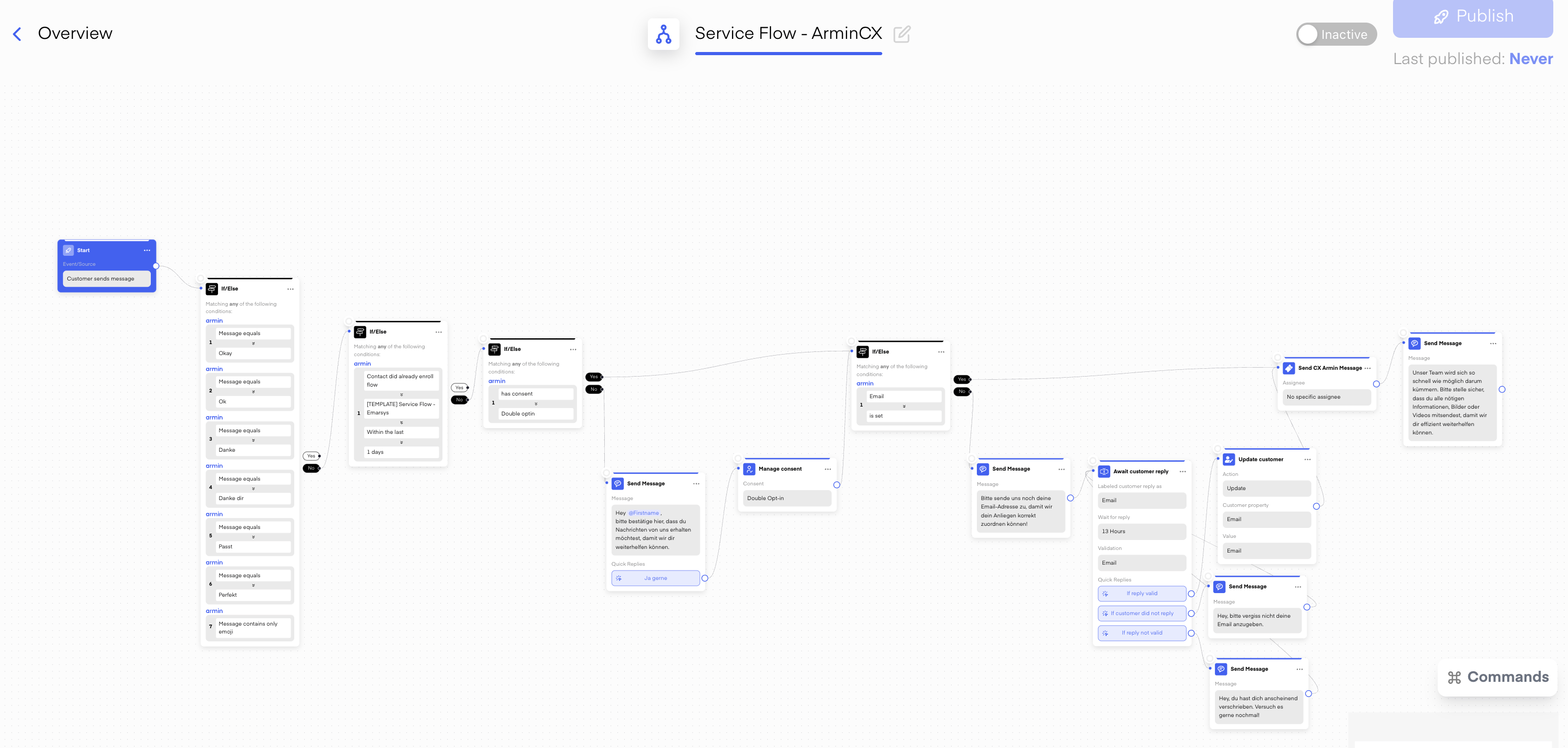
To make the most of this setup, we recommend using the Best Practice Service Flow in Chatarmin:
-
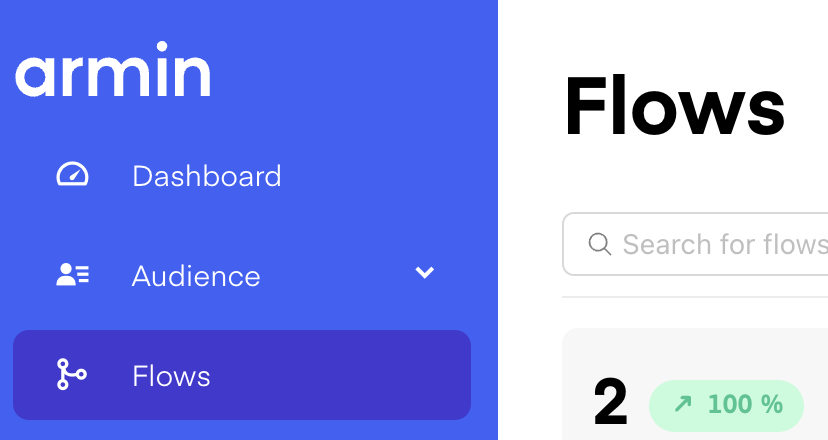
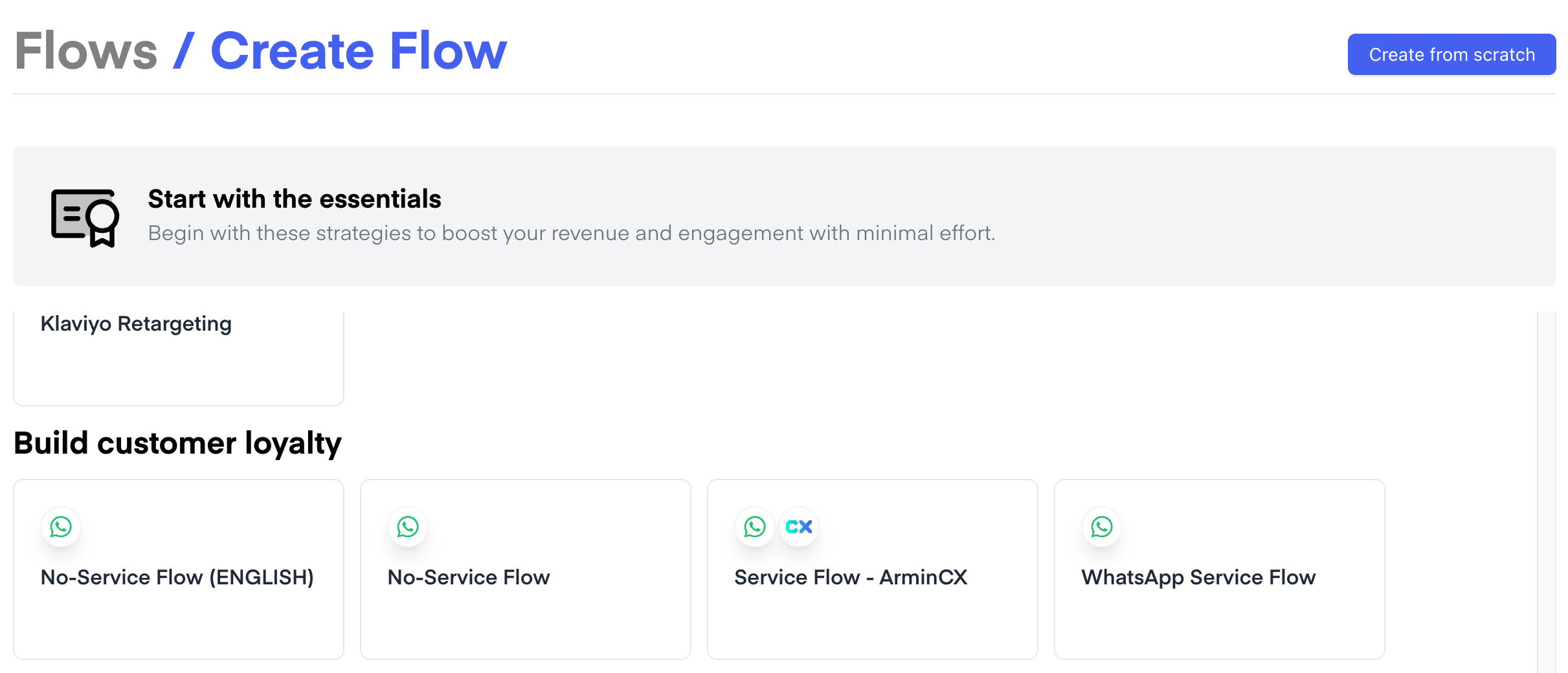
In Chatarmin, go to Flows → Create Flow.

-
Select Service Flow - ArminCX.
- Reply within 24h on WhatsApp, or
- Contact the customer via email after 24h without needing to send a WhatsApp template.
🔧Test and Activate
- Send Test Message: Use WhatsApp to send a message.
- Check CXArmin Inbox: Confirm the message appears correctly with sender info.
- ✅ If successful, the message will be visible in your CXArmin ticket view.
🚨 Troubleshooting ArminCX Integration
Messages not forwarding?
- Ensure the flow is published and active
- Double-check trigger conditions (may be too specific)
- Confirm WhatsApp integration is connected properly
Duplicate messages?
- You might have multiple flows triggering on similar conditions
- Adjust filters to avoid overlapping automation
📘 Next Steps in ArminCX
For the next steps and detailed guidance on how to continue in ArminCX, please refer to the official documentation: 👉 CXArmin Documentation