.png?token=eyJraWQiOiJzdG9yYWdlLXVybC1zaWduaW5nLWtleV9lMzQ5MTRlYi01NjlkLTRkNGYtODNhNi04MzFjODU0MzRlNmIiLCJhbGciOiJIUzI1NiJ9.eyJ1cmwiOiJoZWxwLWNlbnRlcnMvQXJtaW5fTG9nb19UcmFuc3BhcmVudF9CbHVlXygyKS5wbmciLCJpYXQiOjE3NjgzMzcwNzUsImV4cCI6NDkyMTkzNzA3NX0.3JpSAbn8b4OIktmPg9GDxJEMLAXlQn2ASxDwpEE7DbI)
UTM Parameters
UTM Settings are in Chatarmin default enabled and cannot be globally disabled, but you can remove/change when using them in the functions described below.
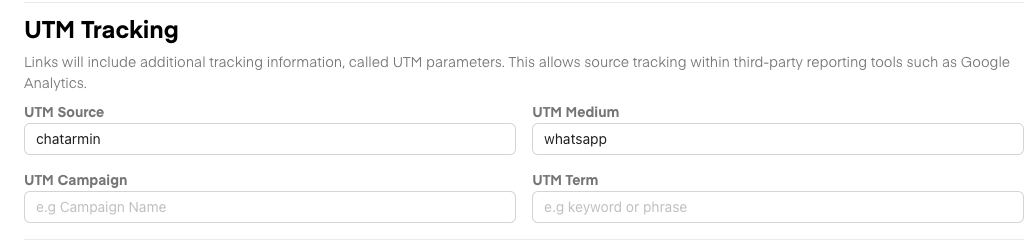
In General, Chatarmin has 4 UTM Settings which can be modified and also have default Values:
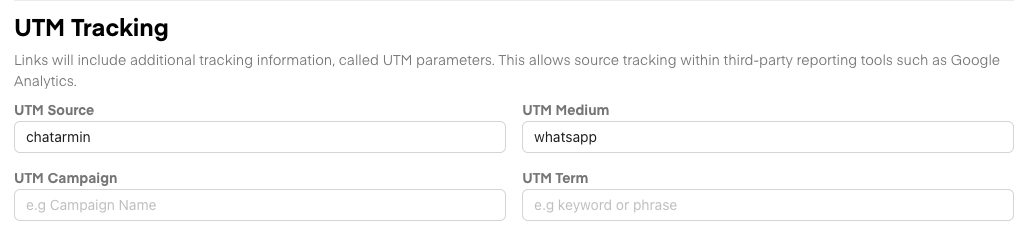
UTM Source -> Default "chatarmin"
UTM Medium -> Default "whatsapp"
UTM Campaign -> Default "<Campaign Name / Flow Name>"
UTM Term -> No default value
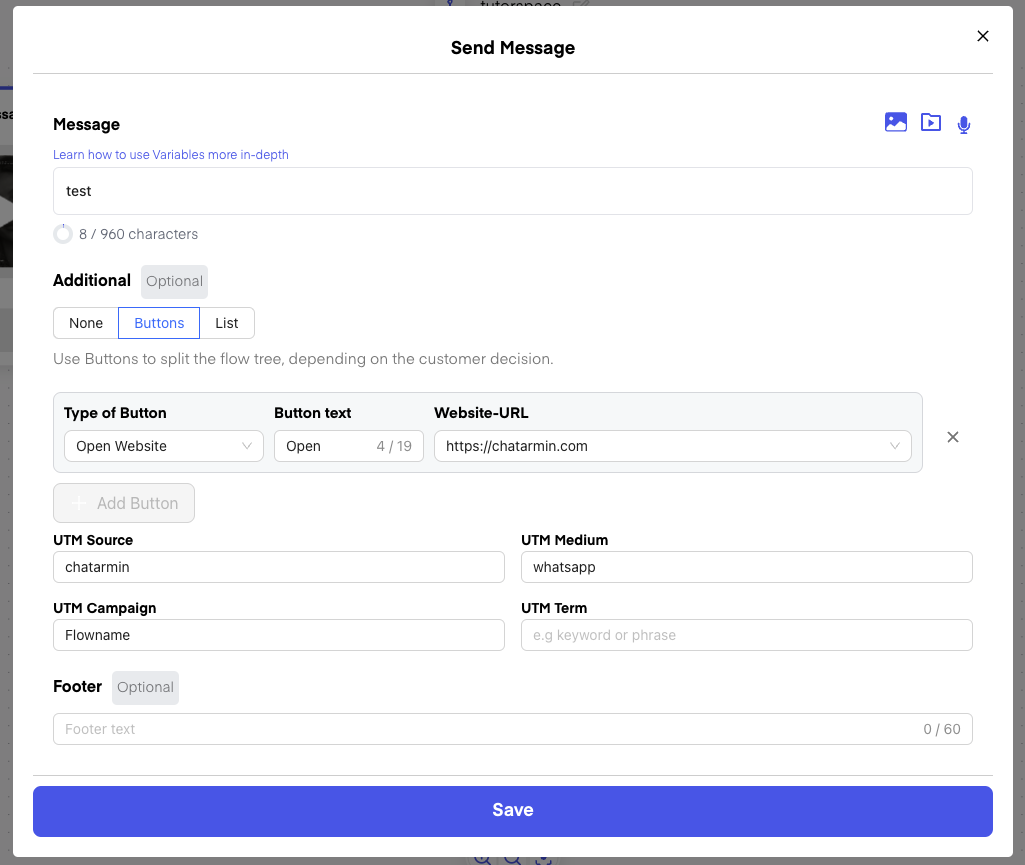
Flows - Send Message
When you add a CTA Button to your Message, you will see, that the UTM Settings (shown above) will appear:
Campaigns / Templates
Whenever Templates are used in Flows or in Campaigns, then the same setting will appear below the Variables: