> ## Documentation Index
> Fetch the complete documentation index at: https://help.chatarmin.com/llms.txt
> Use this file to discover all available pages before exploring further.
# How to Opt-Out "Message Undeliverable" Contacts
> Chatarmin guide: How to Opt-Out "Message Undeliverable" Contacts
***
## Message Undeliverable 🚫
***
You will find the reason for this error here: [Flow Errors](/troubleshooting/flow-errors)
If you have contacts in your list who **cannot receive messages**, you can easily **opt them out in bulk**. This prevents further failed delivery attempts and keeps your audience list clean.
***
## Clean Up Undeliverable Contacts 📩
***
## Go to Segments 🔍
Navigate to **Segments** in your Chatarmin dashboard:
👉 [Chatarmin Dashboard – Segments](https://chatarmin.com/dashboard/audience/segments)
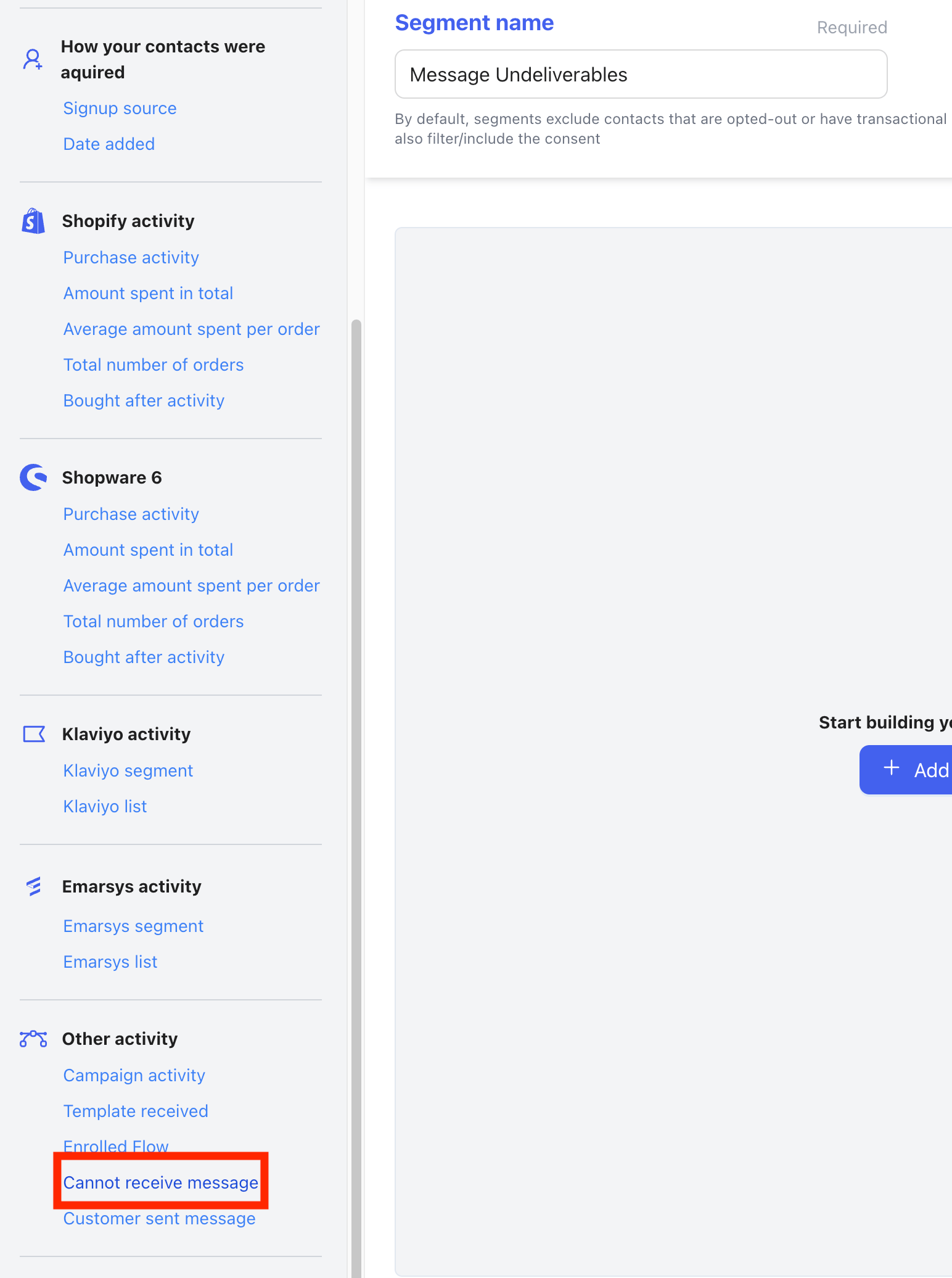
* Click **Create Segment** and give it a name, e.g. *“Message Undeliverables”*.
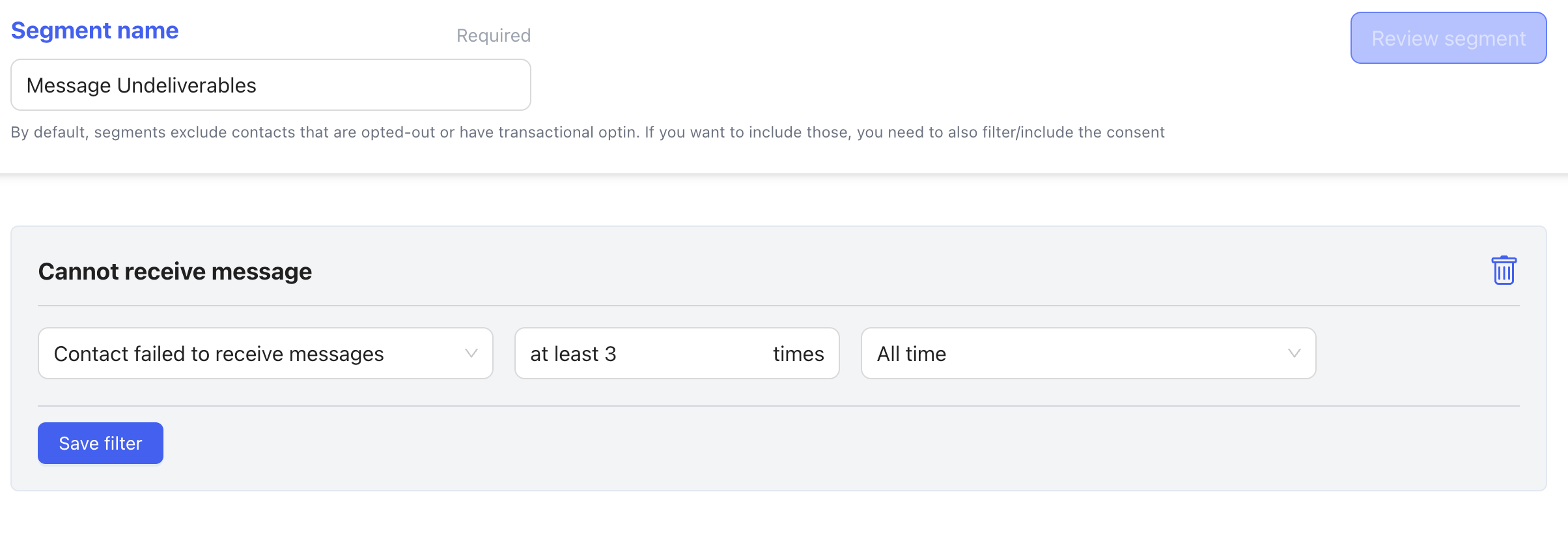
* Under **Add filter**, select **Cannot receive message** and set the filter to **at least 3**.
 ✅ This ensures the segment only includes contacts who repeatedly failed message delivery.
* Now save the filter and Review Segment
✅ This ensures the segment only includes contacts who repeatedly failed message delivery.
* Now save the filter and Review Segment
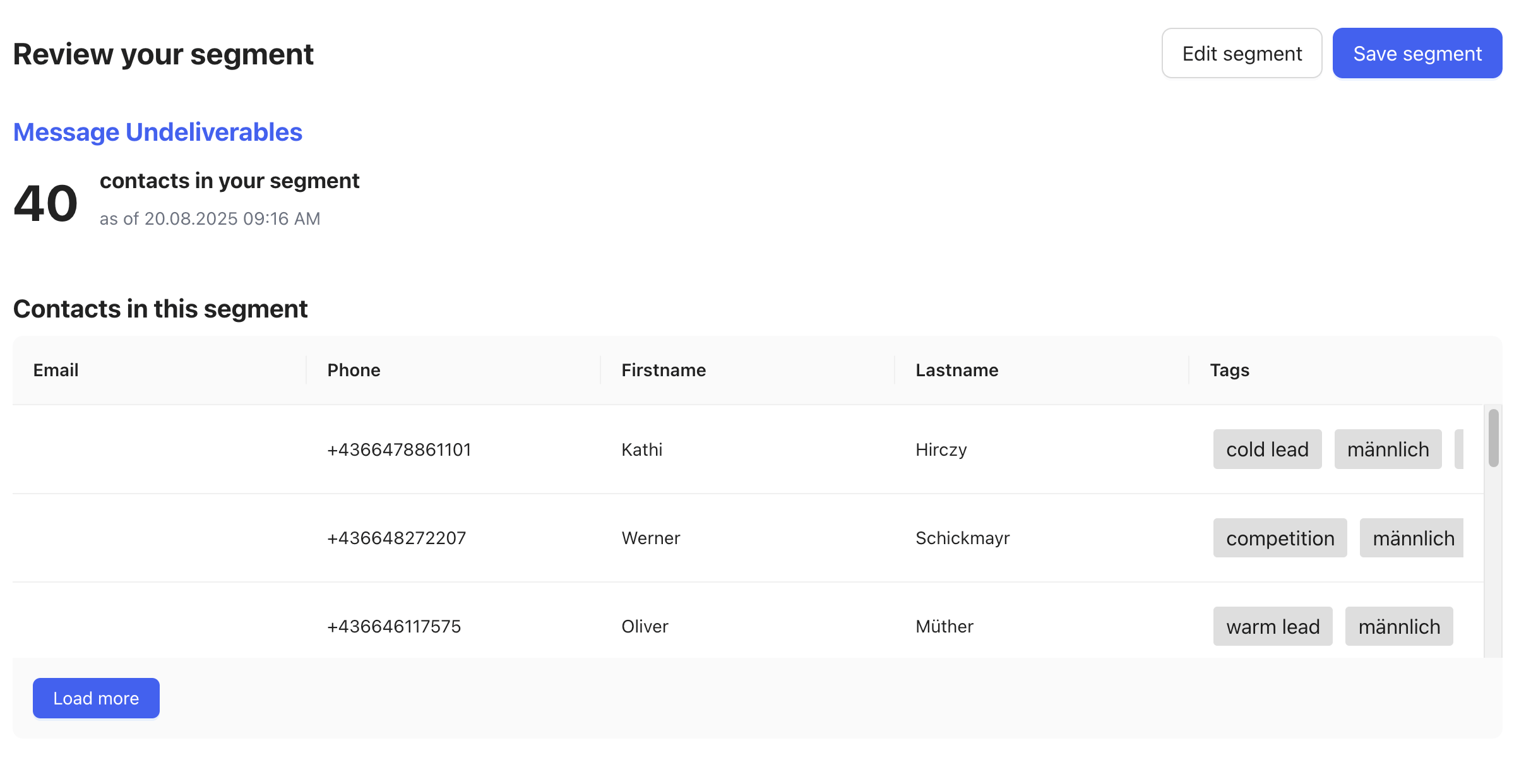
 * Save the segment.
 ### Bulk Opt-Out 🚫📩
Once the segment is created:
1. Open the **three dots (⋮)** menu on the segment.
### Bulk Opt-Out 🚫📩
Once the segment is created:
1. Open the **three dots (⋮)** menu on the segment.
 2. Select **Bulk Actions**.
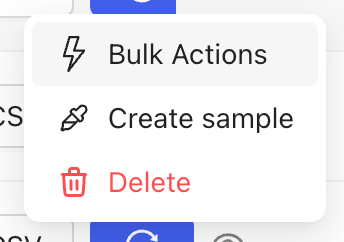 3. Choose **Consent → Opt-out**.
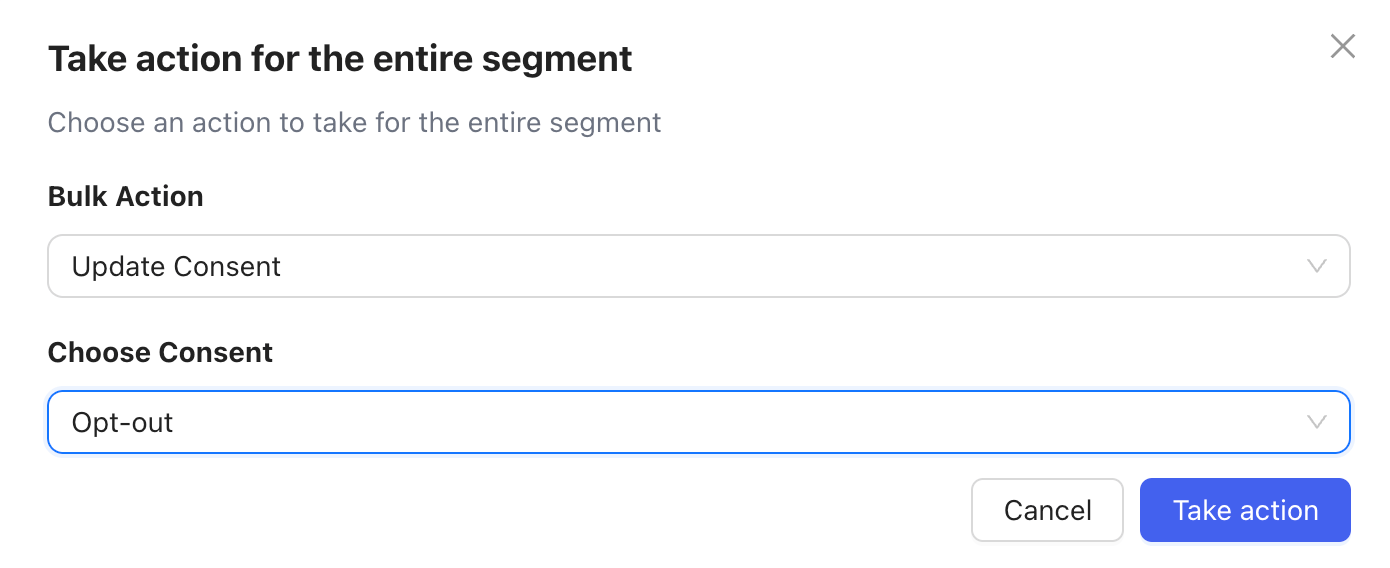 This will set all contacts in the segment to **opt-out**, so they will **no longer receive messages**.
Customers who were opted-out can **always opt back in** later if they register or subscribe again.
### 🔄 Keep Segments Updated
You can **refresh and update your segments regularly** to continuously filter out any new **“message undeliverable”** contacts.
This will set all contacts in the segment to **opt-out**, so they will **no longer receive messages**.
Customers who were opted-out can **always opt back in** later if they register or subscribe again.
### 🔄 Keep Segments Updated
You can **refresh and update your segments regularly** to continuously filter out any new **“message undeliverable”** contacts.
