> ## Documentation Index
> Fetch the complete documentation index at: https://help.chatarmin.com/llms.txt
> Use this file to discover all available pages before exploring further.
# Customer service into Marketing Lead conversion
> Chatarmin guide: Customer service into Marketing Lead conversion
This strategy works with all Chatarmin customer support integrations such as:
* intercom
* HubSpot
* Dixa
* Freshdesk (Freshworks)
* zendesk
* Gorgias
* and many, many more
***
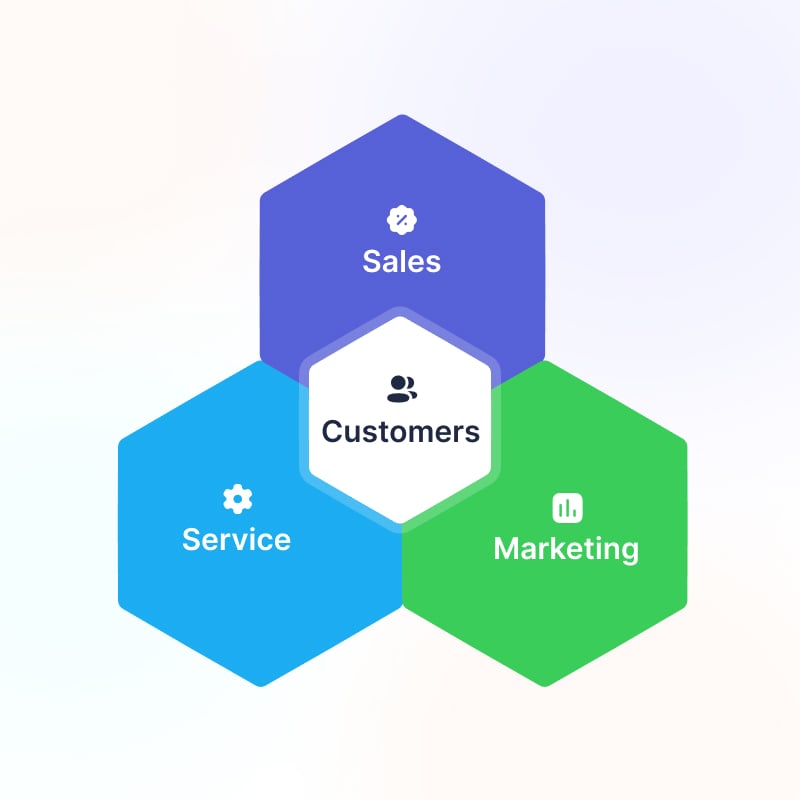 You can **solve your customer inquiries while converting your customers into lucrative WhatsApp Leads**. Do this by giving your customers the option to start a chat with you, for example, via the **Chat-in Bubble** we provide on our [dashboard](https://chatarmin.com/dashboard). After solving their inquiry send your customers a **"Template"** that asks them whether they want to consent to marketing content too.
Again use the **"Yes"** button as a **Buzzword** to trigger a "Flow" automation following this process which sets customers opt-in to **Double Opt-In** if they agree to it.
I explain how this can be done in the following Loom:
*Source: Chatarmin, Q1 2024*
You can also automate this with your Freshdesk integration which uses a closed Ticket as a trigger to create an automated workflow to opt-in your customer.
***Looking to automate WhatsApp-customer-support?***
Find more information about our [Chatarmin AI](/features-in-depth/chatarmin-ai/chatarmin-ai-whatsapp-ai-chatbot) here.
You can **solve your customer inquiries while converting your customers into lucrative WhatsApp Leads**. Do this by giving your customers the option to start a chat with you, for example, via the **Chat-in Bubble** we provide on our [dashboard](https://chatarmin.com/dashboard). After solving their inquiry send your customers a **"Template"** that asks them whether they want to consent to marketing content too.
Again use the **"Yes"** button as a **Buzzword** to trigger a "Flow" automation following this process which sets customers opt-in to **Double Opt-In** if they agree to it.
I explain how this can be done in the following Loom:
*Source: Chatarmin, Q1 2024*
You can also automate this with your Freshdesk integration which uses a closed Ticket as a trigger to create an automated workflow to opt-in your customer.
***Looking to automate WhatsApp-customer-support?***
Find more information about our [Chatarmin AI](/features-in-depth/chatarmin-ai/chatarmin-ai-whatsapp-ai-chatbot) here.