> ## Documentation Index
> Fetch the complete documentation index at: https://help.chatarmin.com/llms.txt
> Use this file to discover all available pages before exploring further.
# Freshdesk - Triggering a Flow When Closing a Ticket
> Chatarmin guide: Freshdesk - Triggering a Flow When Closing a Ticket
***
# ⚙️ Trigger Flow after Ticket Closure
***
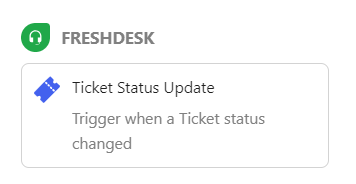
You can trigger a Chatarmin Flow automatically when a **Freshdesk ticket is marked as "closed" or "resolved"**. This allows you to follow up with users after a support interaction – for example, by:
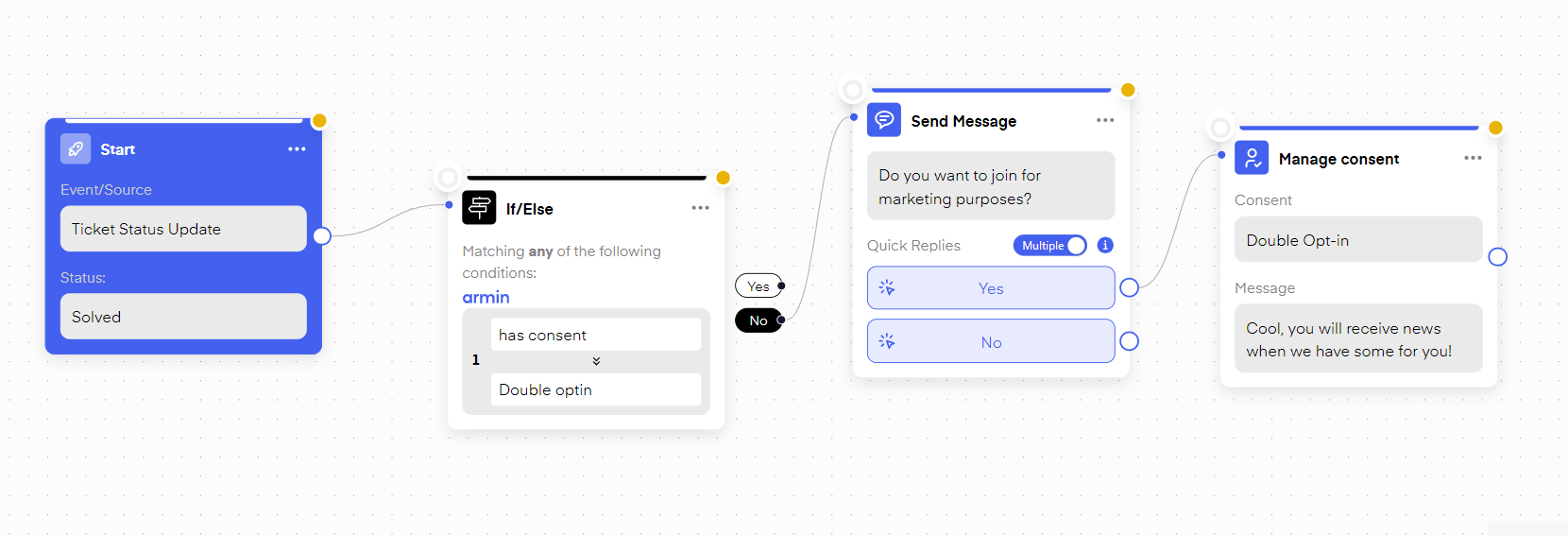
* ✉️ Requesting a **Double Opt-In** to convert support leads into marketing contacts
* ⭐ Asking for a **Trustpilot review** or customer satisfaction feedback
 ## How to set it up:
1. Add an **If/Else condition** in your Flow to **exclude users who already have Double Opt-In status**
2. Then add steps to either ask for opt-in or send a review request
This helps you turn support conversations into long-term retention or lead-generation opportunities.
## How to set it up:
1. Add an **If/Else condition** in your Flow to **exclude users who already have Double Opt-In status**
2. Then add steps to either ask for opt-in or send a review request
This helps you turn support conversations into long-term retention or lead-generation opportunities.